2.15 Weather
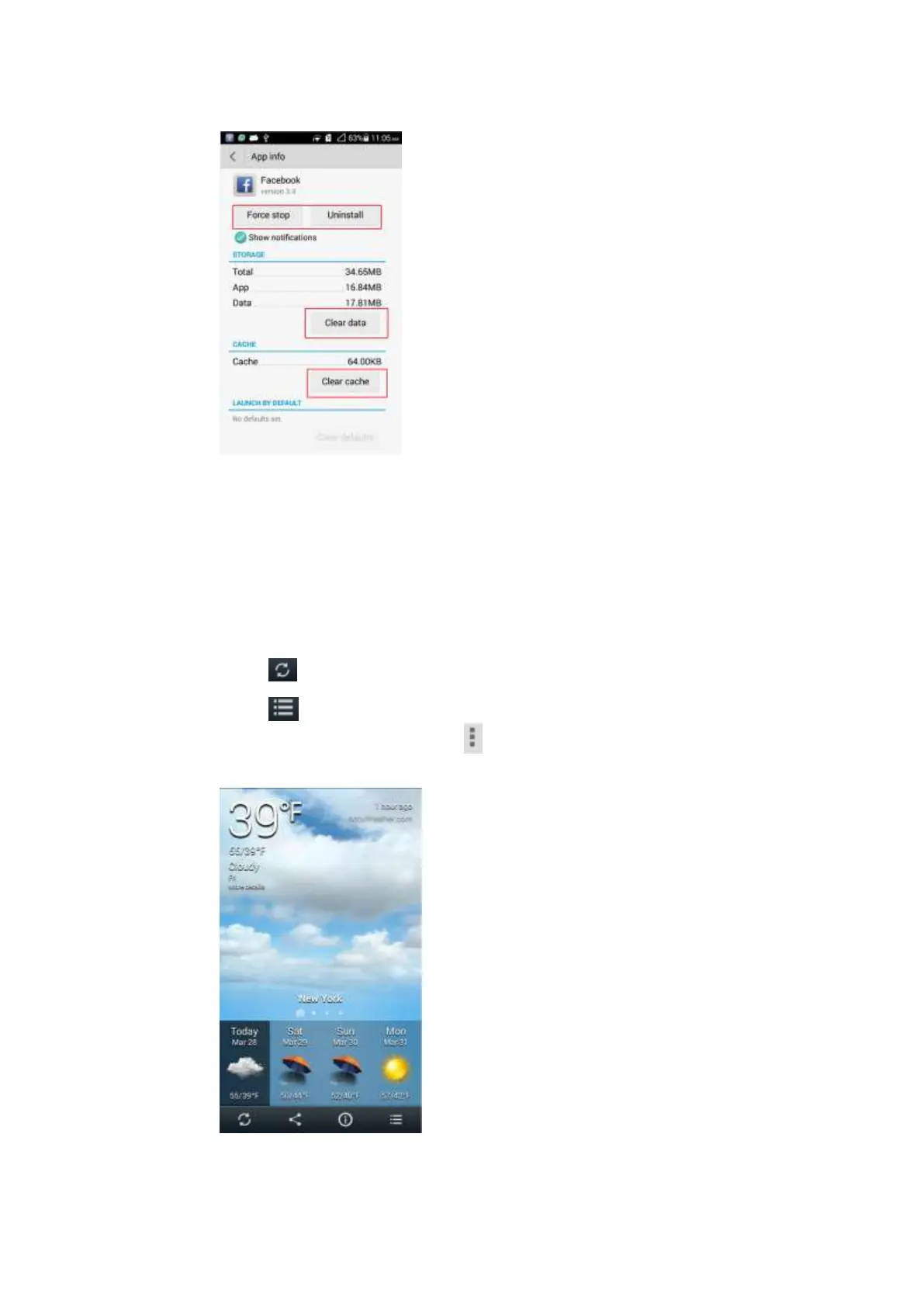
The weather application is already contained in Me Widget. You can click the widget to open
the weather application.
Slide the screen to view weathers of different cities.
Touch on the lower left corner to refresh the data.
Touch on the lower right corner to add or delete cities. You can also set whether to
display your current position. Touch on the lower right corner to set the application,
including the unit of temperature, sound, and time updating.



 To Next Page