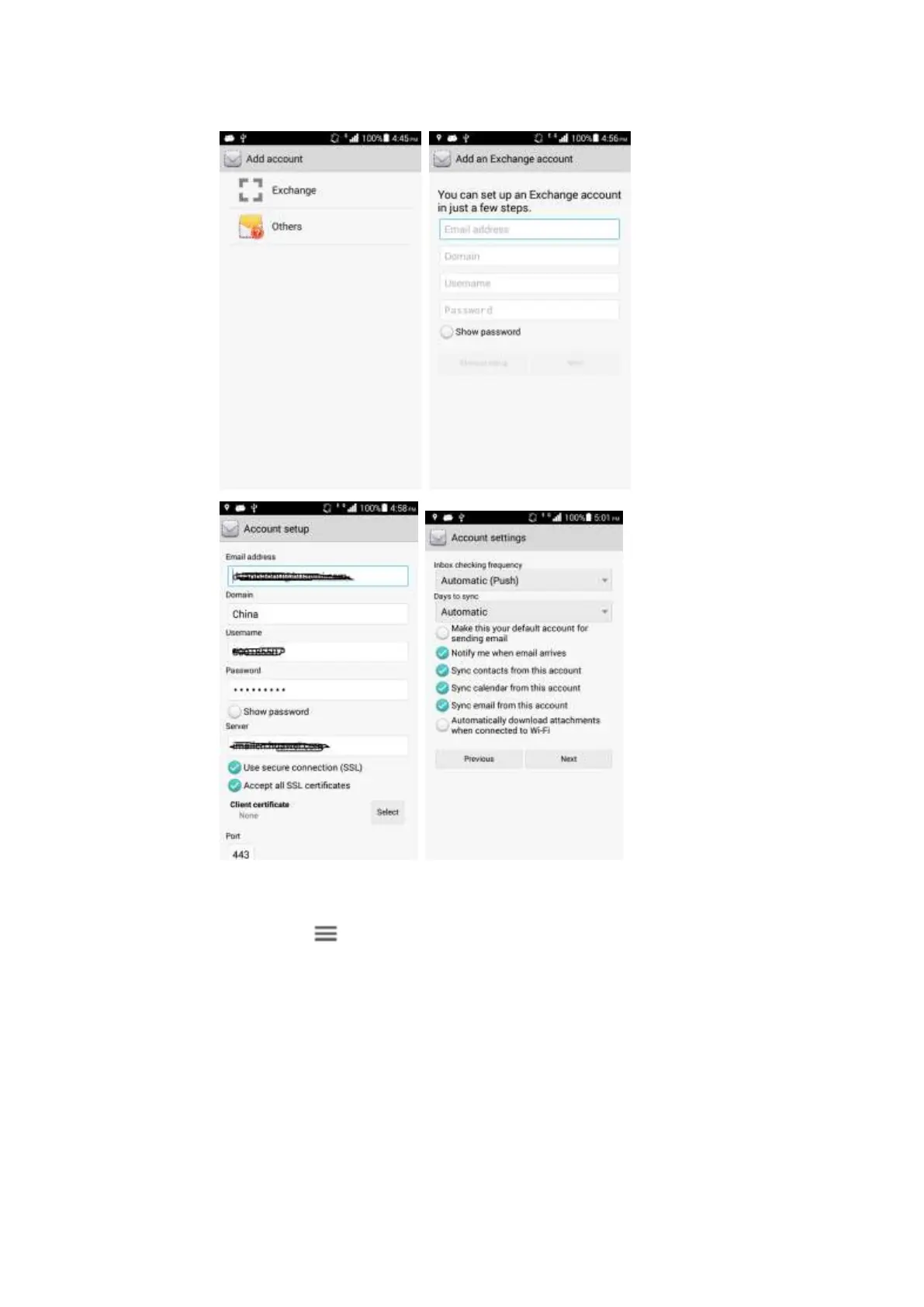
On a home screen, touch Settings > Accounts. Select an email account and synchronization
items. Touch > Sync now.
If synchronizing contacts fails, verify that the data connection on your phone is enabled and
that the email server supports contacts synchronization.
2.2 Wi-Fi Settings
2.2.1 How do I access the Internet using Wi-Fi?
1. Touch Settings > WI-FI.



 To Next Page