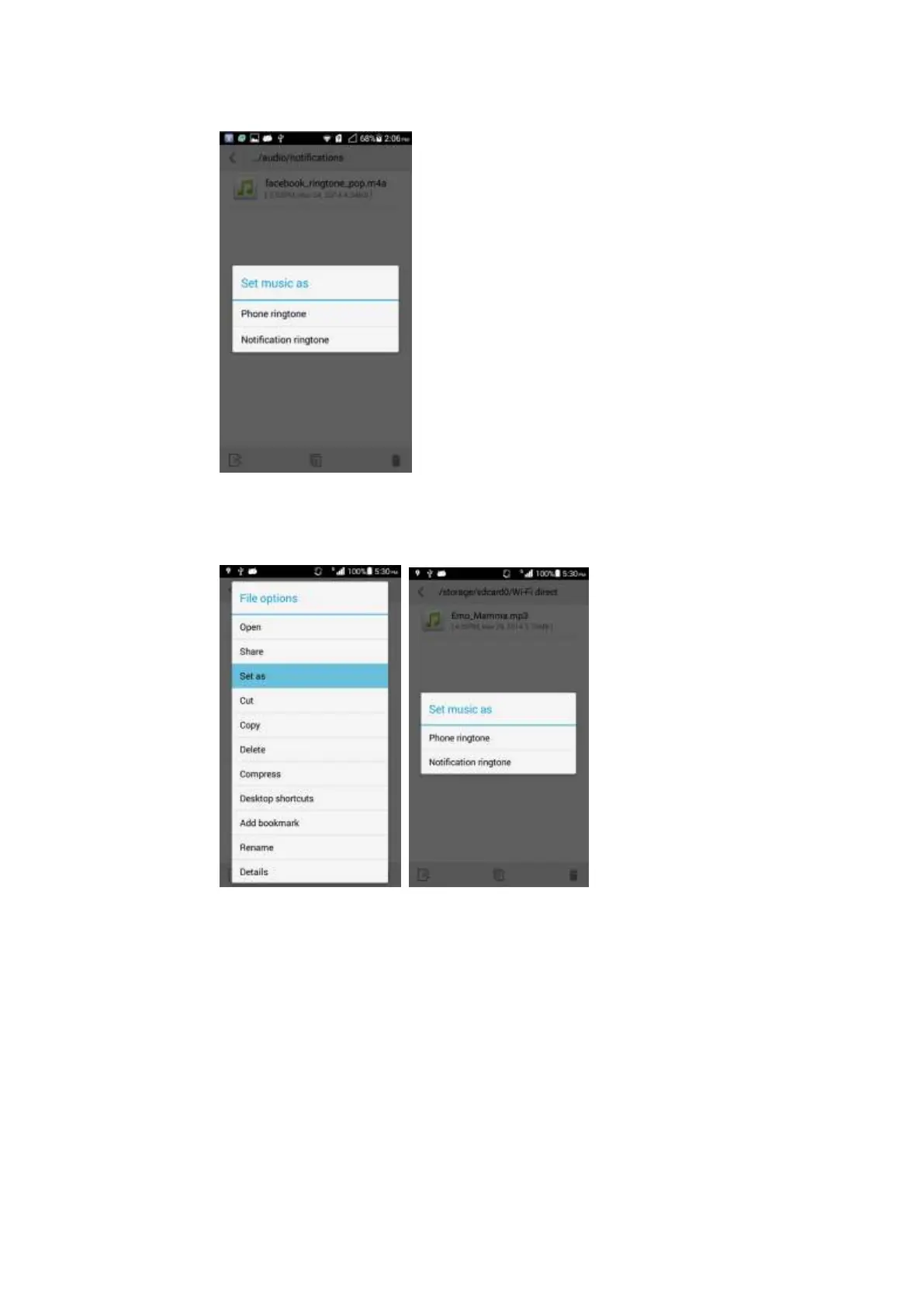
You can also enter Music. Touch and hold the desired music file in the music list, touch
Set music as > Phone ringtone/Notification ringtone.
2.6.4 How do I set the group ringtone?
Setting the group ringtone is not supported.
2.6.5 How do I disable keypad tones?
You can set all notification tones in Settings > Sound > SYSTEM.



 To Next Page