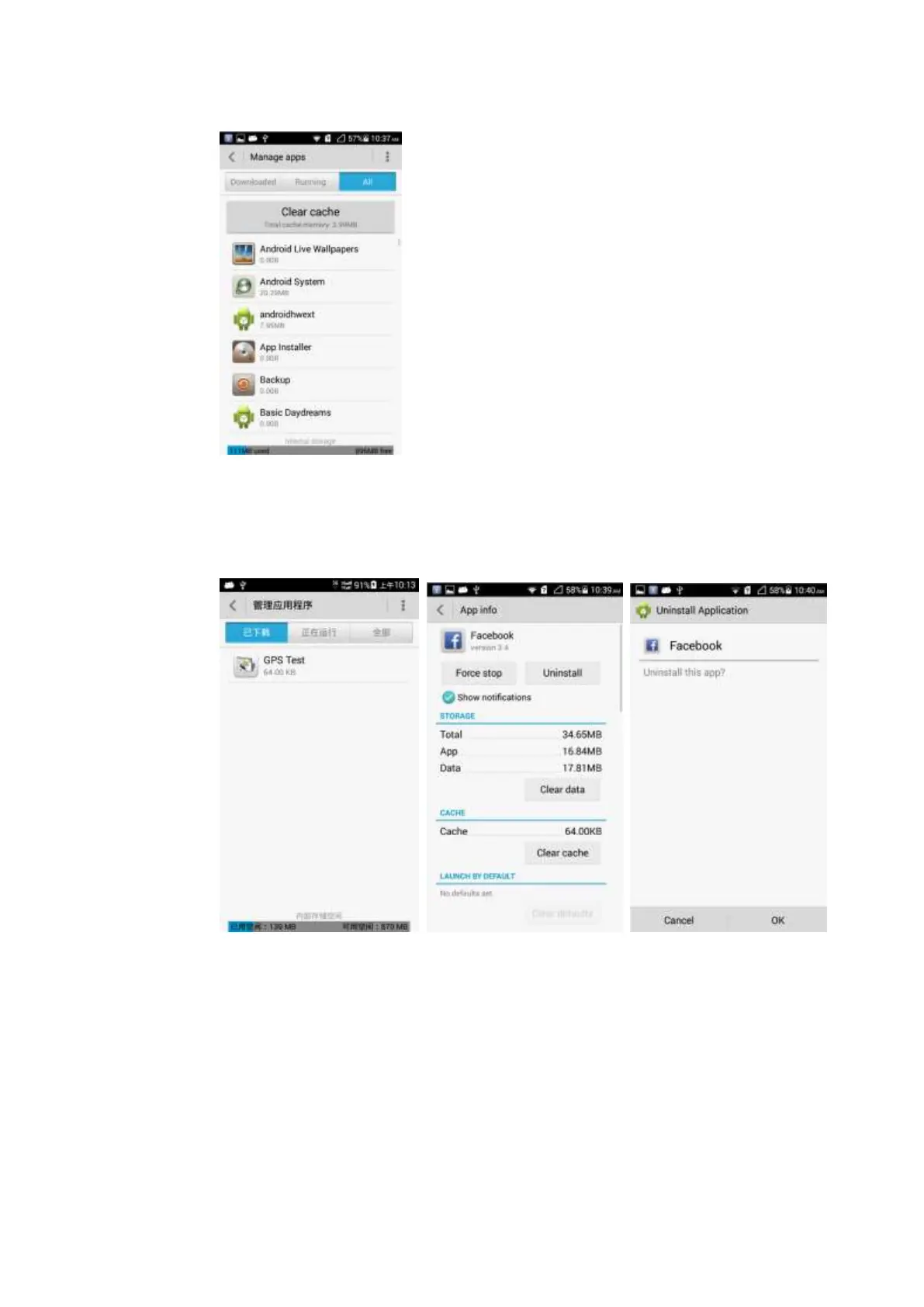
Uninstallation:
Touch Settings > Manage apps. Touch the application you want to uninstall and then touch
Uninstall > OK.
2.11.5 I cannot install an application, why, and how do I solve the
problem?
Possible causes are as follows:
The Android application package (APK) is corrupted. To solve this problem, contact the
APK provider.
The application has already been installed. To solve this problem, uninstall and reinstall
the application.



 To Next Page