2 Common Settings
2.1 Email
2.1.1 Email Settings
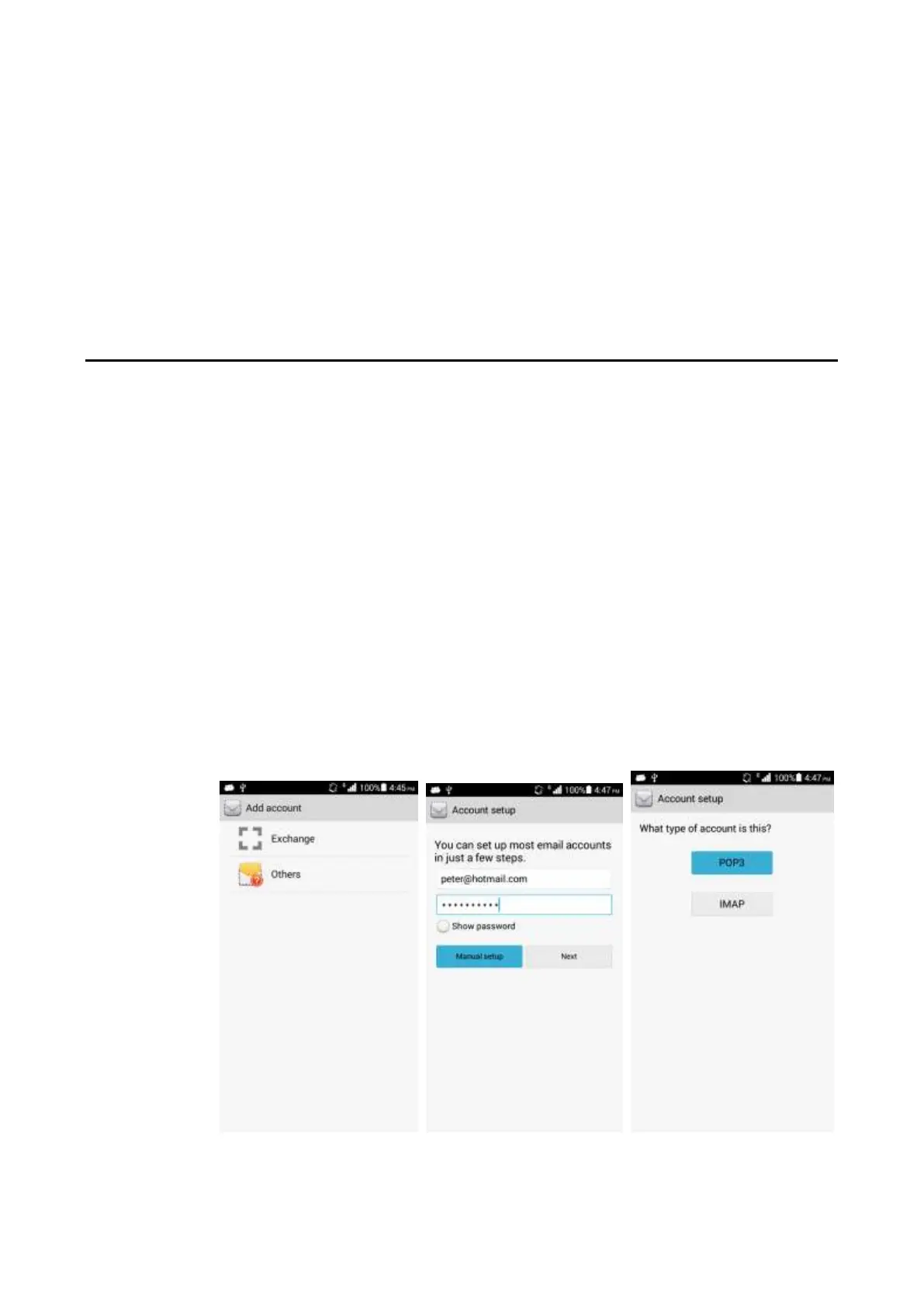
Adding an email account
On a home screen, touch Email.
− Manual settings
1. On the Account setup screen, input an account and a password.
2. Touch Manual setup.
3. Touch POP3 and set the POP3 server.
4. Touch Next and set the SMTP server.
5. Touch Next and select email sending and receiving options.
6. Touch Next and set Your name and Give this account a name.
7. Touch Next. The inbox is displayed.



 To Next Page