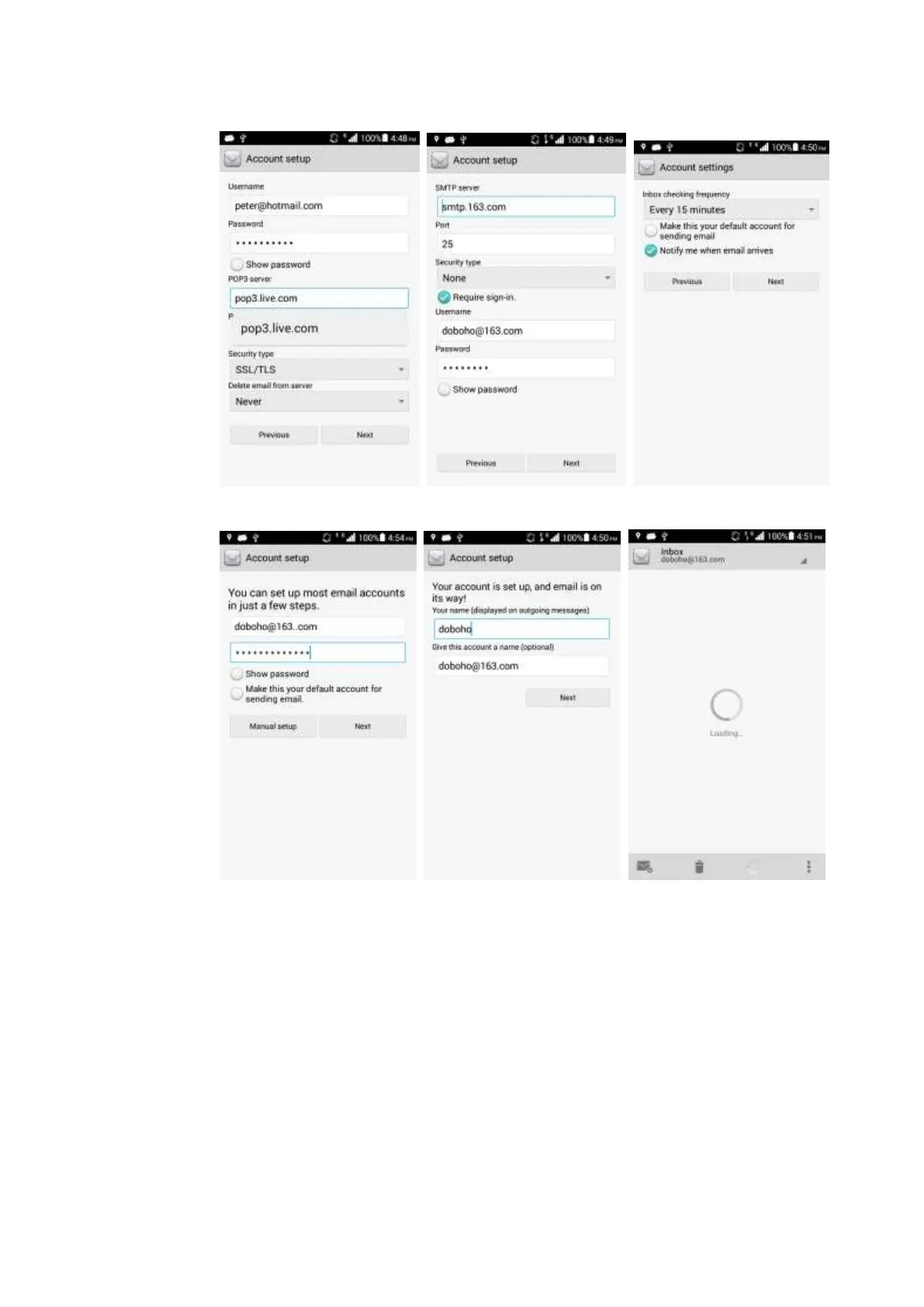
− Automatic settings (Parameters about this type of email have been predefined on your
phone.)
1. On the Account setup screen, input an account and a password.
2. Touch Next.
3. Select email sending and receiving options.
4. Touch Next and set Your name and Give this account a name.
5. Touch Next. The inbox is displayed.



 To Next Page