HUAWEI G6-U10 Smartphone FAQs
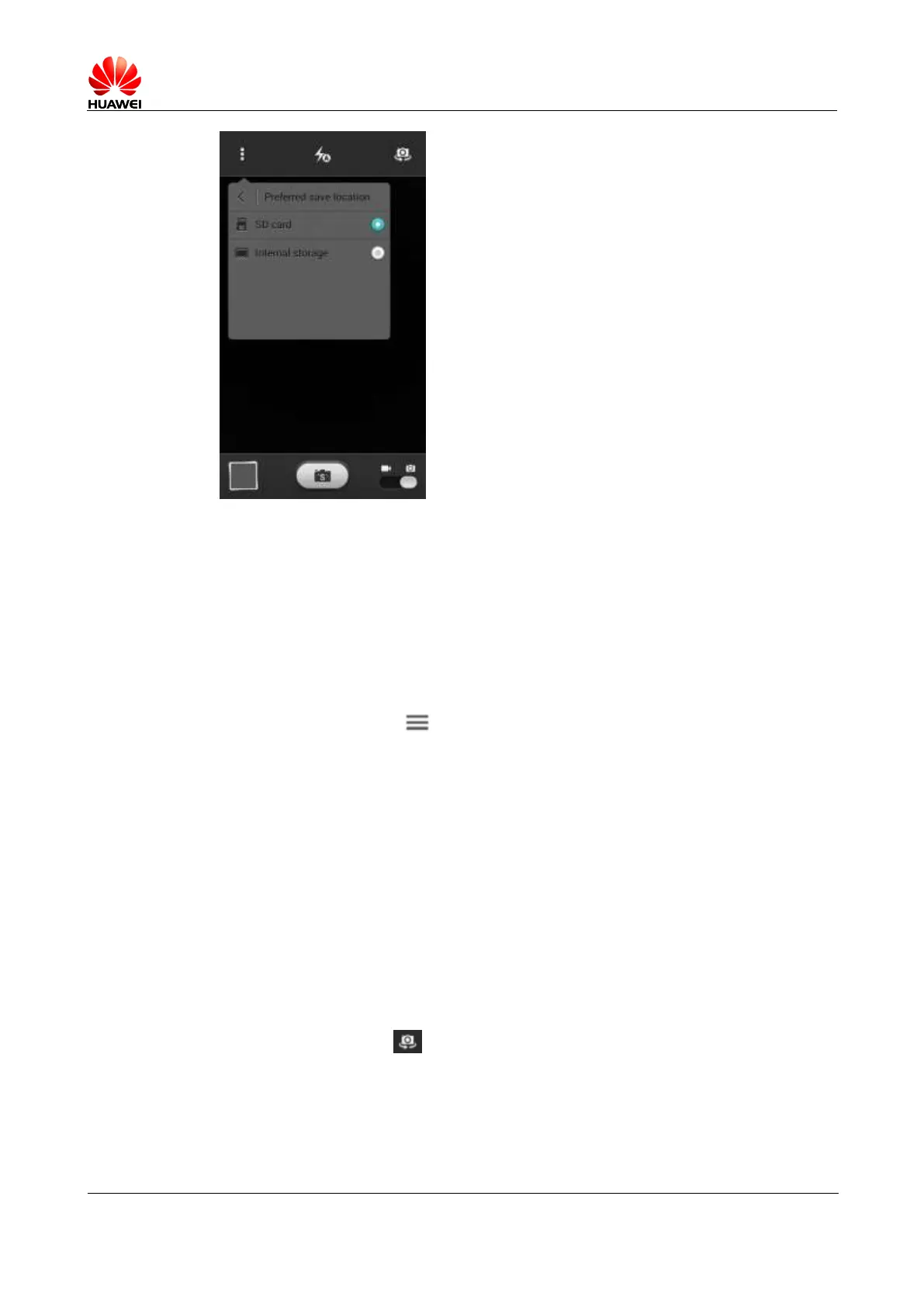
To browse the photos or video files saved in the SD card, touch File Manager > SD
card > DCIM\Camera.
To browse the photos or video files saved in the internal storage, touch File Manager >
Internal storage > DCIM\Camera.
1.11.4 How do I edit a photo or video file? Can I add a frame to a
photo?
To edit a photo, touch when you browse photos.
Video clips cannot be edited.
You can add a frame to a photo.
1.11.5 Can my phone play an HD video?
You phone supports WVGA (800 x 480) 30 fps.
You can record VGA (640 x 480) videos.
1.11.6 Can I mute the shutter sound?
No
1.11.7 How do I switch between front and rear cameras?
Open a camera and touch on the right upper corner of the screen.
1.11.8 What video formats and sizes do cameras support?
Cameras of your phone can record videos in mp4, HD (720P), VGA (640 x 480), QVGA (320
x 240), and MMS (176x144) formats. The size of videos you can record depends on the free
space of your phone memory.



 To Next Page