Get Started 10
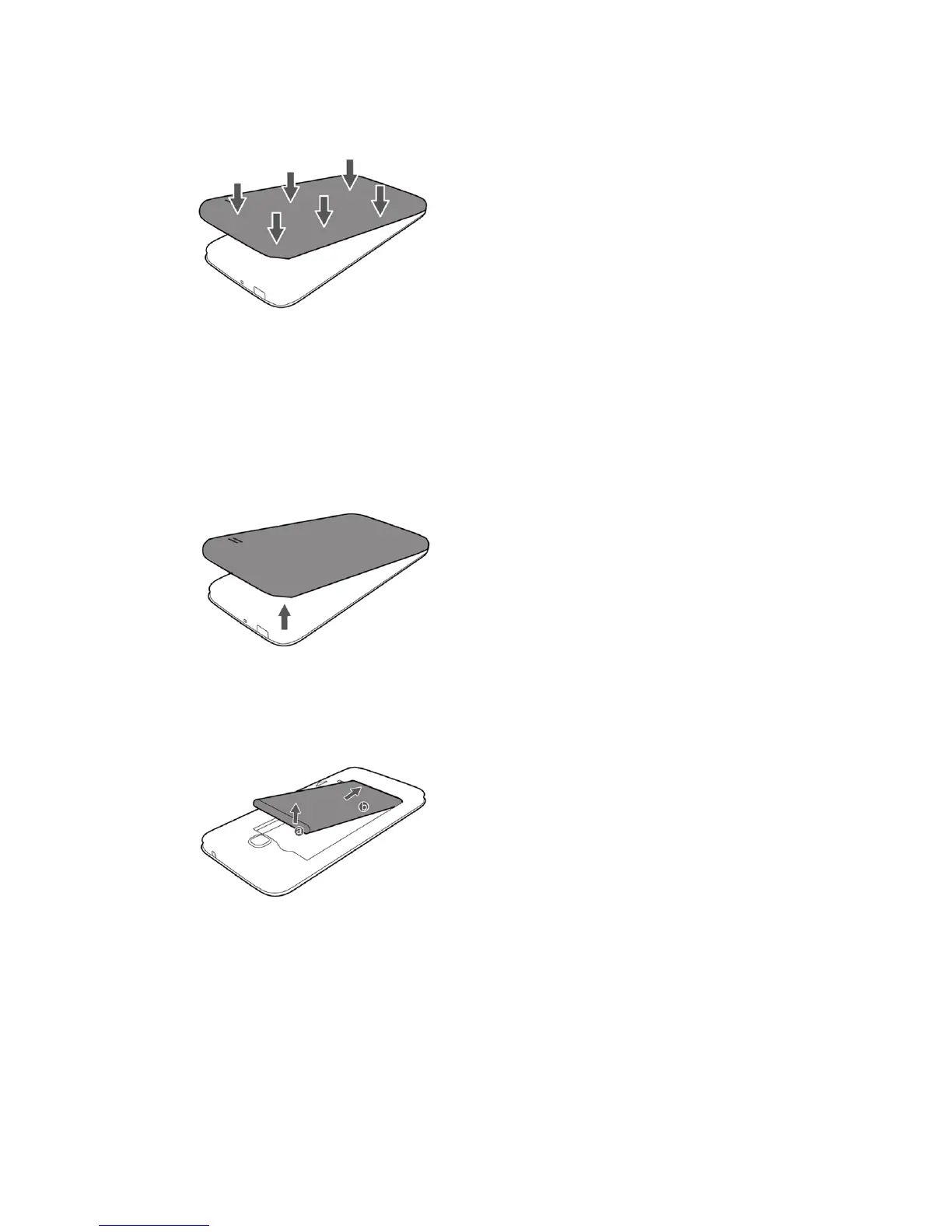
3. Attachthebatterycover.
l Makesureallthetabsaresecureandtherearenogapsaroundthecover.
Remove the Battery
Followtheseinstructionstoremoveyourphone’sbattery.Alwayspowerthephoneoffbefore
removingthebattery.
1. Removethebatterycover.
l Liftgentlyinthedirectionshown.
2. Removethebattery.
l Liftupwardgentlyasshown.



 To Next Page