Basic Operations 19
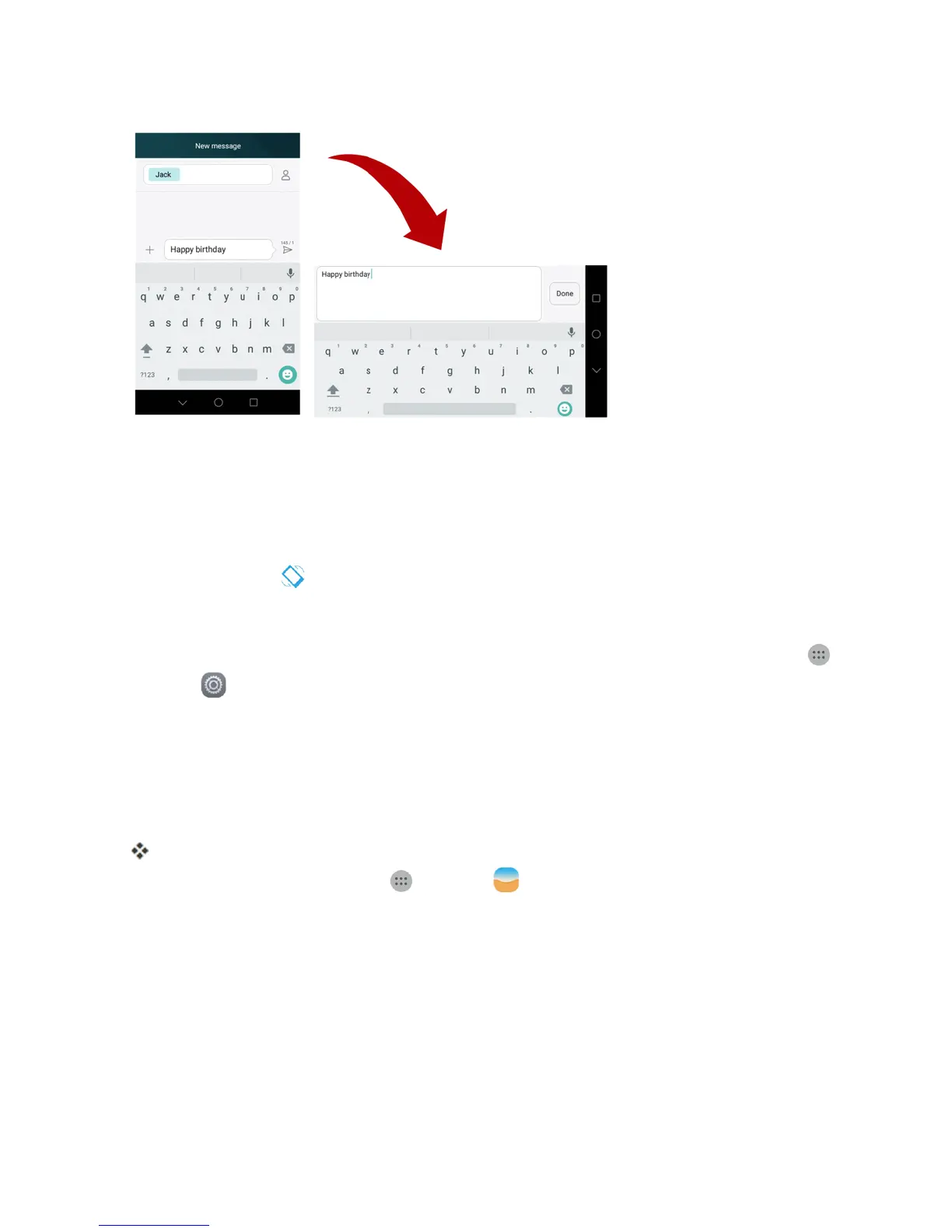
Note:Notallscreenswilladjustforlandscapeorientation.
Turn Screen Rotation On or Off
1. Pulldownthestatusbartodisplaythequicksettingsmenu.
2.
TapAuto-rotate toturntheoptiononoroff.
l YoumayneedtoscrollleftorrighttoseetheScreenrotationoption.
Note:Youcanalsosettherotationoptionfromthemainsettingsmenu.Fromhome,tapApps
>Settings >Display>Auto-rotatescreen.
Capture Screenshots
Youcanuseyourphone’spowerandhomekeystocapturescreenshots.
n PressandholdthePower/LockbuttonandVolume downkeyatthesametimetocapturea
screenshotofthecurrentscreen.
ThecurrentscreenshotwillbecapturedandstoredintheScreenshotsalbuminthephone’s
Gallery.Fromhome,tapApps >Gallery .
Applications
Thefollowingtopicsdescribehowtoaccesstheapplications(apps)listandlaunchappsonyour
phone.
Launch Applications
Allinstalledappscanbeaccessedandlaunchedfromtheappslist.



 To Next Page