Contacts 51
6.
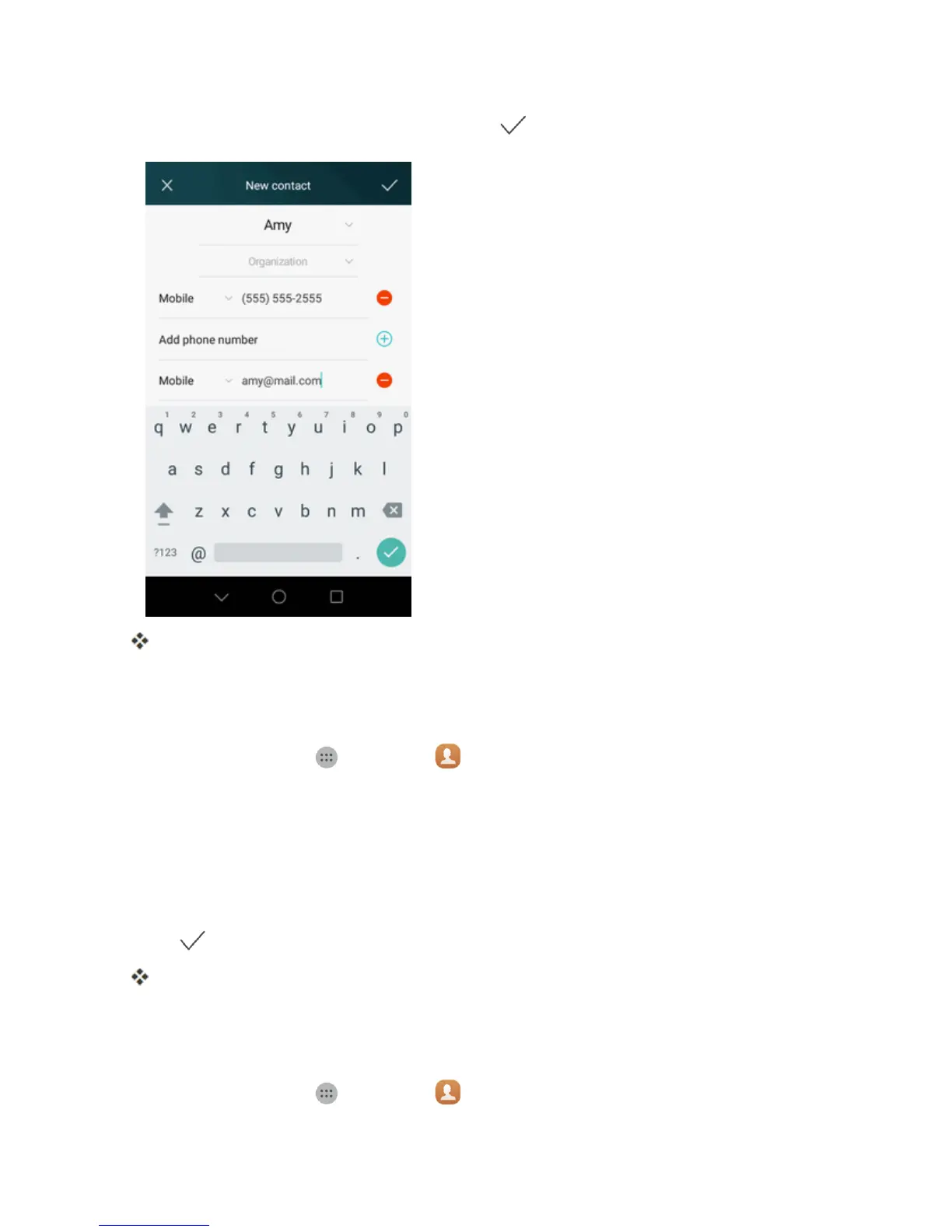
Whenyouhavefinishedaddinginformation,tap .
Thecontactisadded.
Save a Phone Number
YoucansaveaphonenumbertoContactsdirectlyfromthephonedialpad.
1.
Fromhome,tapApps >Contacts .
2. Enteraphonenumber.
l Toaddthenumbertoanewcontact,tapCreate new contact.
l Toaddthenumbertoanexistingcontact,tapSave to existing contact.
3. Enterthecontactname,phonenumber,andotherdetailsifnecessary.
4.
Tap .
Thecontactisadded.
View Contacts
Viewacontact’sdetailsbydisplayingacontactentry.
1.
Fromhome,tapApps >Contacts .



 To Next Page