Get Started 15
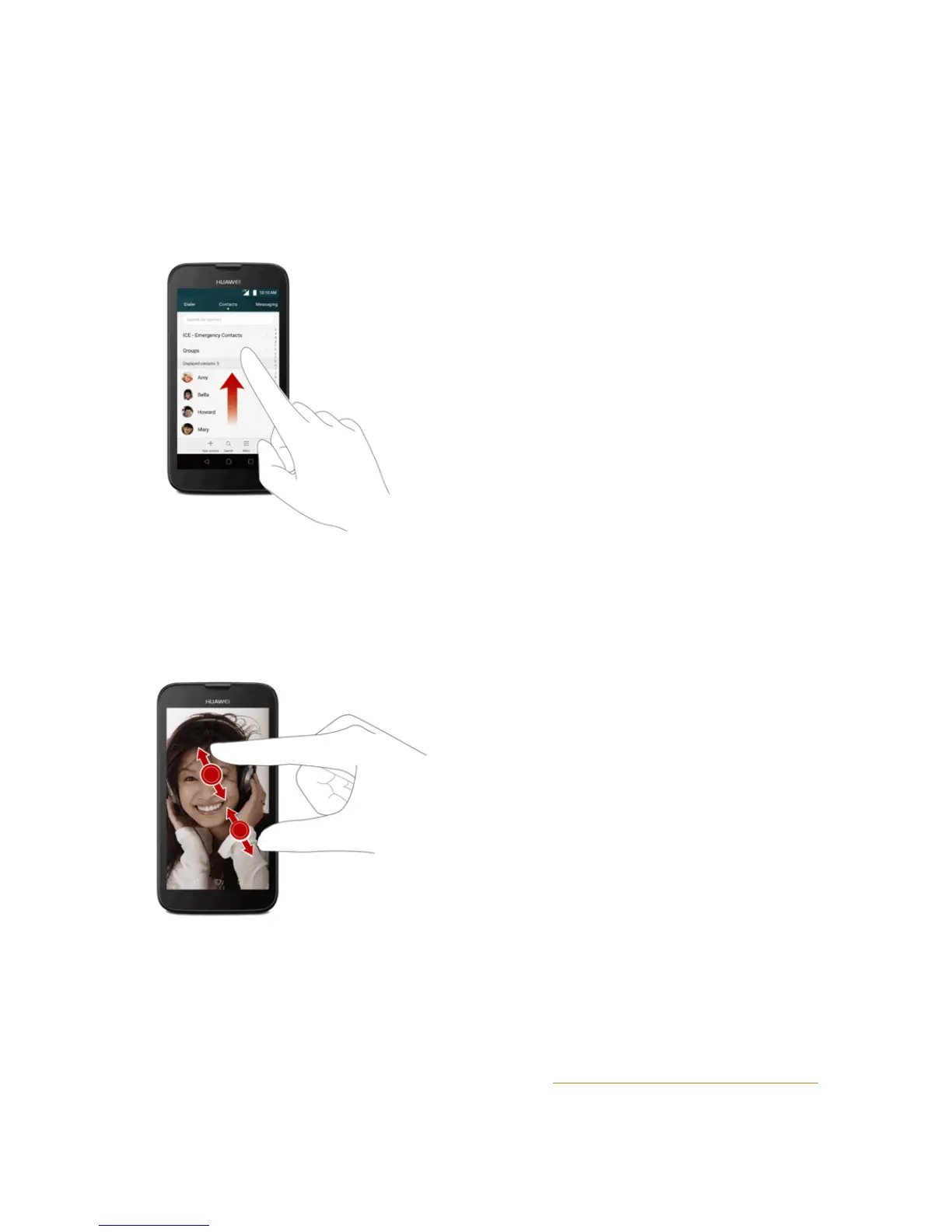
Flick
Flickingthescreenissimilartoswiping,exceptthatyouneedtoswipeyourfingerinlight,quick
strokes.Thisfingergestureisalwaysinaverticaldirection,suchaswhenflickingthecontactsor
messagelist.
Pinch and Spread
“Pinch”thescreenusingyourthumbandforefingertozoomoutor“spread”thescreentozoomin
whenviewingapictureoraWebpage.(Movefingersinwardtozoomoutandoutwardtozoomin.)
Activation and Service
Beforeusingyourphone,youmustsetupyourservicewithBoostMobile.Youwillneedyour
phone’sserialnumber(MEID),printedonastickerinsidethebatterycompartment.
FormoreinformationaboutyourBoostMobileaccount,seeBoostAccountInformationandHelp.



 To Next Page