Your Phone Interface 32
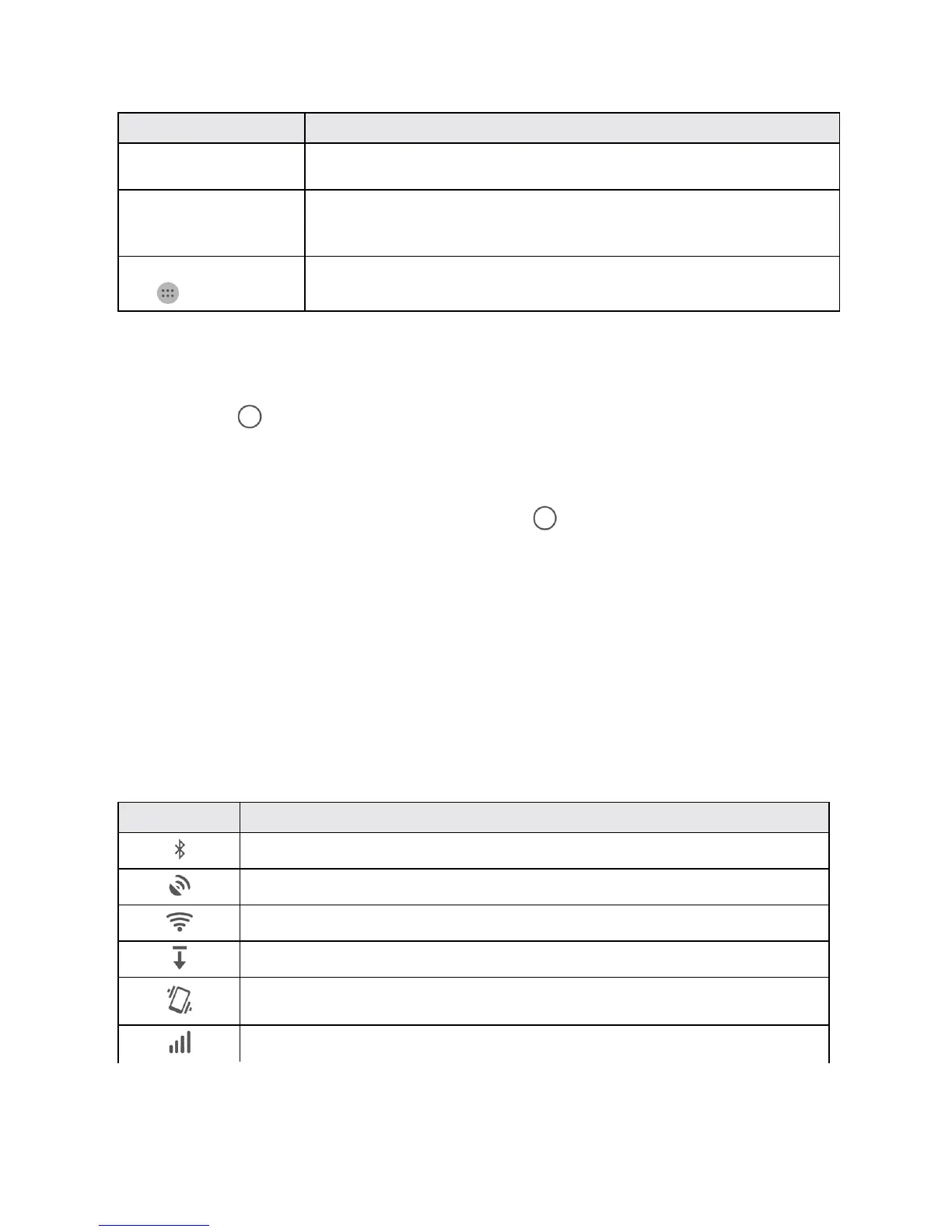
Item Description
Application icons Applicationiconsareshortcutstofavoriteapplications.Youcanaddand
removetheseshortcutsasyouwish.
Primary shortcuts Primaryshortcutsareapplicationshortcutsthatappearinthesamelocationon
allofyourphone’shomescreens.Thesearecustomizableexceptforthe
Applications(Apps)shortcut,whichremainsstatic.
Applications (Apps) list
key
Taptoopentheapplications(apps)list.Theappslistkeyisaprimaryshortcut
availablefromallhomescreens.
Note:Yourphone’shomescreenscyclethroughsothatyoucankeepswipinginonedirectionand
makeitbacktothemainhomescreen.Thesmallcirclesabovetheprimaryshortcutsletyouknow
yourcurrentscreenposition.
Tip:TapHome toreturntothemainhomescreenfromanyotherscreen.
Extended Home Screens
Inadditiontothemainhomescreen,yourphonefeaturesextendedhomescreenstoprovidemore
spaceforaddingicons,widgets,andmore.PressHome todisplaythemainhomescreenand
thenslidethescreenrightorlefttomovefromthemainscreentoanextendedscreen.
Status Bar and Notification Panel
Yourphone’sstatusandnotificationsareavailableataglanceatthetopofthescreen.
Status Bar
Thestatusbaratthetopofthehomescreenprovidesphoneandservicestatusinformationonthe
rightsideandnotificationalertsontheleft.Toviewthenotificationpaneloraccessthequicksettings
menu,pulldownthestatusbarfromthetopofthescreen.
Main Status Icons
Icon Status
Bluetooth
®
active
GPSactive
Wi-Fiactive
Downloading
Vibrate
Network(fullsignal)



 To Next Page