Phone App 42
1.
Fromhome,tapDialer .
2.
Touchandhold todialyourvoicemailnumber.
3. Followthesystempromptsto:
l Createyourpassword.
l Recordyournameannouncement.
l Recordyourgreeting.
Important:Voicemail Password–Itisstronglyrecommendedthatyoucreateapasswordwhen
settingupyourvoicemailtoprotectagainstunauthorizedaccess.Withoutapassword,anyonewho
hasaccesstoyourphoneisabletoaccessyourvoicemailmessages.
Visual Voicemail
VisualVoicemailgivesyouaquickandeasywaytoaccessyourvoicemail.Nowyoucanfindexactly
themessageyouarelookingforwithouthavingtolistentoeveryvoicemailmessagefirst.This
featureperiodicallygoesouttoyourvoicemail,andgathersthecallerinformationfromallofthe
currentvoicemails.Itthenpopulatesalistwiththecallernameandnumber,alongwiththelengthof
timeandprioritylevelofthevoicemailmessage.
Set Up Visual Voicemail
SettingupVisualVoicemailfollowsmanyofthesameproceduresassettinguptraditional
voicemail.Youshouldsetupyourvoicemailandpersonalgreetingassoonasyourphoneis
activated.Yourphoneautomaticallytransfersallunansweredcallstoyourvoicemail,evenifyour
phoneisinuseorturnedoff.
Note:Tosetupyourtraditionalvoicemailbox,seeVoicemailSetup.
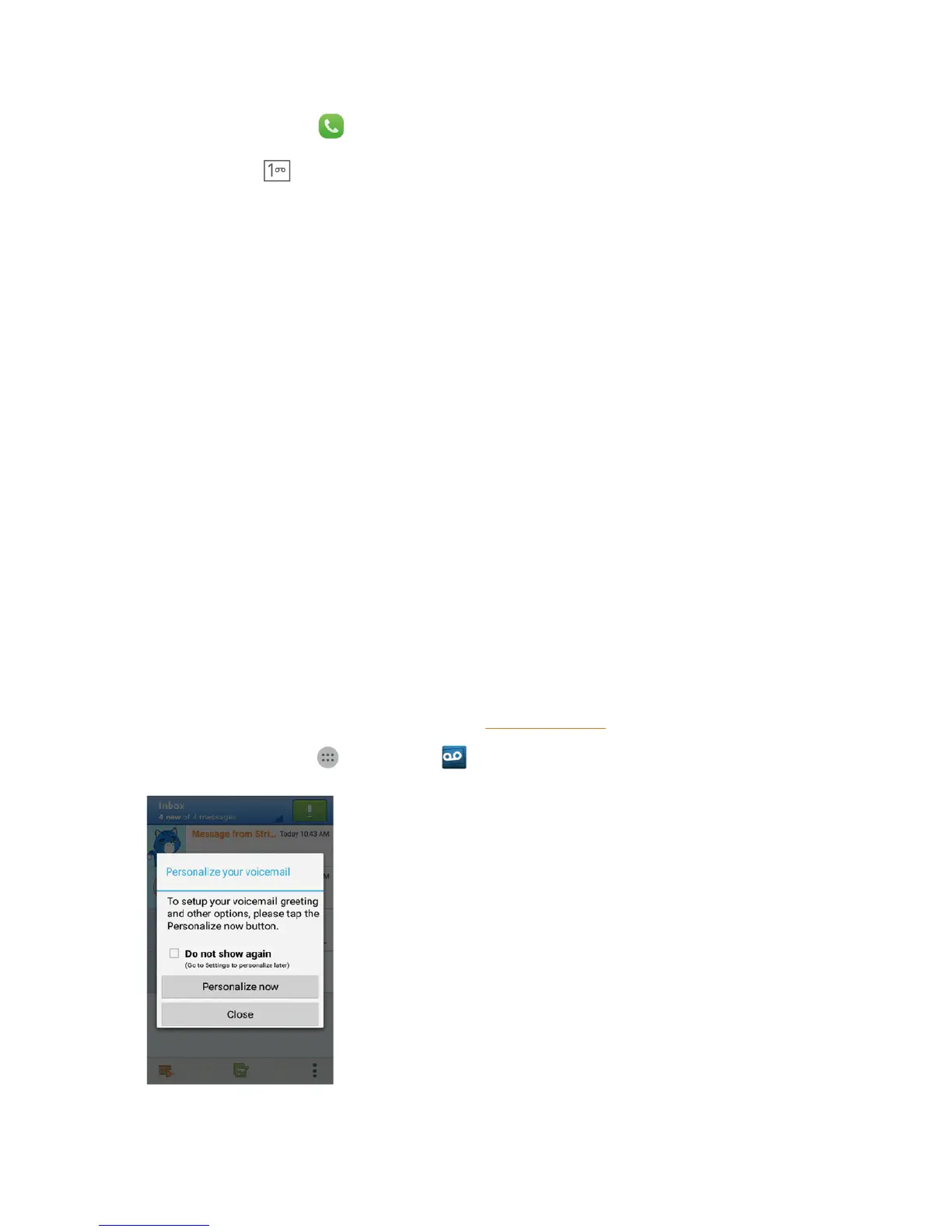
1.
Fromhome,tap Apps >Voicemail .



 To Next Page