Phone App 46
Note:Forthosecallswhereyoudon’twanttobeinterrupted,youcantemporarilydisableCall
Waitingbypressing beforeplacingyourcall.CallWaitingisautomaticallyreactivated
onceyouendthecall.
Conference Calling
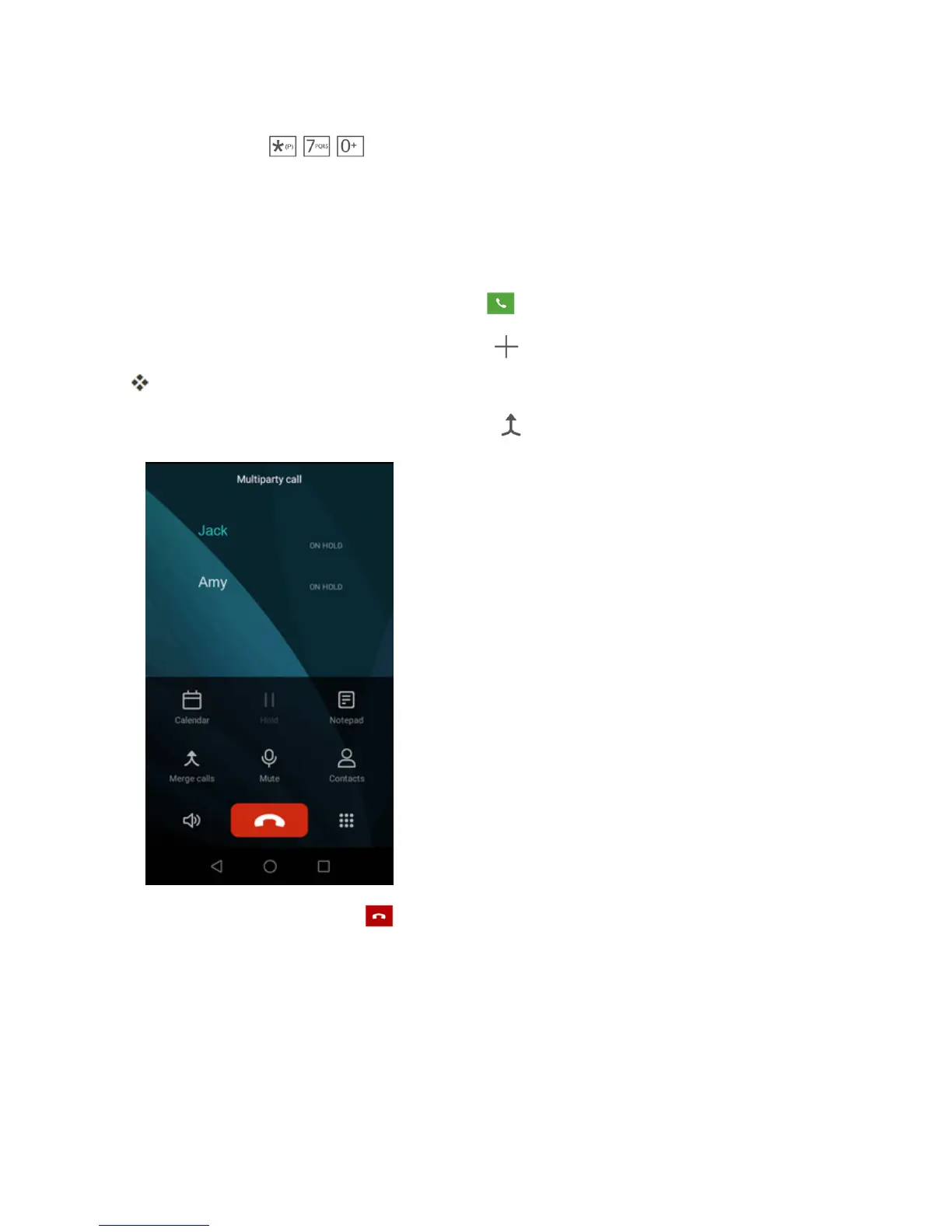
Withconferencecalling,alsoknownas3-waycalling,youcantalktotwopeopleatthesametime.
Whenusingthisfeature,thenormalairtimerateswillbechargedforeachofthetwocalls.
1.
OnthePhonescreen,enteranumberandtap (orplaceacallfromLogorContacts).
2.
Onceyouhaveestablishedtheconnection,tap tocallthesecondparticipant.
Thisputsthefirstcalleronholdanddialsthesecondnumber.
3.
Whenyou’reconnectedtothesecondparty,tap .Yourconferencecallisnowinsession.
4.
Toendthethree-waycall,tap .
Note:Ifoneofthepeopleyoucalledhangsupduringyourcall,youandtheremainingcallerstay
connected.Ifyouinitiatedthecallandarethefirsttohangup,allcallersaredisconnected.
Call Forwarding
CallForwardingletsyouforwardallyourincomingcallstoanotherphonenumber–evenwhenyour
phoneisturnedoff.YoucancontinuetomakecallsfromyourphonewhenyouhaveactivatedCall
Forwarding.



 To Next Page