18
3.3
3.3
Paiing the Done with the radio Contol
Paiing the Done with the radio Contol
To use the aicaft fo the fist time, you need to activate the aicaft fist :
1 - Press battery switch to power on the aircraft.
2 - Press the remote control switch to connect to the mobile phone, and wait for the remote
control to connect the aircraft in success.
3 - Open the mobile phone X-HUBSAN 2.0 APP, it will automatically jump out of the activation
interface.
4 - Activate according to the APP prompt.
Connection mode
1 - Open and pull-down bracket of the remote control, take out the rocker in the rocker
storage slot, and rotate and install the rocker in time.
2 - Unfold the antenna, Put the mobile phone on controller bracket, take out the con-
necting cable corresponding to the mobile phone (micro USB interface / type-C inter-
face / lightning (iPhone) interface), and mark "TX" at one end of the connecting cable
Connect the remote control, and connect the mobile phone with "phone" on the other
end.
3 - Short press and then long press to turn on the power supply of the remote control,
and connect the remote control with the mobile phone through the cable.
4 - Open the x-hubsan 2.0 app, select the aircraft model, and click "enter the equip-
ment"- Enter the aircraft operation interface.
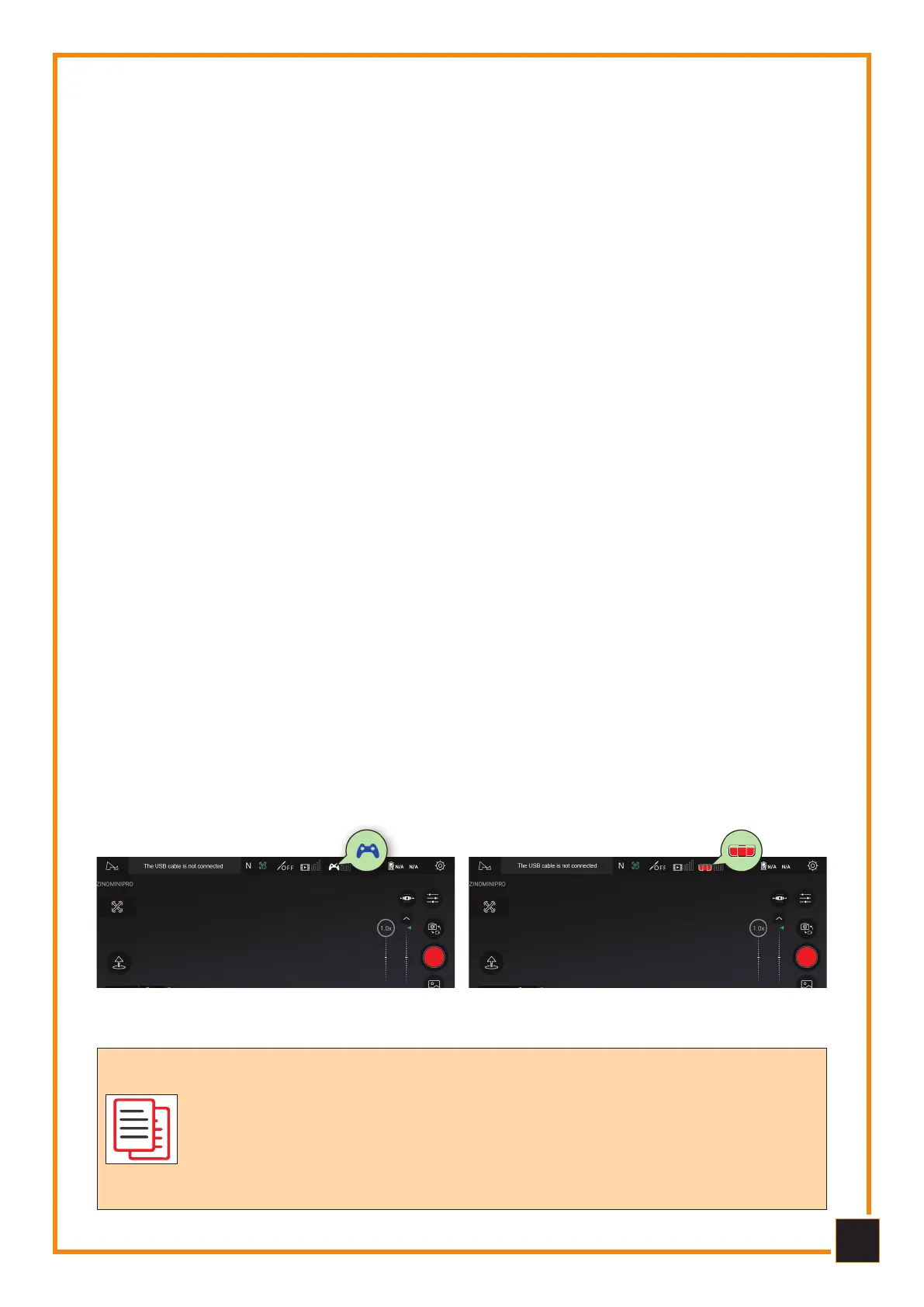
5 - When the remote control icon changes to the repeater icon (Figure 2), it indicates
that the remote control is connected to the mobile phone.
6 - Take out the aircraft, and unfold the arm to the maximum angle, install the battery,
and then remove the gimbal protective cover.
7 - Short press once, then long press the aircraft power supply, turn on the aircraft,
close the aircraft to the remote control and wait for 3 seconds, when the screen shows
real-time transmission image, indicating that the aircraft has been successfully con-
nected.
The Paing between the aicaft and the emote contolle has
been completed when they leave the factoy. Geneally, the use
only needs to pefom the following thee steps to connect and
use nomally.
Please keep the emote contolle at least 1 mete away fom
done duing binding pocess.
Befoe Paiing Afte Paiing



 To Next Page