29
CIrCLE MODE
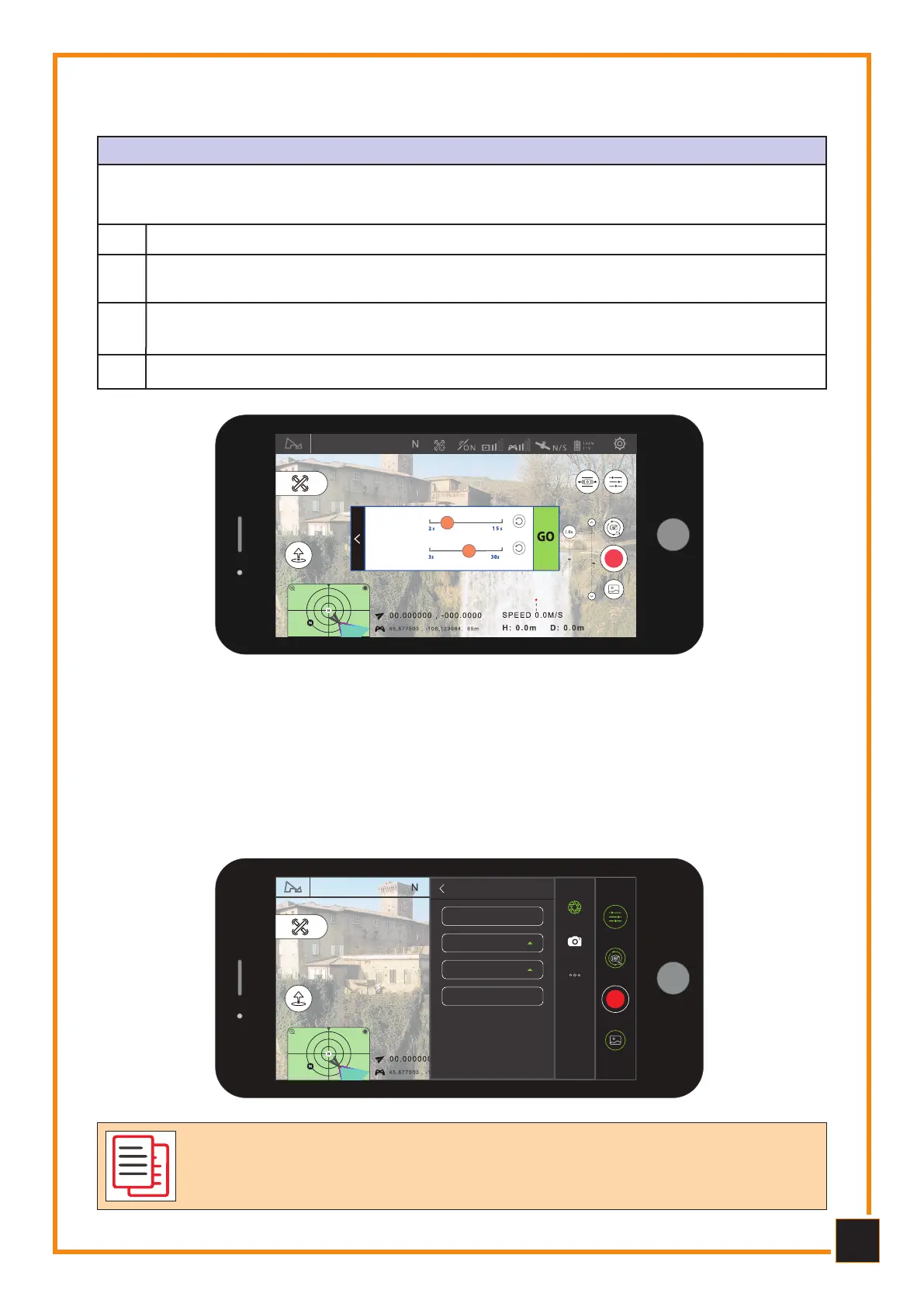
The Drone will take a certain number of photos and automatically compose the Time-lapse
video based on the point of interest of the circle and the set parameters. While shooting,
moving the sticks will automatically stop the activity.
Set the camera shutter interval, time of video to generate and maximum flight speed.
Select the circle.
2
1
Once finished, click on GO to start taking photos.4
Circle mode
cw
ccw
Time lapse
Video duration
Set the direction of the circle and position the center of the circle by adjusting the
radius and heading direction of the Drone.
3
5.10
5.10
Flight Panoama Mode
Flight Panoama Mode
In panorama mode you can choose 180° spherical, vertical and wide-angle shooting.
In this mode the Drone automatically performs the shooting activity. Once shooting is
complete, you can view photos and videos from the built-in MMC, export and edit pho-
tos and videos. While filming, you can automatically stop the activity.
100%
Photo Mode
Single Shot
Continuous shots
Interval
Panorama
Panorama mode
5.9
5.9
Cicle Mode Flight
Cicle Mode Flight
Neither the APP nor the Drone will compose the files of the final panora-
mas or circles, therefore it will be necessary to have Video/Photo Edit-
ing software to carry out the editing.



 To Next Page