32
7.
7.
APP X-HUBSAN 2.0
APP X-HUBSAN 2.0
7.1
7.1
Home page and settings
Home page and settings
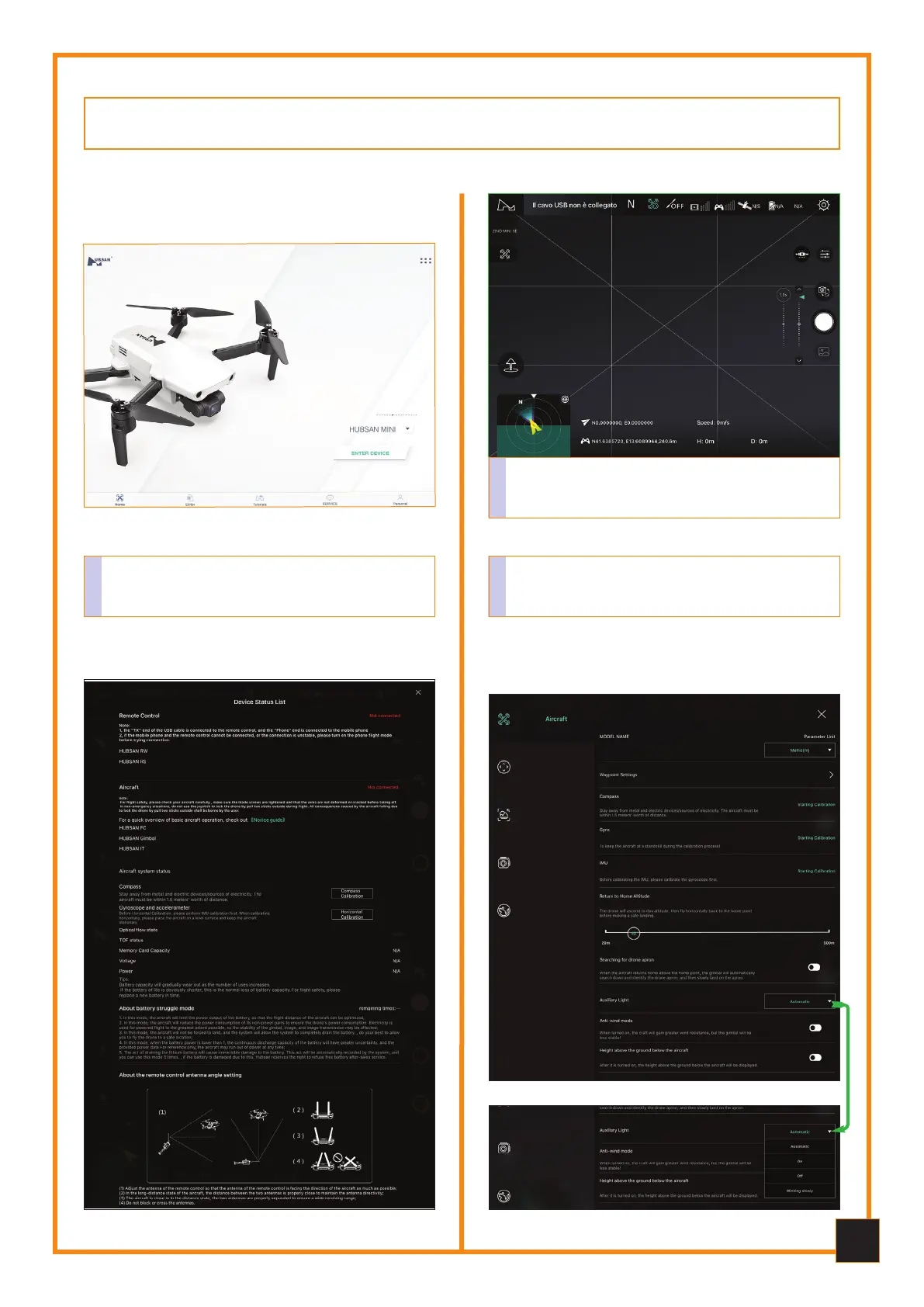
Home of the App, you can access various functions:
Home, Photo and Video Editor, Tutorial, Service, Ac-
count, Hubsan Official Site, Flight Log, etc.
1
Main interface where you can access all flight func-
tions, camera settings, flight mode information, etc.
2
7.2
7.2
Settings e Calibations
Settings e Calibations
Below are some of the easy-to-use App windows, the
flight modes, Waypoint, Orbit, Follow me, etc., which
are explained in the previous pages.
3



 To Next Page