28
5.7
5.7
Hypelapse photogaphy
Hypelapse photogaphy
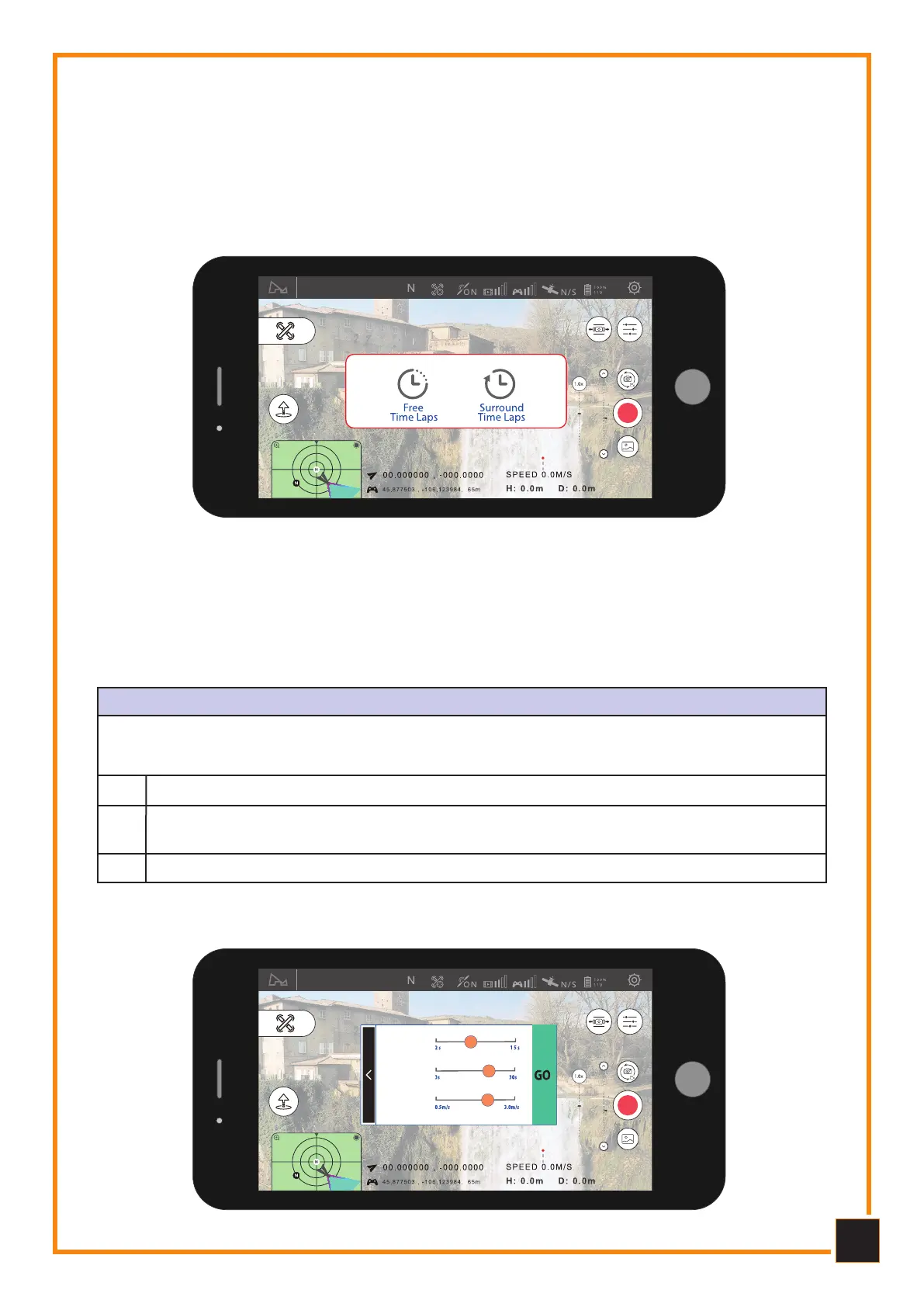
By choosing the Time-lapse mode you can choose the “free” or “circular” mode.
Hyperlapse Mode
TIME-LAPSE MODE (F ee)
The Drone will take a certain number of photos and automatically compose the Time-lapse
video based on the set parameters. During the shooting process, the user can freely control
the flight of the Drone.
Set the camera shutter interval, time of video to generate, and maximum flight
speed.
Select Free Time-lapse.
2
1
Once finished, click on GO to start taking images.3
Free Fly
Time lapse
Video duration
Full speed
of flight
5.8
5.8
Fee Flight Mode
Fee Flight Mode



 To Next Page