25
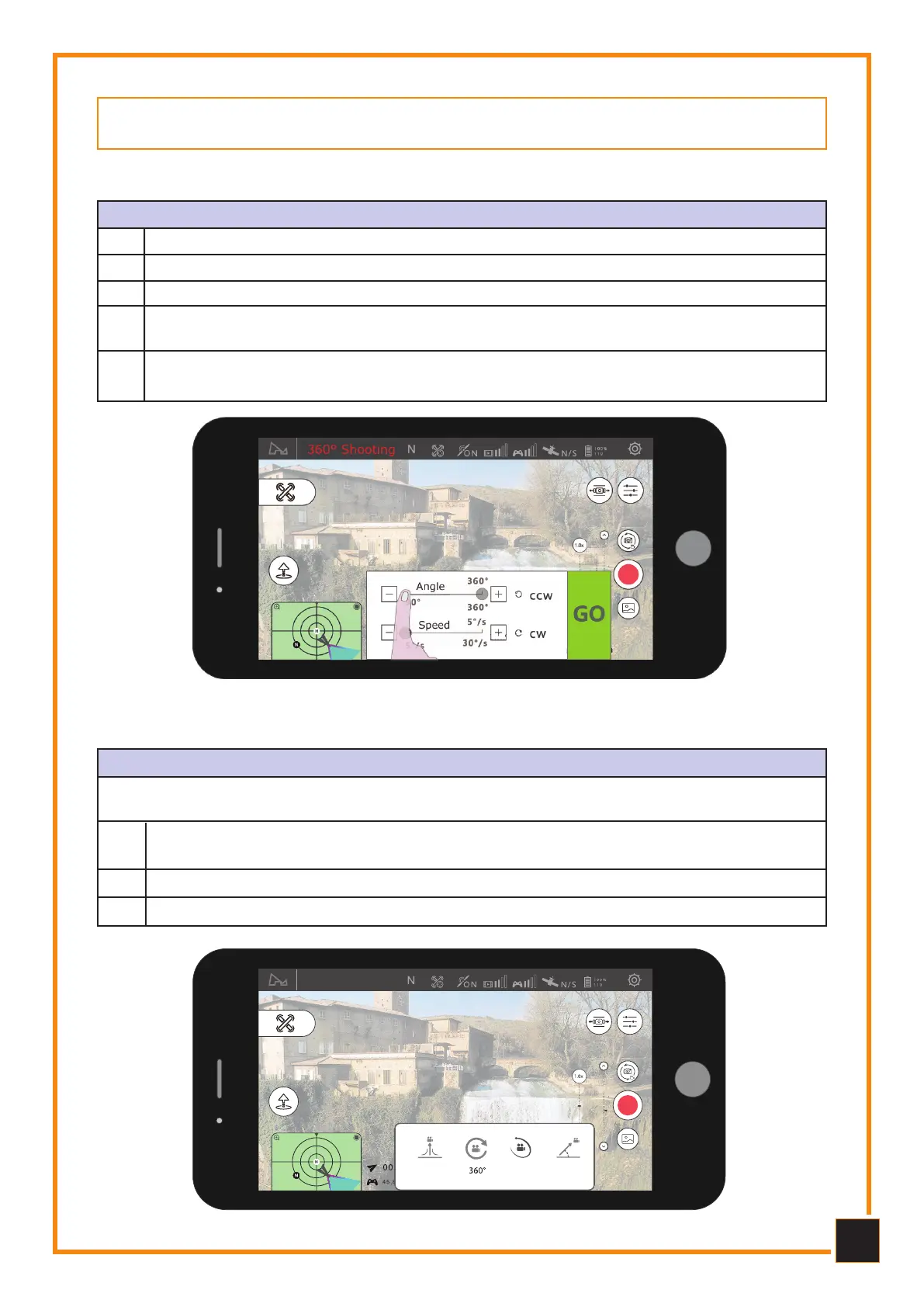
360° Shooting
Select the direction of rotation: clockwise - anticlockwise1
Set the rotation angle and range (90° - 360°, accuracy +/- 1°)2
Set the rotation speed (1-30 sec., accuracy +/- 1s)3
Click GO, the Drone moves to the assigned position and will start filming and record-
ing during rotation.
4
During execution it is possible to exit the mode by clicking on the Exit button, in this
case the video will be saved.
5
COMET MODE
After selecting the center point on the App, the Drone will automatically fly along the ellipse
track and record the video. Use this mode in open spaces.
Select the direction of rotation of the Drone: clockwise or counterclockwise.
Select the subject to surround, the camera will always remain pointed at the subject
to be filmed.
2
1
Click on GO, the Drone will start filming in this mode.3
Comet Mode
Rocket
Comet
Dronie
5.
5.
FLIGHT MODE
FLIGHT MODE
5.1
5.1
360° Shooting
360° Shooting
5.2 Volo
5.2 Volo
Comet Mode Flight
Comet Mode Flight



 To Next Page