30
6.
6.
CAMErA
CAMErA
6.1
6.1
Camea Settings
Camea Settings
APPLICATION SETUP
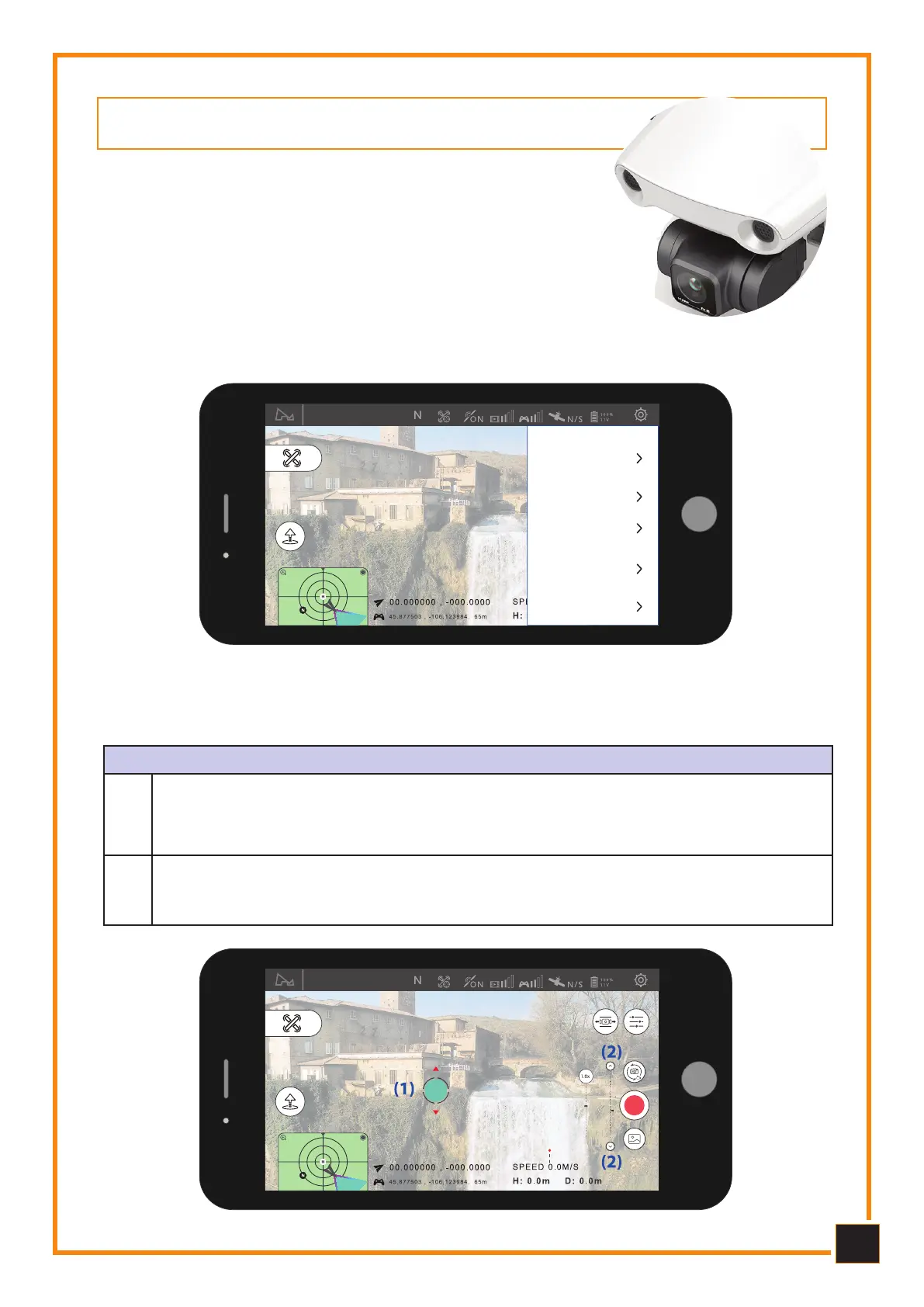
Long click on a blank part of the video preview interface, the device will make a vi-
bration. The icon will appear at the location where you pressed it. You can adjust the
tilt of the gimbal by sliding your finger up and down the screen.
1
You can optimize the pitch angle of the gimbal by clicking the up-down button of the
gimbal tilt slider. Furthermore, it is possible to adjust the horizon of the camera using
the appropriate button on the right in the main interface.
2
Hoverimg mode
Select the camera icon on the main in-
terface of the App to set the resolution,
white balance, color and other parame-
ters.
6.2 Gimbal tilt adjustment
6.2 Gimbal tilt adjustment
Hoverimg mode
Video Resolution
4K
Frame Rate
30FPS
Video Bitrate
Grade: 5
White balance
Automatic
Color
Normal



 To Next Page