Excelon XD/XQ Operator’s Manual 25
5.2.2 Job List Tab
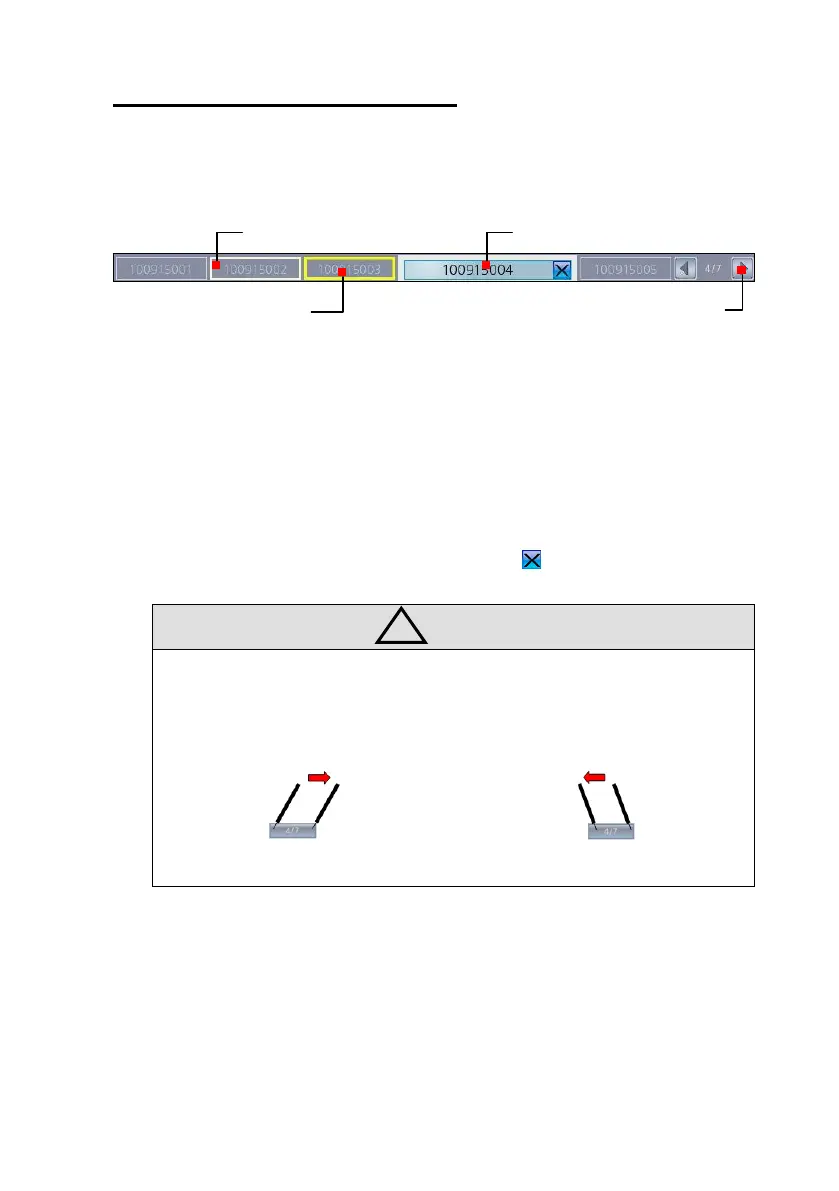
All jobs in the edger displayed on the tabbed menu and 5 jobs are displayed in a
page.
To select a job, just press the tab.
If total job count is more than 5, “Page Information” tab is used for page movement
and maximum 100 jobs can be managed.
Finished job can be deleted by pressing delete icon( ).
• Color of the job tab (border color) changed by processing status.
• Page movement
Press left side and drag to right
Press right side and drag to left
Page Information
(Current Number/Total)



 To Next Page