Excelon XD/XQ Operator’s Manual 23
5. Operation
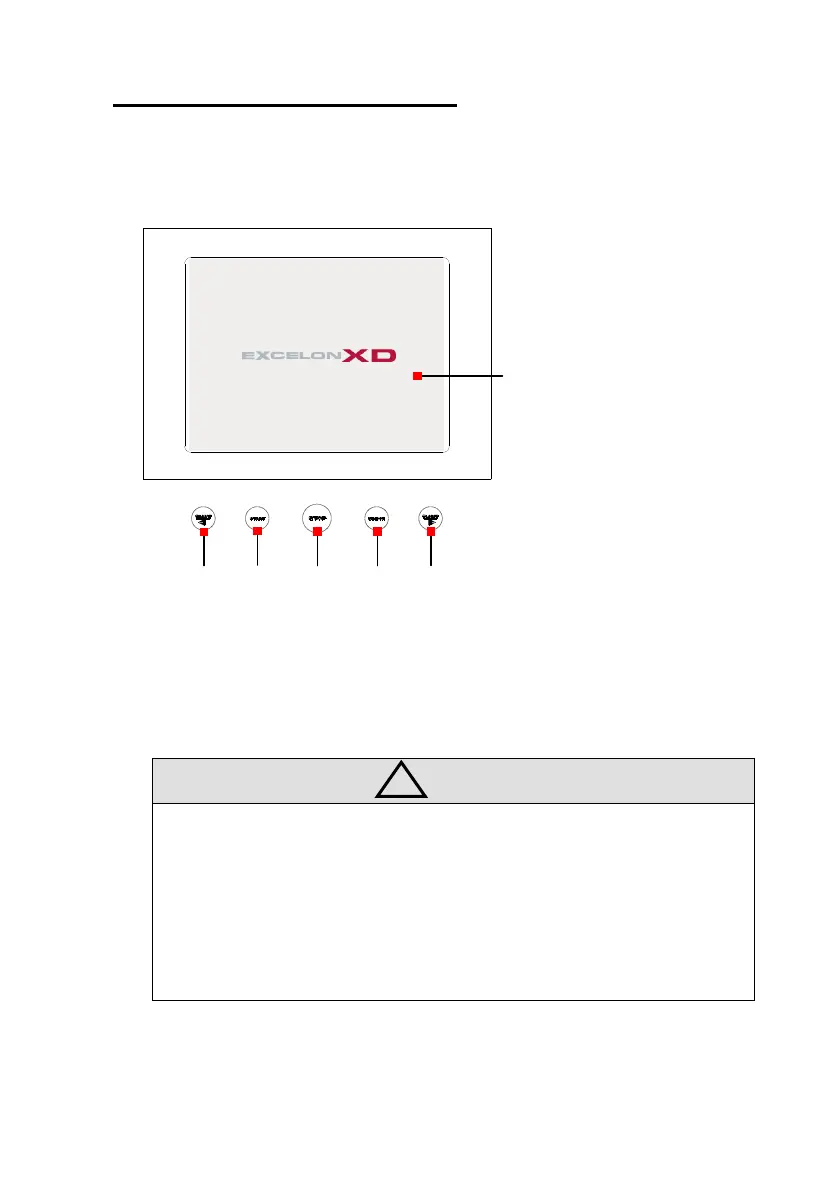
5.1 Display and Control Buttons
CLAMP Open/Close Clamp (Lens Position Left/Right)
START Start Edging
STOP Stop Edging
WINDOW Open/Close Edging Room Window
• Clamp Buttons in the Left and Right provide the exactly same function. They
are provided for the convenience to press the button by the bare hand without
holding the lens.
• Be sure that Lens Position Button only works during Roughing process. It is
useful to adjust the lens position if the lens exceeds the wheel range because
of the thickness.
CLAMP START STOP WINDOW CLAMP



 To Next Page