94 Excelon XD/XQ Operator’s Manual
6.3.3 Axis Adjustment
These values are used for compensating distortion of axis during the edging process.
• Test Pattern
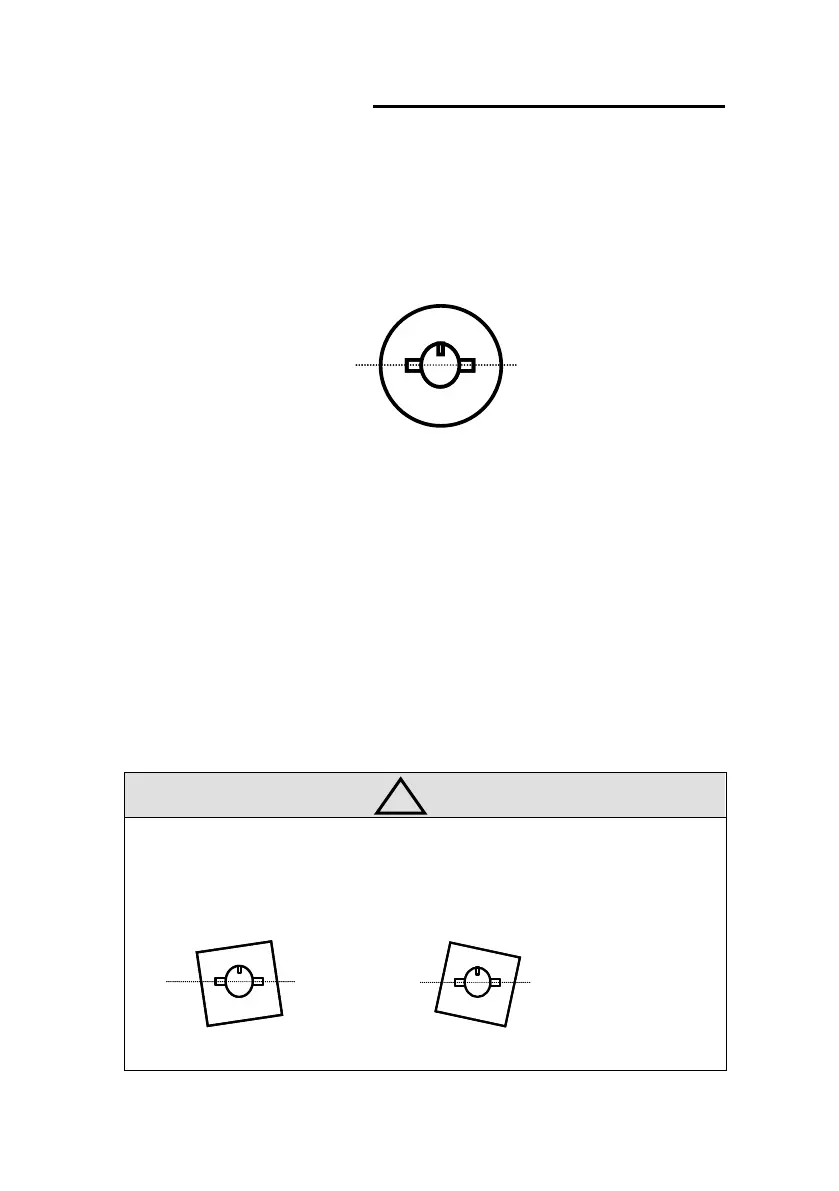
- Draw a horizontal line on the lens and put the lens adaptor.
-
- [After blocking the test lens]
-
- Execute the internal Square(40mm X 40mm)
• Test Pattern
- Check main(normal) axis, grooving axis, safety beveling axis, and polishing axis.
- At first, main axis must be adjusted.
• Adjustment
- The adjustment unit is degree(
-
I
I
n
n
p
p
u
u
t
t
(
(
-
-
)
)
v
v
a
a
l
l
u
u
e
e
t
t
o
o
c
c
o
o
r
r
r
r
e
e
c
c
t
t
t
t
o
o
t
t
h
h
e
e
c
c
l
l
o
o
c
c
k
k
w
w
i
i
s
s
e
e
d
d
i
i
r
r
e
e
c
c
t
t
i
i
o
o
n
n
.
.
• The following picture shows how to adjust incorrect axis value for every edging
processes.
a. Main axis adjustment
Add (-) value Add (+) value



 To Next Page