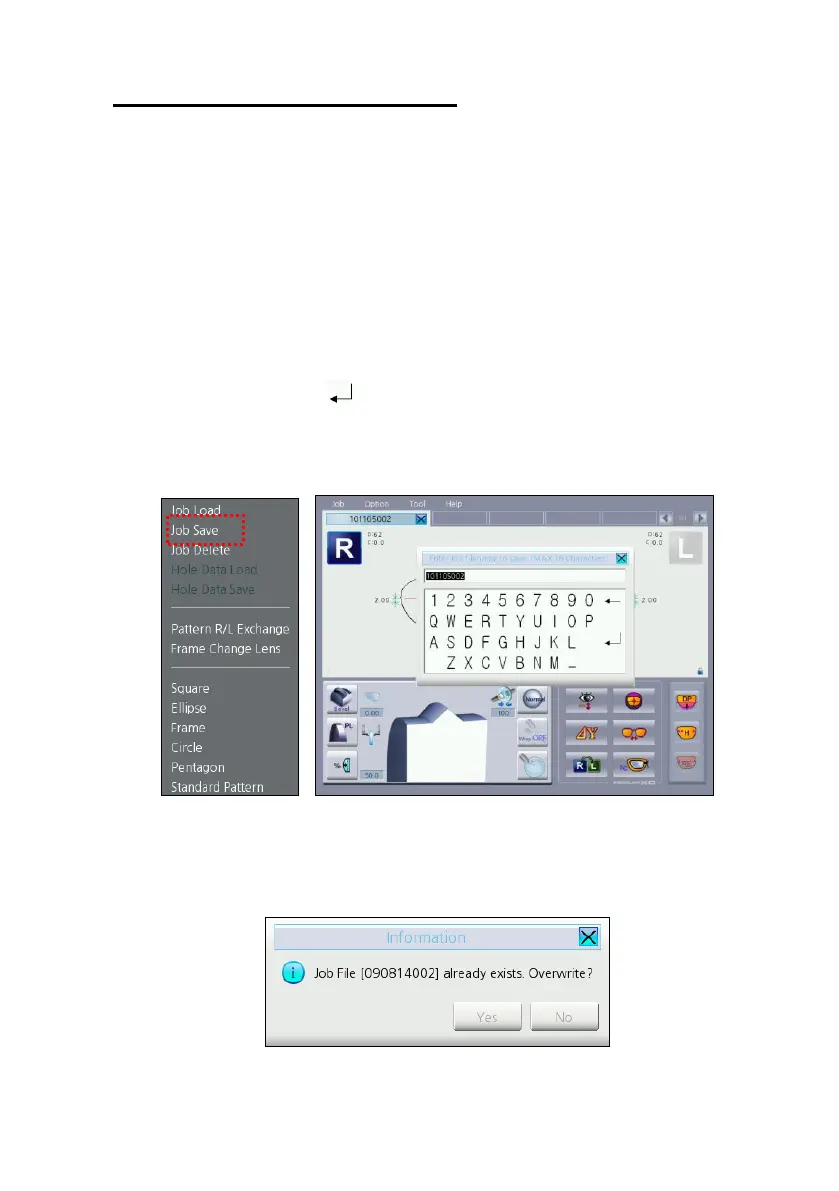
Select “Job – Job Save” in the menu bar to save job data.
Current job number will be applied to default filename.
Press the enter button ( ) to save job data.
All frame information (shape, layout option, edging option, hole data) saved to
the SD memory card.
If the filename already exists in the SD memory card, warning dialog box
displayed on the screen. User can select overwrite or cancel.



 To Next Page