38 Excelon XD/XQ Operator’s Manual
5.2.6 Digital Pattern
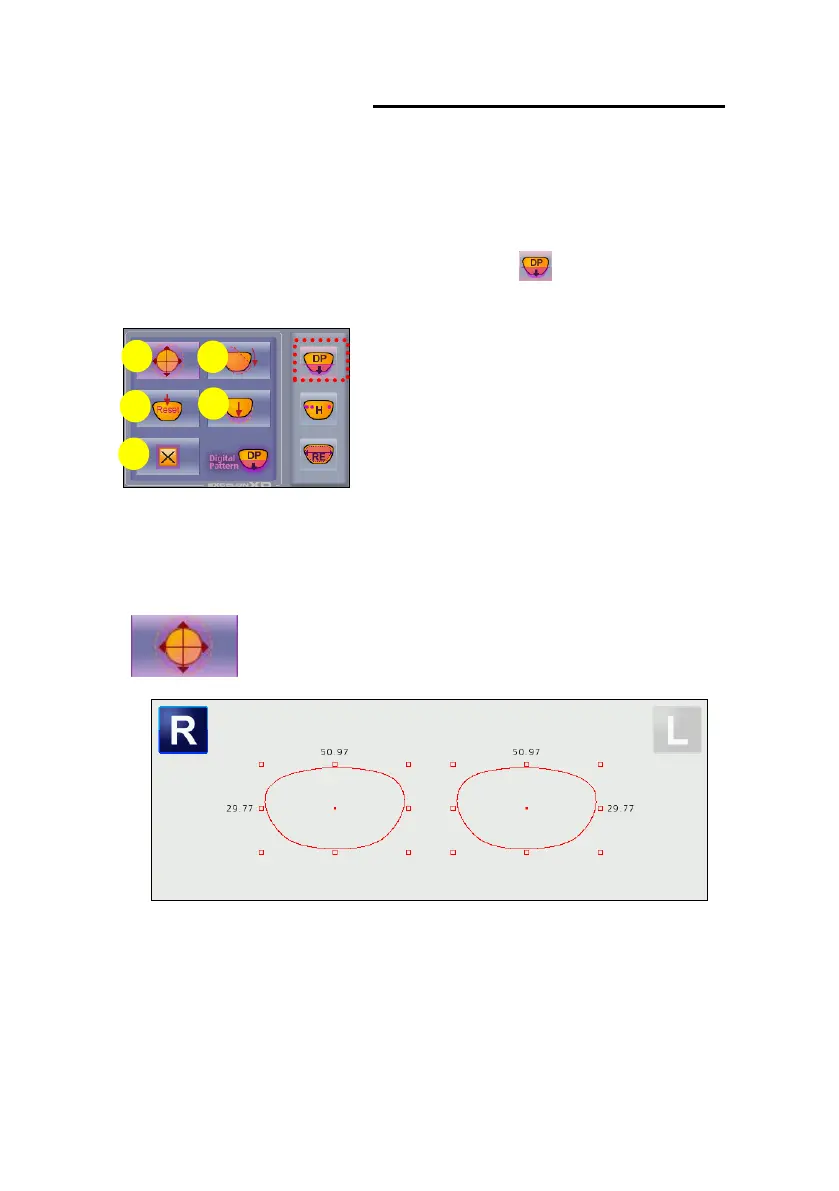
The “Digital Pattern” modifies the lens shape in left/right, top/bottom as well as
rotation and optimizes the fitting for Rimless and Semi-Rimless.
To use Digital Pattern, press the digital pattern button( ) on the function button
area.
Layout option button area changed to Digital Pattern buttons and all other options
are disabled..
(1) Enlargement/Reduction
To enlarge or reduce lens shape, press and drag one of 8 touch
boxes. Lens shape can be enlarged or reduced freely.



 To Next Page