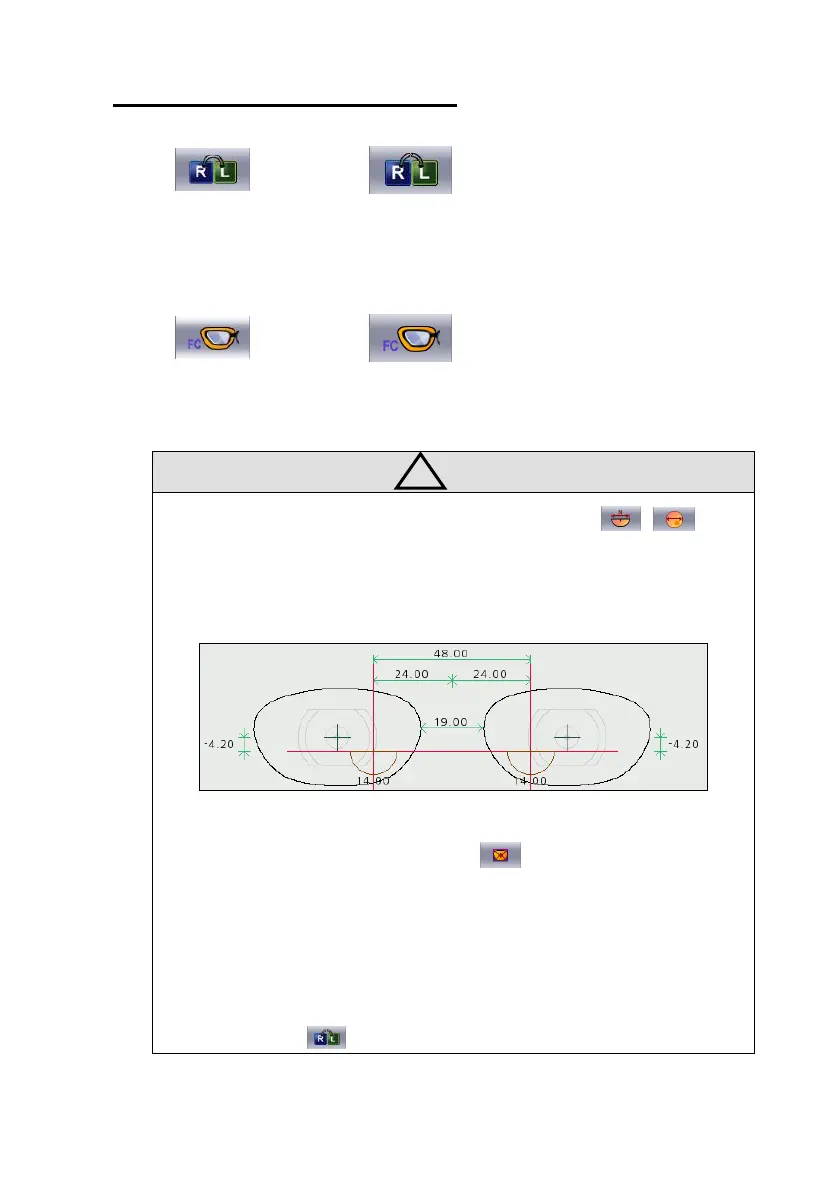
• In case of executing the options for Bi-Focal(Near Vision, , ), Near
Vision Shape will be displayed on the LCD screen. If the near vision area
diameter is entered, user can see the frame shape similar to the actual lens
shape and can check the interference easily.
• Be sure to execute Boxing Center mode ( ) for the followings.
☞ PD is in eccentric position
☞ Horizontally Wide Frame
☞ Super Hydrophobic Lens or Ultra Hi-Index Lens
• In case of Layout with Monocular PD, be sure to cancel Right/Left
Synchronization ( ) .



 To Next Page