• For the half-framed lens or the rimless lens, the digital pattern provides the
convenient reformation. The redesign of the frame shape could be done easily
using the digital pattern.
• For the bi-focal lens or the progressive, the digital pattern makes the near vision
area included within the frame. Sometimes too small frame shape might cut out
the near vision area. In this case, the digital pattern provides the enlargement of
the frame shape.
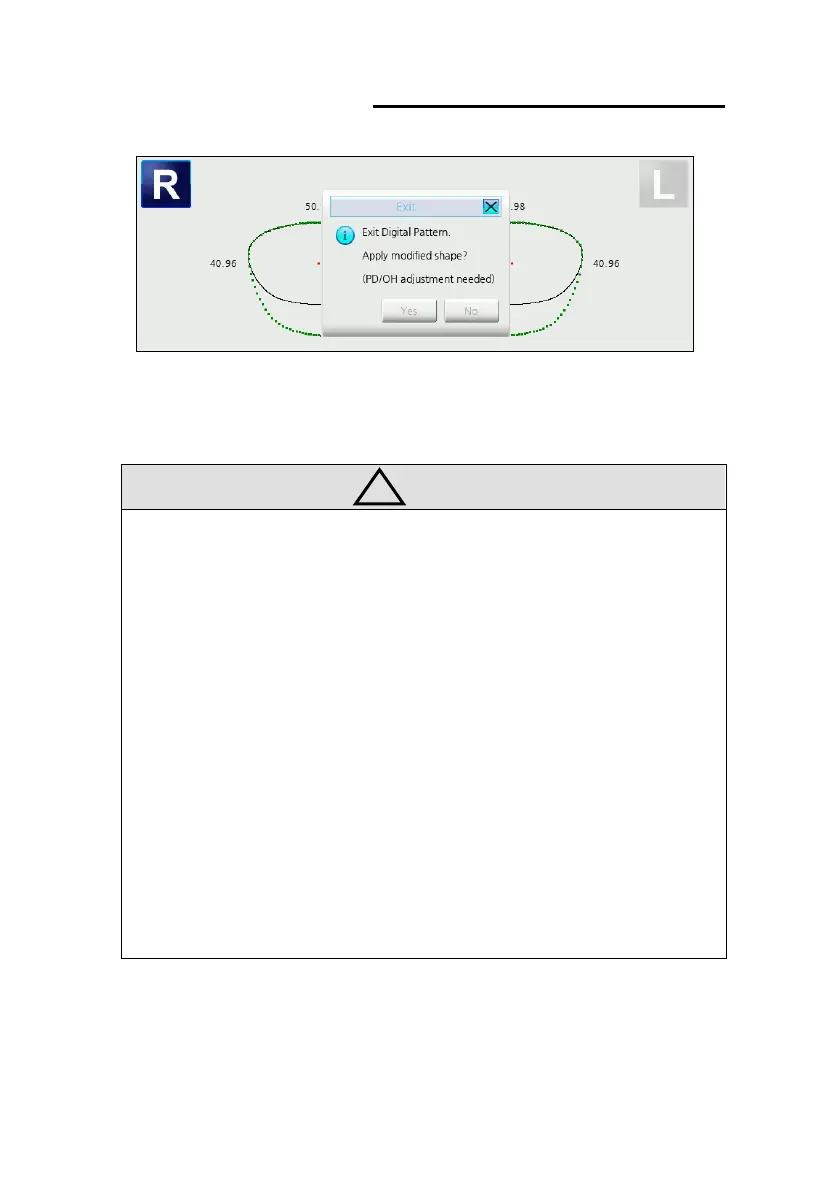
• Optical center position is determined by PD and OH values. So after digital
pattern applied, optical center position may be different. Be sure to check optical
center position and PD/OH values.
• Turn on the ”Use Advanced Digital Ptn Func” option in the Menu to use “%
enlargement” and “diameter enlargement” functions. (MENU >> Option >>
Configuration >> General)



 To Next Page