• Be sure not to remove the Lens Adapter to activate the Retouch Mode.
• Be sure not to change any edging option before entering Retouch Mode.
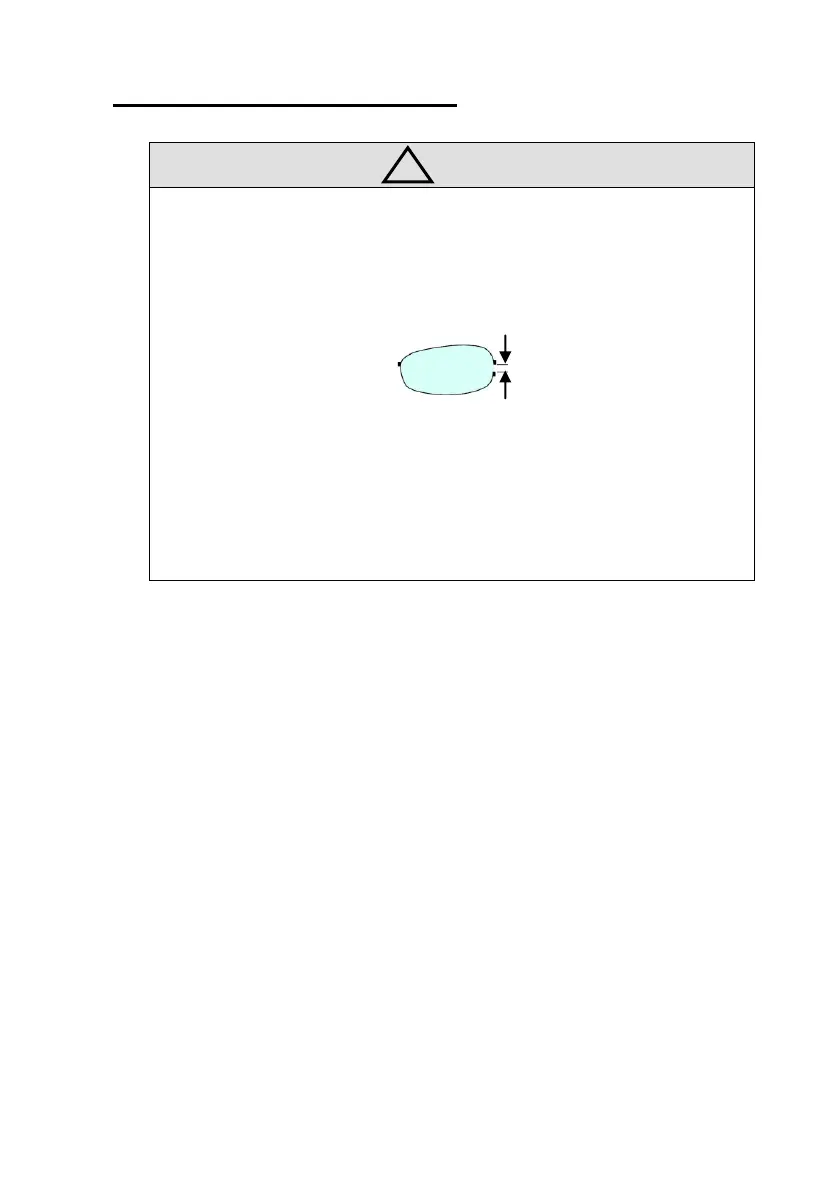
• The recommended Retouch Size will be 1/3 of the length shown as (a).
• If the edging type is Beveling, grooving function disabled and vice versa.
• To return to main screen, press the retouch button again.
• Retouch can only be performed on the job edged right before.



 To Next Page