48 Excelon XD/XQ Operator’s Manual
(4) Select/Unselect/Toggle Button
(5) Menu item area
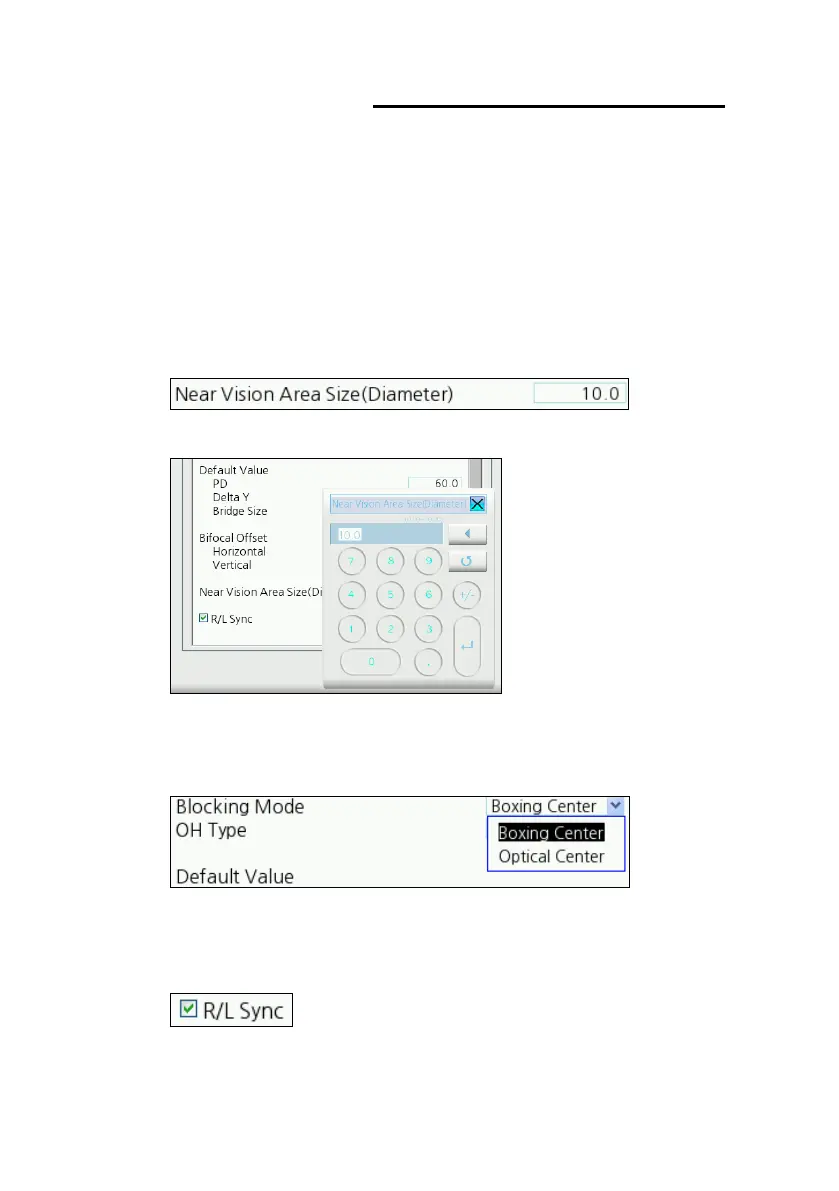
There are three types of items. Value, List, Check Box.
Value
This is an item user can enter value directly.
Press the value box and enter the value using the numeric keypad.
List
This item shows all selectable values in the list box.
Check box
This item is used to enable or disable function.



 To Next Page