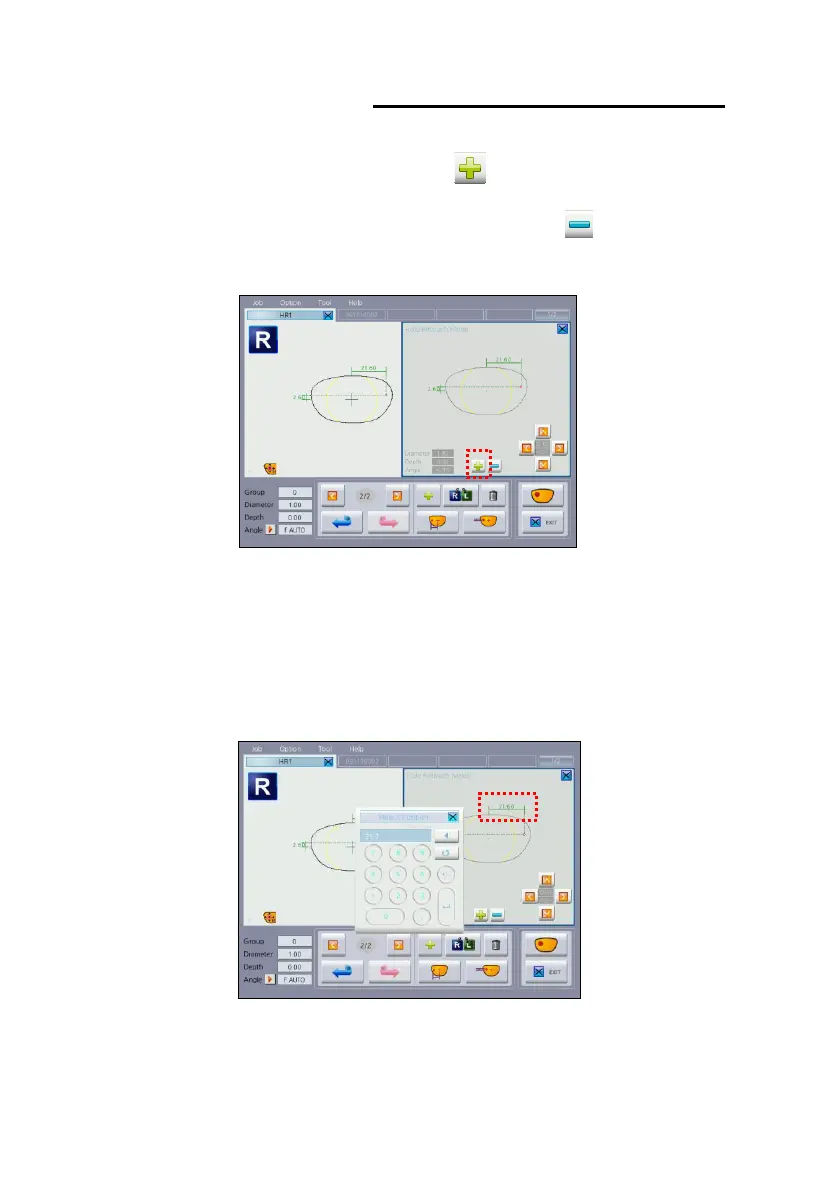
And then push the Retouch Add button( ) to add the selected hole to
the Hole Retouch Window. (Retouch Delete button( ) is opposite
function of the Retouch Add button)
To adjust hole position, press the hole position value displayed on the
window and change the value using the numeric keypad.
With the aid of Hole Position Adjustment buttons located bottom right of
the window, user can adjust hole position while watching the screen.
(Adjustment Range : Previous value±1mm)



 To Next Page