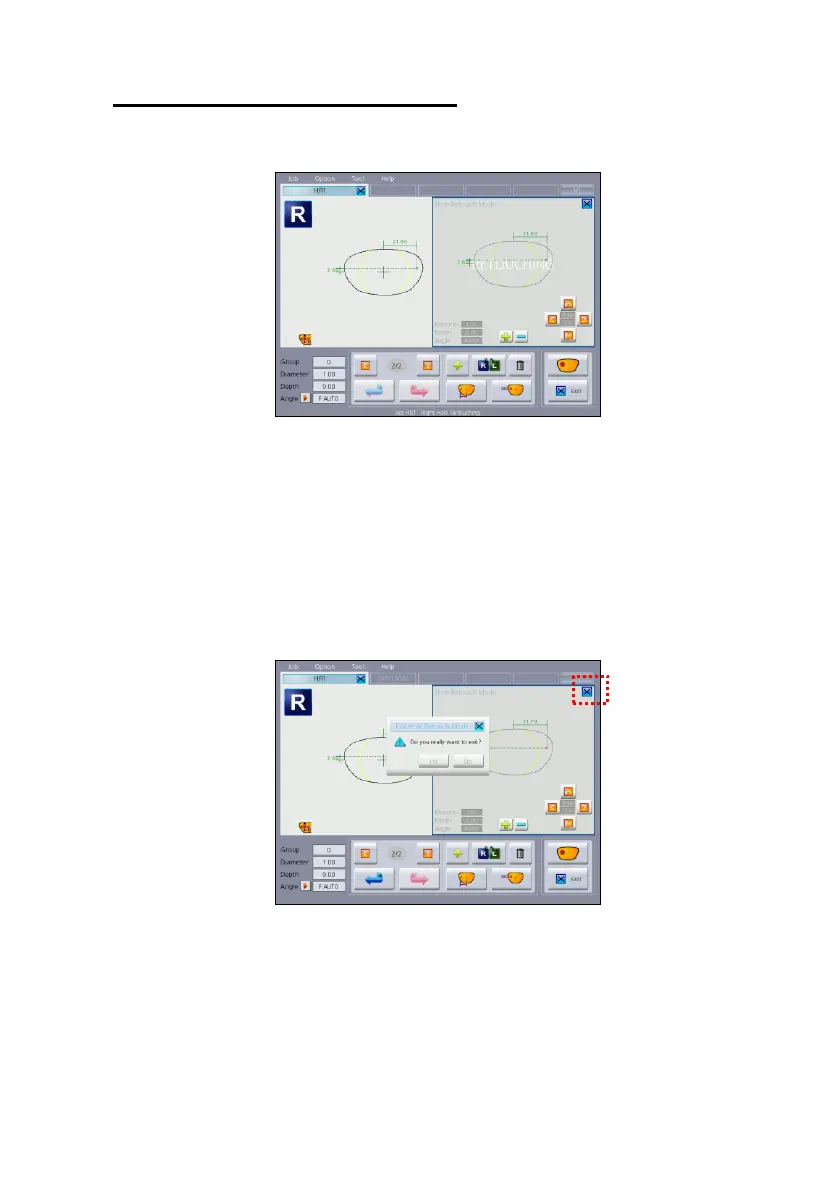
(5) Exit Hole Retouch Mode
Press the exit button to quit the Hole Retouch Mode.
If the Hole Retouch Window disappeared, all hole adjustment data are
deleted. So caution is needed. (However, newly added hole data in the
Hole Retouch Mode is not deleted)



 To Next Page