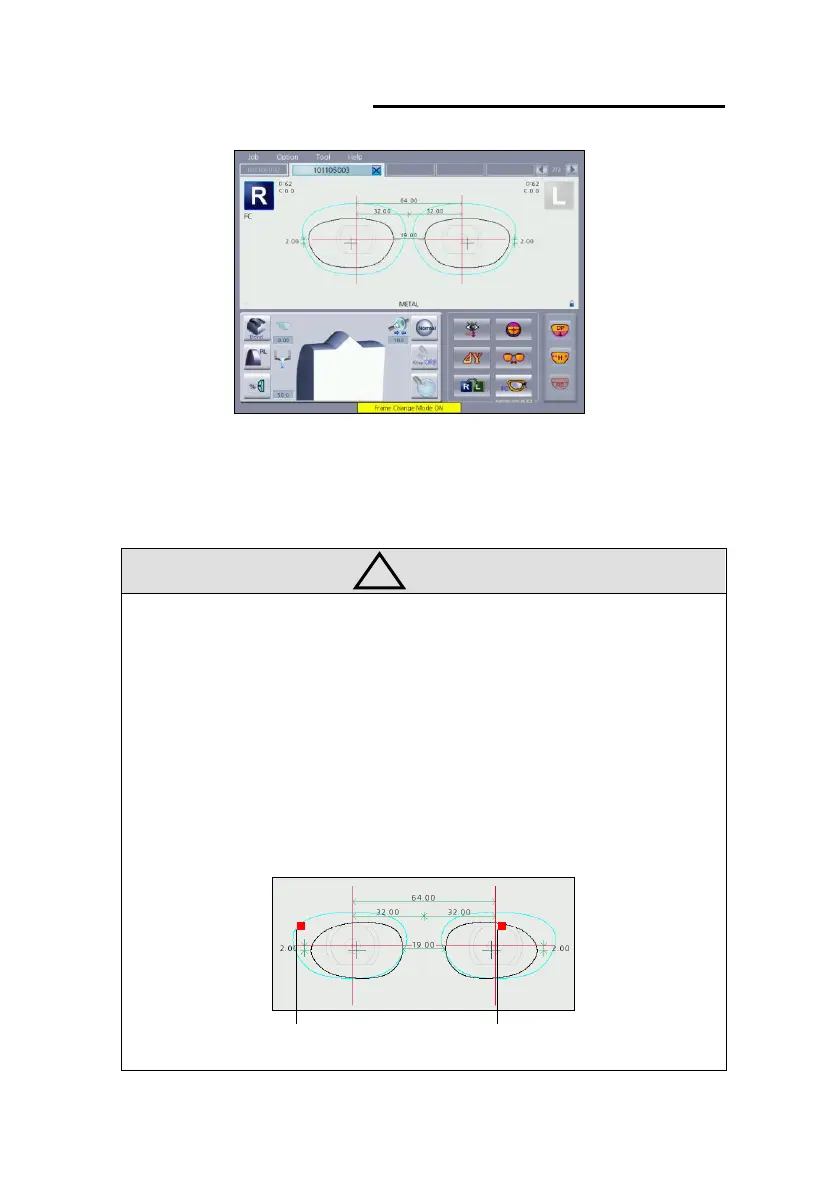
• How to frame change
(1) Tracing old lens in the frame reader. (the lens blocked at optical center)
(2) Register the job received from frame reader to frame change lens.
(3) Select new job to processing and turn on frame change option in the
layout button area.
(4) The rest process is the same as normal lens process.
• In the frame change mode, the old lens and the new lens are displayed at the
same time.
Old lens New Lens



 To Next Page