Excelon XD/XQ Operator’s Manual 91
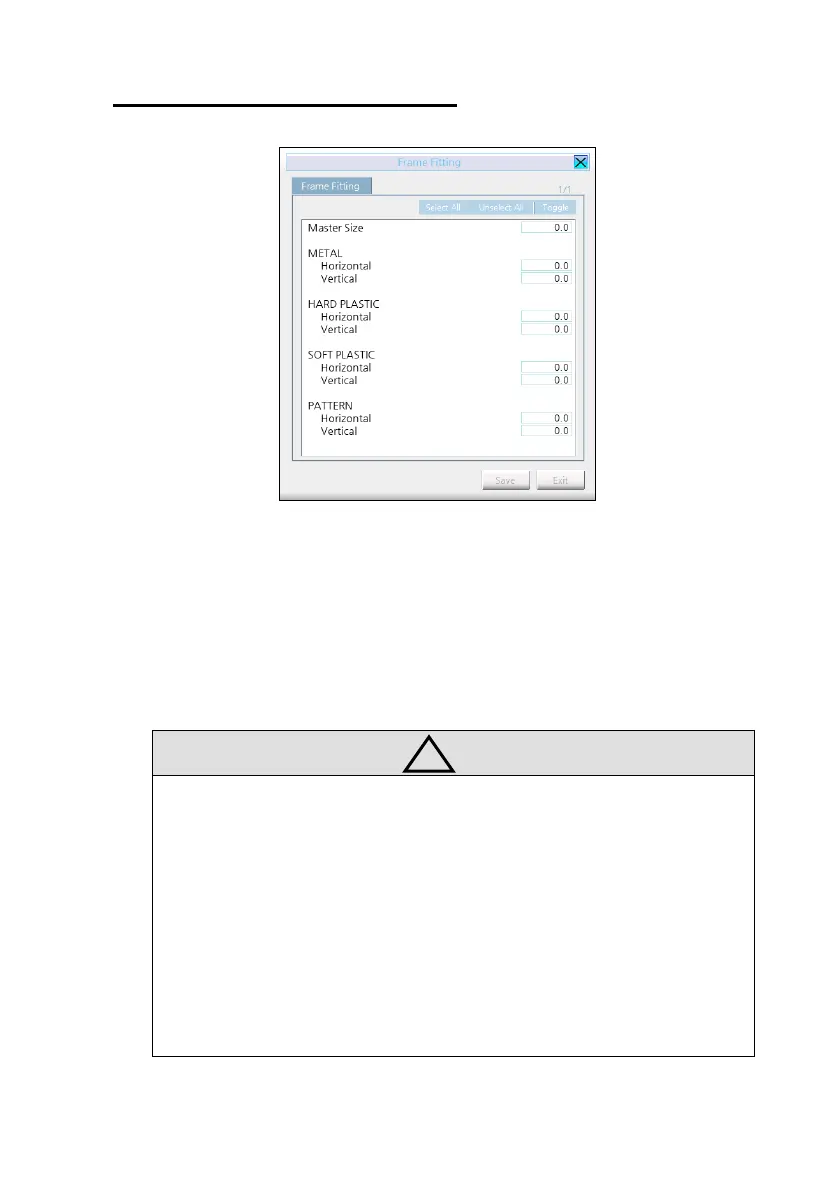
• How to setup frame fitting values
(1) Trace the frame with Frame Reader
(2) Execute the edging process with Mid-Index Lens (low diopter lens preferred)
and carry out the fitting with the edged lens.
(3) In case the edged lens is bigger than the frame, adjust the value to ‘-‘ (minus).
In case the edged lens is smaller than the frame, adjust the value to ‘+’ (plus).
• Input each size variation value to all the frame material. (Input horizontal value
and vertical value separately)
• Remember that these adjusted values are applied in diameter. (unit : mm)
• Using the “Master Size”, the operator can set up the adjustment value for all
frame materials simultaneously.
• To input right and left frame fitting value separately, turn on the “Separate
Frame Fitting R/L” option.



 To Next Page