2.4
MANUAL MODE
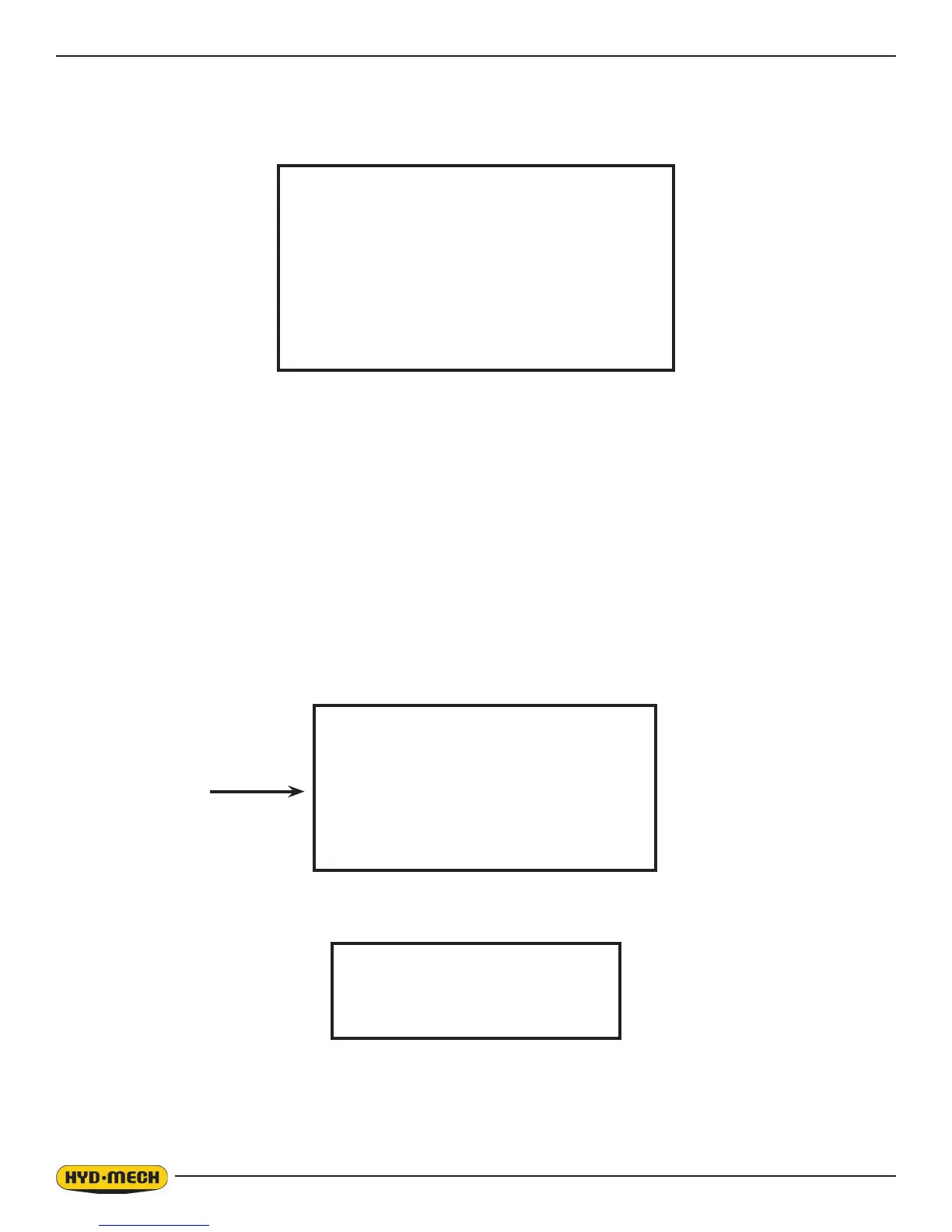
MANUAL MODE is the default mode. All functions are enabled when in MANUAL MODE. The screen will look as follows:
SINGLE CUT MODE OPERATION
In MANUAL mode, the PLC allows the operator to initiate a SINGLE CUT MODE to cut one piece at a desired length. To
accomplish this, follow the procedure below.
1. A trim cut should be made before initiating the SINGLE CUT MODE operation
2. Make sure the front vise is in the closed position.
3. Make sure the head is set so that the blade is above the material.
4. ENTER LENGTH will be ashing. Key in the desired length up to 214” (5436 mm) using the numeric keypad and
press enter.
5. Cycle start will be ashing in the display window.
6. Press the cycle start pushbutton. The pushbutton lights and the Material Height Prompt Screen appears.
MANUAL MODE
BLADE SPEED 0 SFM
FEED RATE 0” / M
LENGTH 0”
SHUTTLE OVERTRAVELLED
DISPLAY NOT REFERENCED
SET MATERIAL HEIGHT
AND PRESS ENTER
SINGLE CUT MODE
BLADE SPEED 0 SFM
ENTER LENGTH 0”
LENGTH 0”
“SHUTTLE OVERTRAVELLED - DISPLAY NOT REFERENCED”
Will show only if the shuttle end of stroke limit switch is activated. To reference
length display move the shuttle to home position.


 To Next Page