2.7
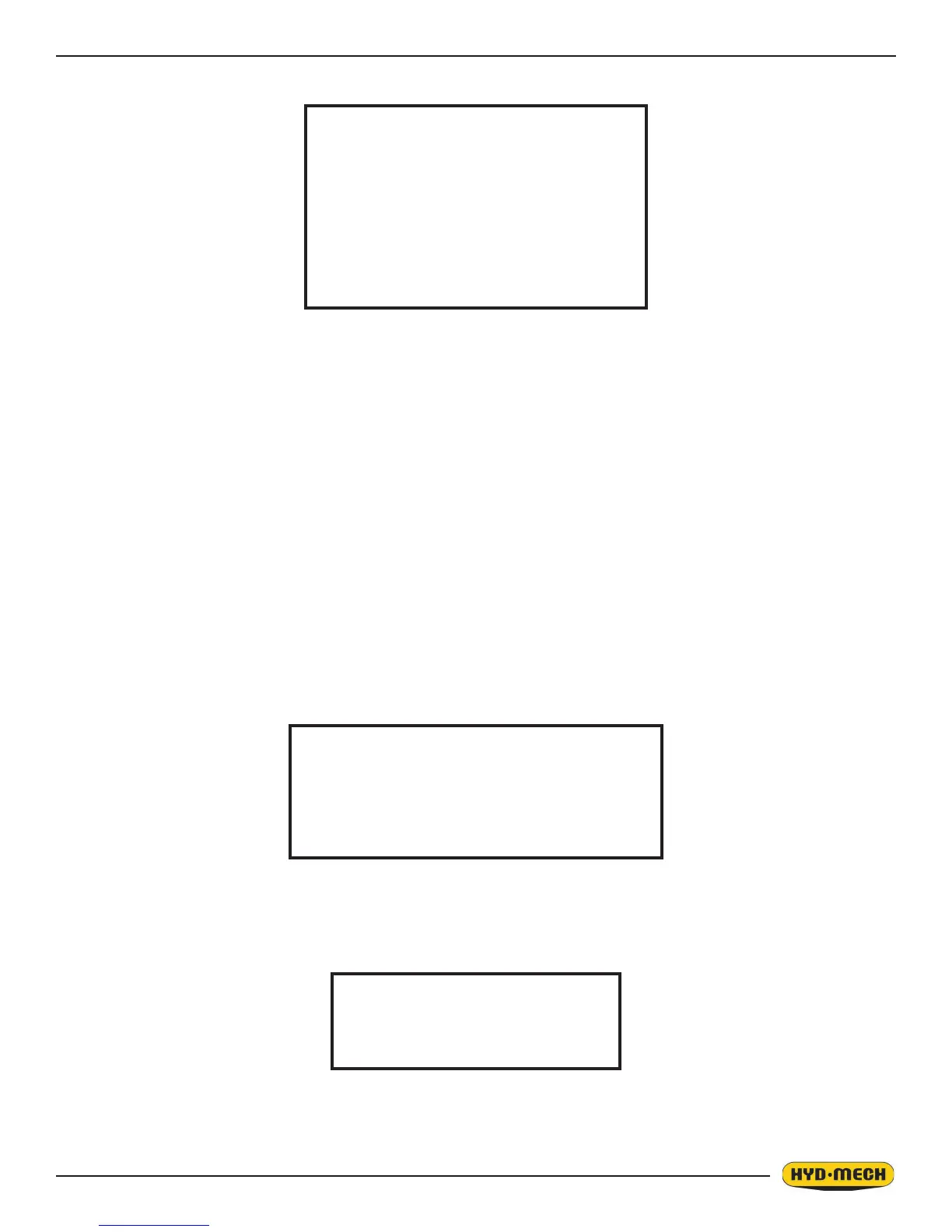
When the AUTO CYCLE commences, the screen will change to the “Auto Mode Status” screen
and the following events will take place:
1. A trim cut will be performed.
2. After the trim cut, the shuttle will advance the material to the LENGTH value.
3. The saw will now cut the material to the LENGTH value compensating for the thickness of the blade.
4. Steps 2 and 3 will be repeated for the given number of pieces to be cut.
5. At the completion of the job, the machine will shut off.
NOTES: 1. The CYCLE PAUSE key is used to pause a job in progress. To resume the job, press the CYCLE
START key and the AUTO CYCLE will resume.
2. If PIECES CUT equals or exceeds NUMBER OF PIECES, AUTO CYCLE will not start.
WORKING WITH A QUEUE
The purpose of a QUEUE is to allow the operator to run several jobs (maximum of 5) in series if they are of the same
material and shape.
To run a QUEUE, it is necessary to program in all job values as is done with programming a single job. After the
jobs are programmed in, press QUEUE, press CLEAR to clear the QUEUE, and enter the desired JOB #’s in the
desired sequence.
To run the QUEUE press CYCLE START. The pushbutton lights and the Material Height Prompt Screen
appears.
AUTOMATIC MODE
JOB# X IN PROGRESS
BLADE SPEED 0 SFM
FEED RATE 0” / M
PIECES REQUIRED 0
PIECES CUT 0
LENGTH 0”
JOB A # xxxREQ XXXPCS LENGTH XXXXX
JOB B # xxxREQ XXXPCS LENGTH XXXXX
JOB C # xxxREQ XXXPCS LENGTH XXXXX
JOB D # xxxREQ XXXPCS LENGTH XXXXX
JOB E # xxxREQ XXXPCS LENGTH XXXXX
SET MATERIAL HEIGHT
AND PRESS ENTER


 To Next Page