2.6
PROCEDURE FOR EDITING OR STARTING A NEW JOB IN AUTO MODE
1. In AUTO mode, key in a job number from 0 to 99, the number of pieces to be cut, the number of pieces already
cut, and the length, pressing enter after each value. If the number of pieces cut equals or exceeds the number re-
quired, the cycle will not start. If the job number has previously been programmed, the number of pieces, length,
and number cut will be displayed. To navigate through the values, use the cursor keys. The values displayed may
be edited by using the numeric keypad and pressing enter. The job will then be stored in memory with the new
values.
The job is now ready to start to run or other jobs can be programmed at this time. To run a certain job, press the
QUEUE key and then CLEAR to clear the QUEUE. Move the cursor to the 1
st
job and key in the desired JOB #.
2. After the values are entered, press the CYCLE START button. The pushbutton lights and the Material Height
Prompt Screen appears.
3. Set the material height using the Head Up & Head Down push buttons and then press enter. Position the blade
about 3/8” above material.
4. The switch will illuminate, the display window will prompt you to start the blade for a trim cut (if the “Trim Cut”
parameter has been selected).
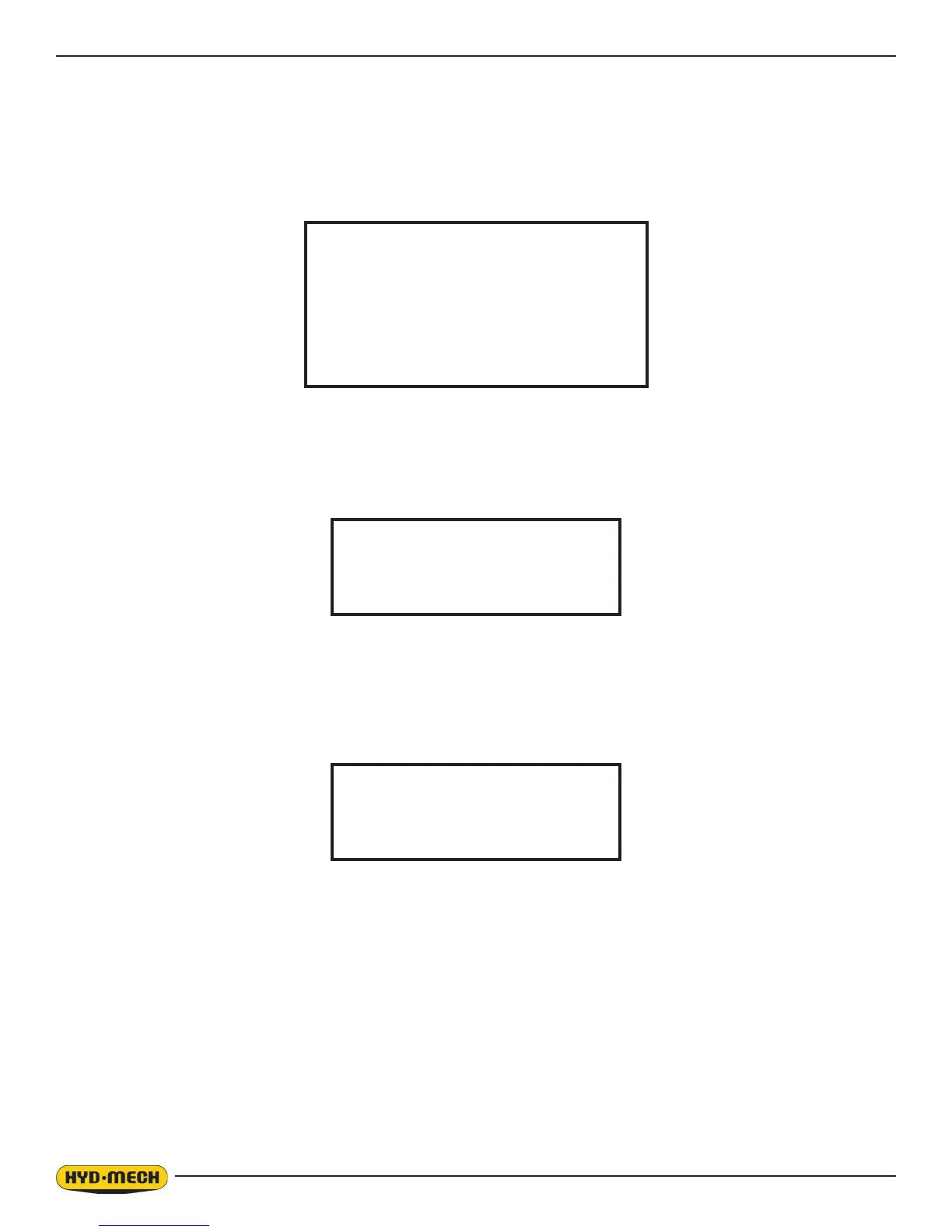
AUTOMATIC MODE
JOB# 0
PIECES REQUIRED 0
PIECES CUT 0
LENGTH 0”
JOB DISPLAY
SET MATERIAL HEIGHT
AND PRESS ENTER
START THE BLADE
FOR TRIM CUT


 To Next Page