13
2. Operation Panel
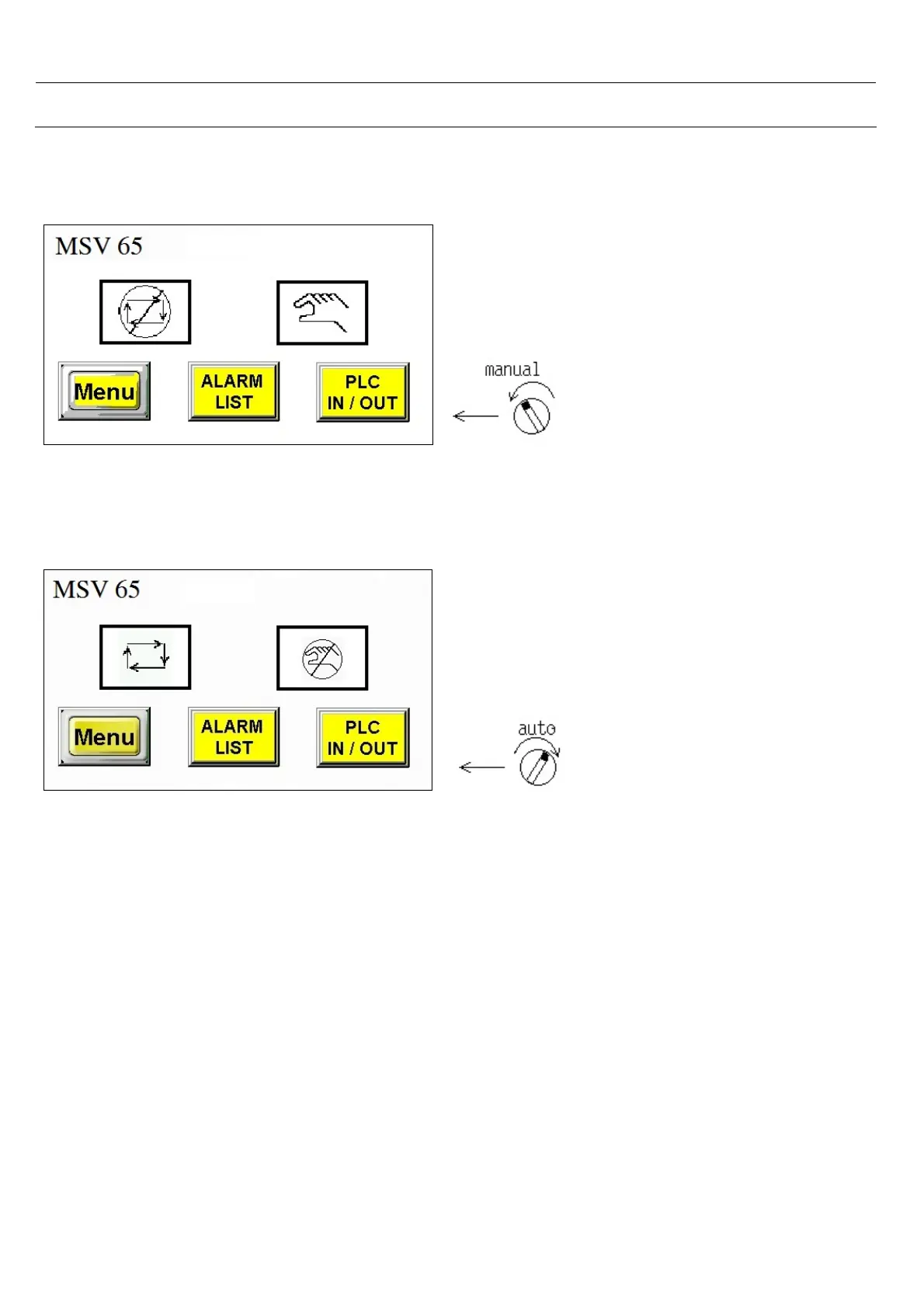
2.2 Select Manual / Auto mode
Select manual mode and see that is impossible to
use auto mode.
Possible to enter parameters, alarm history and
plc I/O screen.
Don’t select manual mode and don’t enter
parameters screen if CNC and bar feeder are
running in auto mode, it can be dangerous.
Select auto mode and see that is impossible to use
manual mode.
Possible to enter parameters, alarm history and plc
I/O screen.



 To Next Page