I f the bell icon is enabled the lum inom et er will begin beeping every
10 seconds for 1 m inute as a warning befor e tur ning off. For exam ple,
if t he Standby Mode t im e is set t o 20, then if the lum inom eter is not
used for 19 m inutes it will start to beep every 10 seconds for 1 m inute.
I f no act ion is t aken t he lum inom eter will t ur n off. I f any button except
the power but t on is pressed the count down will restar t .
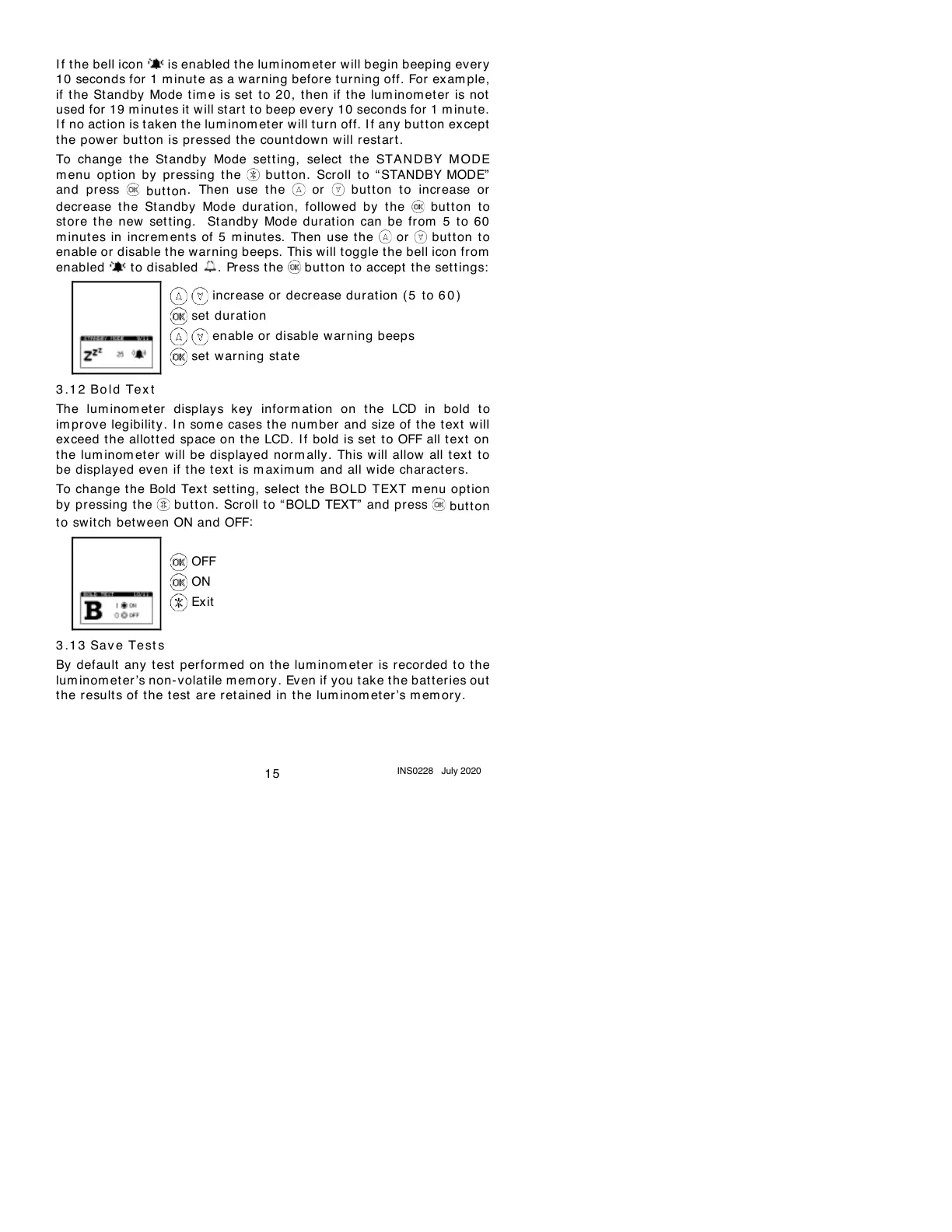
To change t he Standby Mode setting, select t he STAND BY M ODE
m enu opt ion by pressing t he but t on. Scroll t o “ STANDBY MODE”
and press
but t on
. Then use t he or but ton t o incr ease or
decr ease t he St andby Mode durat ion, followed by the button to
st ore t he new set t ing. St andby Mode dur at ion can be fr om 5 t o 60
m inut es in incr em ents of 5 m inut es. Then use the or but t on t o
enable or disable t he warning beeps. This will toggle t he bell icon from
enabled to disabled . Press t he but t on to accept the sett ings:
3 .1 2
Bo l d Tex t
The lum inom eter displays key inform ation on the LCD in bold to
im pr ove legibilit y . I n som e cases the num ber and size of t he tex t will
exceed the allot t ed space on the LCD. If bold is set to OFF all t ext on
the lum inom eter will be displayed norm ally. This will allow all tex t to
be displayed even if t he tex t is m axim um and all wide charact ers.
To change t he Bold Text setting, select t he BOLD TEXT m enu option
by pressing t he butt on. Scroll t o “ BOLD TEXT” and press
button
to switch bet ween ON and OFF
:
3 .1 3
Sav e Te st s
By default any t est perfor m ed on t he lum inom et er is recorded to t he
lum inom eter’s non- volatile m em ory. Ev en if you t ake t he bat teries out
the result s of the t est are retained in t he lum inom eter ’s mem ory.



 To Next Page