Finally ensure that t he black rubber RS232 cover is t ucked in under
the lip and t hat the lid can be fully closed. ( see sect ion 5.6) .
7 .
Tr o u b l es h o o t i n g
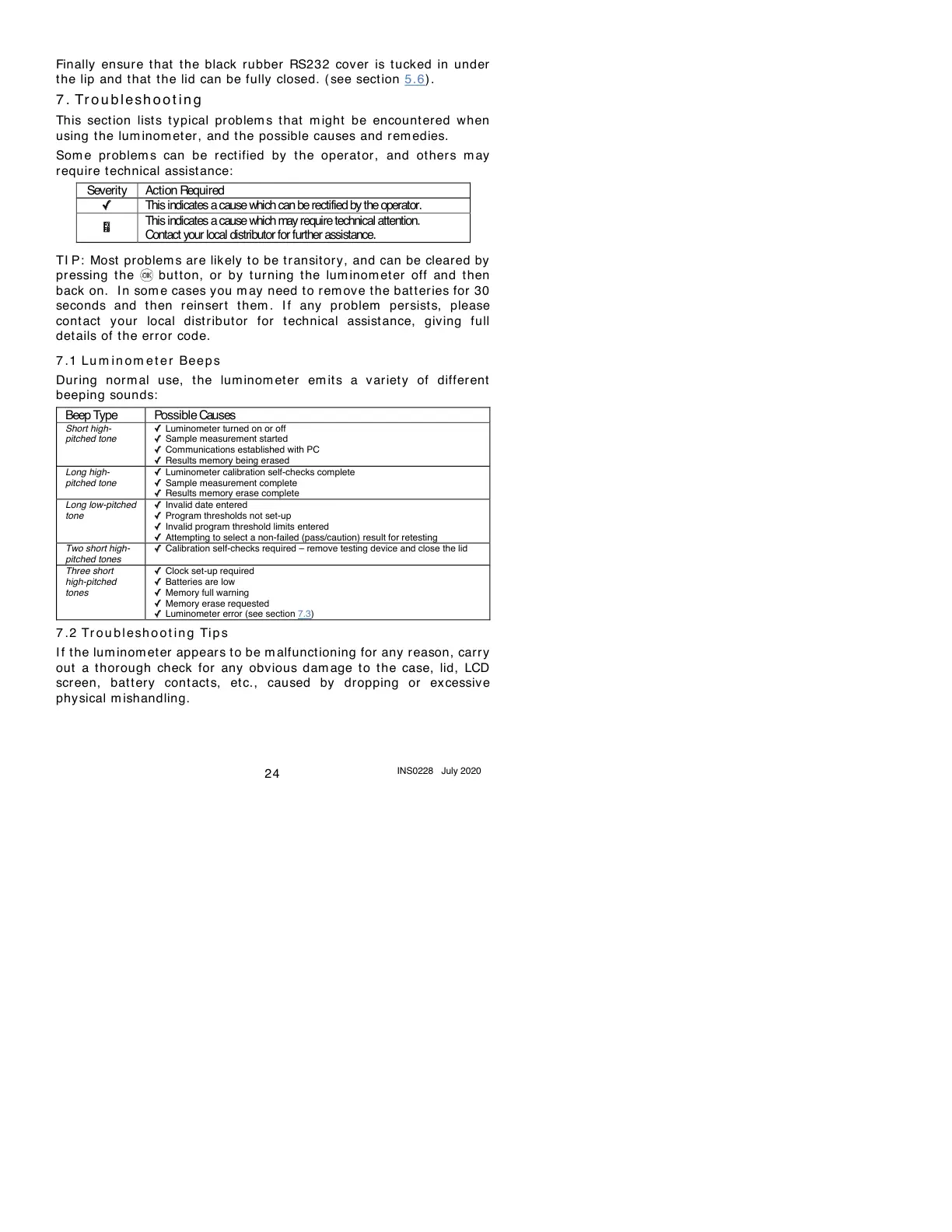
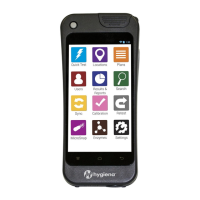
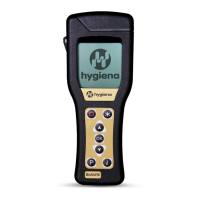
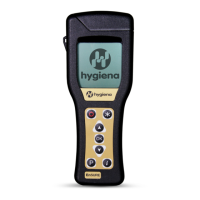
This sect ion list s t ypical pr oblem s that m ight be encount ered when
using t he lum inom et er, and the possible causes and remedies.
Som e problem s can be rect ified by the operat or, and ot hers m ay
require t echnical assist ance:
This indicates a cause which can berectified by the operator.
This indicates a cause which may require technical attention.
Contact your local distributor for further assistance.
TI P: Most problem s are likely to be tr ansitor y, and can be cleared by
pr essing the but ton, or by tur ning t he lum inom et er off and then
back on. I n som e cases you m ay need t o rem ove t he bat t eries for 30
seconds and t hen r einser t t hem . I f any problem persists, please
cont act your local distribut or for t echnical assist ance, giving full
det ails of t he error code.
7 .1
Lu m i n om et e r Be e p s
During norm al use, t he lum inom eter em it s a v ariety of different
beeping sounds:
✓
Luminometer
turned
on
or
off
✓
Sample
measurement
started
✓
Communications
established
with
PC
✓
Results
memory
being
erased
✓
Luminometer
calibration
self-checks
complete
✓
Sample
measurement
complete
✓
Results
memory
erase
complete
✓
Invalid
date
entered
✓
Program
thresholds
not
set-up
✓
Invalid
program
threshold
limits
entered
✓
Attempting
to
select
a
non-failed
(pass/caution)
result
for
retesting
Two
short
high-
pitched
tones
✓
Calibration
self-checks
required
–
remove
testing
device
and
close
the
lid
Three
short
high-pitched
tones
✓
Clock
set-up
required
✓
Batteries
are
low
✓
Memory
full
warning
✓
Memory
erase
requested
✓
Luminometer
error
(see
section
7.3)
7 .2
Tr o u b l e sh o o t i n g Ti p s
I f t he lum inom eter appears t o be m alfunct ioning for any reason, carr y
out a t horough check for any obvious dam age to the case, lid, LCD
screen, bat t ery cont acts, etc., caused by dropping or excessive
physical m ishandling.


 To Next Page