EasyManua.ls Logo

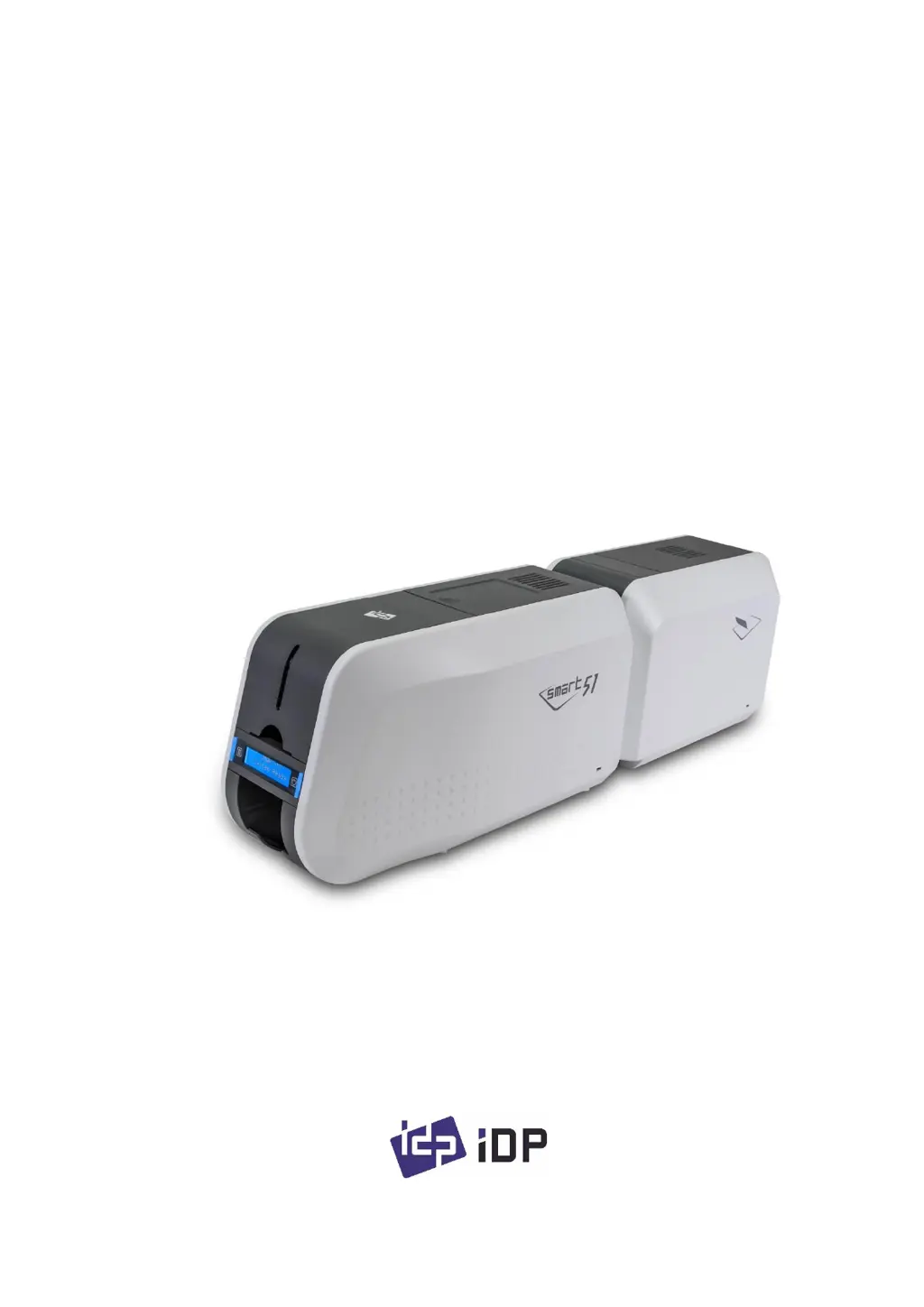
idp SMART-51D - User Manual

idp SMART-51D
96 pages
Print Icon
To Next Page IconTo Next Page
Loading...
1
User Manual
SMART Series
SMART-51S, SMART-51D, SMART-51L

Table of Contents

Questions and Answers

  • C
    Charles MatthewsAug 31, 2025
    What does 'MAG R/W Error' mean on my idp SMART-51D Printer and how can I fix it?
    • J
      James ClarkAug 31, 2025
      If your idp Printer displays 'MAG R/W Error', check the following: * Check the surface and direction of the magnetic card. * Check the coercivity of the magnetic card and encoding configuration. * Check the rollers, encoder, and cards, and clean them if they are polluted.
  • Z
    Zachary PerryAug 30, 2025
    How to fix unclear prints from my idp Printer?
    • K
      Kara McintoshAug 30, 2025
      If you're getting unclear or not uniform prints from your idp Printer: * The card surface may be uneven or bad. Change the card. * The printer head may be contaminated with dust and dirt. Clean the printer head with a cleaning kit.
  • M
    Mark JenningsAug 29, 2025
    What does 'Card Out Error' mean on my idp SMART-51D and how to fix it?
    • J
      Joseph LeeAug 29, 2025
      If your idp Printer shows a 'Card Out Error': * Remove a card if the ribbon is attached. * Check the rollers and cards, and clean them if they are polluted. * Check the operating state of the card feeding rollers and sensors.
  • B
    Barry ChavezAug 28, 2025
    What does 'CardMove Ext Err' mean on my idp SMART-51D and how can I fix it?
    • D
      Derrick JohnsonAug 28, 2025
      If your idp Printer displays a 'CardMove Ext Err' message: * Check the rollers and cards, and clean them if they are polluted. * Check the operating state of the card feeding rollers and sensors.
  • L
    Lauren MorganAug 27, 2025
    How to troubleshoot a Card Transfer Error with ribbon coiled around the roller in my idp SMART-51D?
    • A
      Alyssa MorrisAug 27, 2025
      If you encounter a Card Transfer Error in your idp Printer with the ribbon coiled around the transfer roller or printing roller: * Change the cards. Use only ISO CR-80 cards (54mm x 86mm). * Check if the transfer roller or the printing roller is contaminated with dust and dirt. * Adjust the operating environment of the printer.
  • J
    Jessica White DDSAug 27, 2025
    Why is my idp Printer not printing or printing wrong colors?
    • B
      brewerbrittneyAug 27, 2025
      If your idp Printer is not printing or is printing wrong colors: * The card surface may be contaminated with dust and dirt. After checking the card, change it to another card. * The cleaning roller may be contaminated with dust and dirt. Check the cleaning roller; if there is much dust, change it to a new one. * There may be much dust in the printer. Clean the inside of the printer with the cleaning kit.
  • S
    Shawn RamirezAug 25, 2025
    What causes a 'Card In Error' on my idp SMART-51D and how to resolve it?
    • G
      Gary OrtegaAug 26, 2025
      If you're getting a 'Card In Error' message on your idp Printer, here are a few things to check: * Verify the card thickness and adjust the card thickness control lever. * Ensure cards are not sticking together due to static electricity. * Clean the Hopper roller and cleaning roller.

idp SMART-51D Specifications

General IconGeneral
Brandidp
ModelSMART-51D
CategoryPrinter
LanguageEnglish

Related product manuals