Troubleshootingp.60
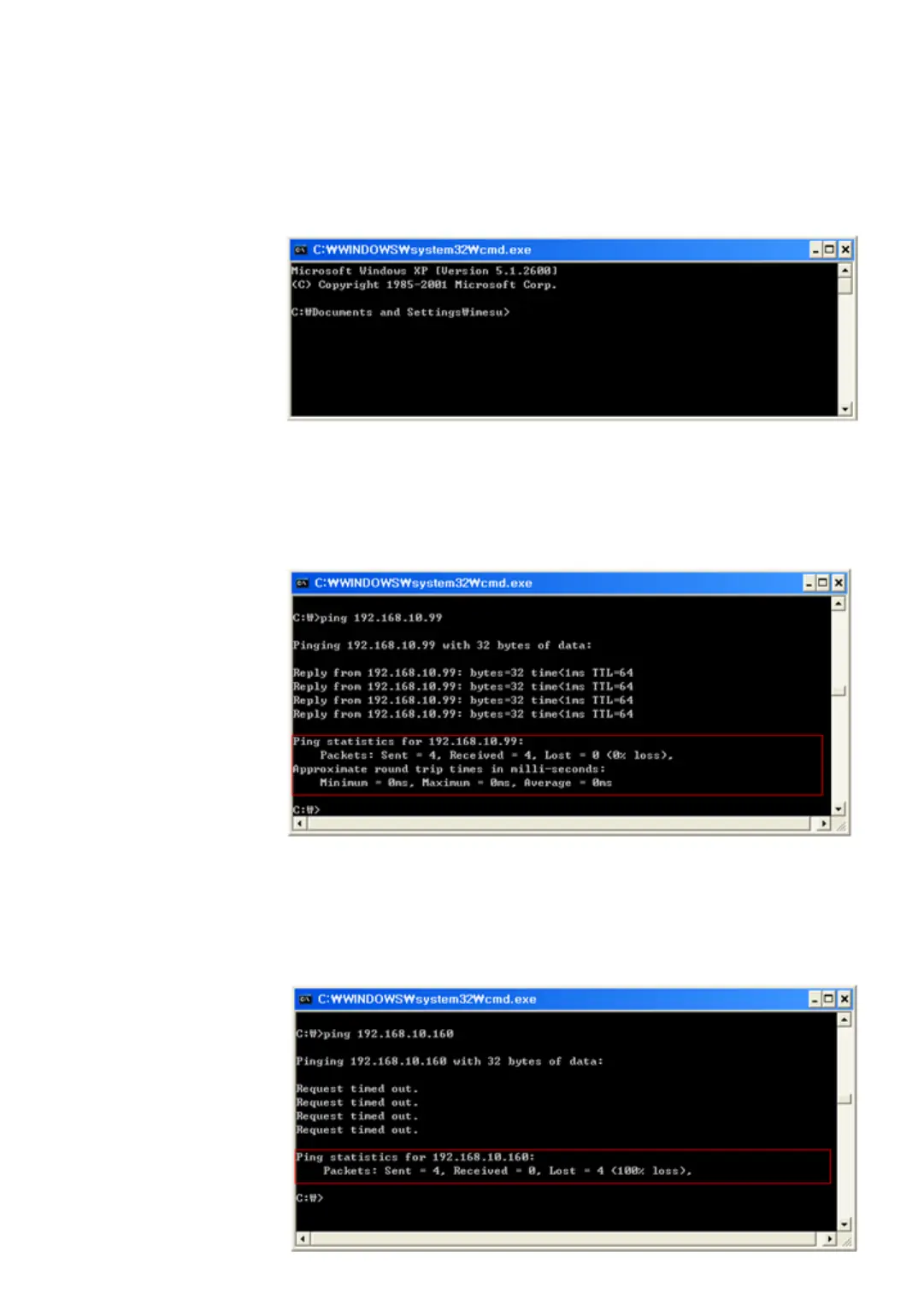
WINDOW START RUN window Input ‘cmd’ and click ‘OK’ button then MS-D
OS window is displayed as below.
Ping test of iMDC-MAIN or iMDC-RIM installed by users is progressed in M
S-DOS window. If It’s normal status, the message below is displayed.
If network condition is not stable or network is set wrongly, fail message w
ill be displayed as below.



 To Next Page