p.43iMDC-RIM IP ADDRESS SETTING
Sub-net Mask Insert sub-net mask address for iMDC-MAIN board.
Gateway Insert gateway address for iMDC-MAIN board.
DNS Server Address Insert DNS address for iMDC-MAIN Board.
Communication Server
IP
Insert IP address of PC installed Communication Server. Same as the one us
ed for Site Setting section.
Communication Server
Port Number
Insert port number to connect iMDC-MAIN and communication server. Def
ault is 6001.
RIM Board Port Numbe
r
Insert port number to connect iMDC-MAIN and iMDC-RIM Board. Default i
s 6005.
P2P(Peer to Peer) Port Insert port number to connect iMDC-MAIN. Default is 6002.
Column Name Description
6. After iMDC-MAIN setting is finished check all of settings in the first column then click th
e ‘iMDC Network Setting’ button to transmit input information to iMDC-Main.
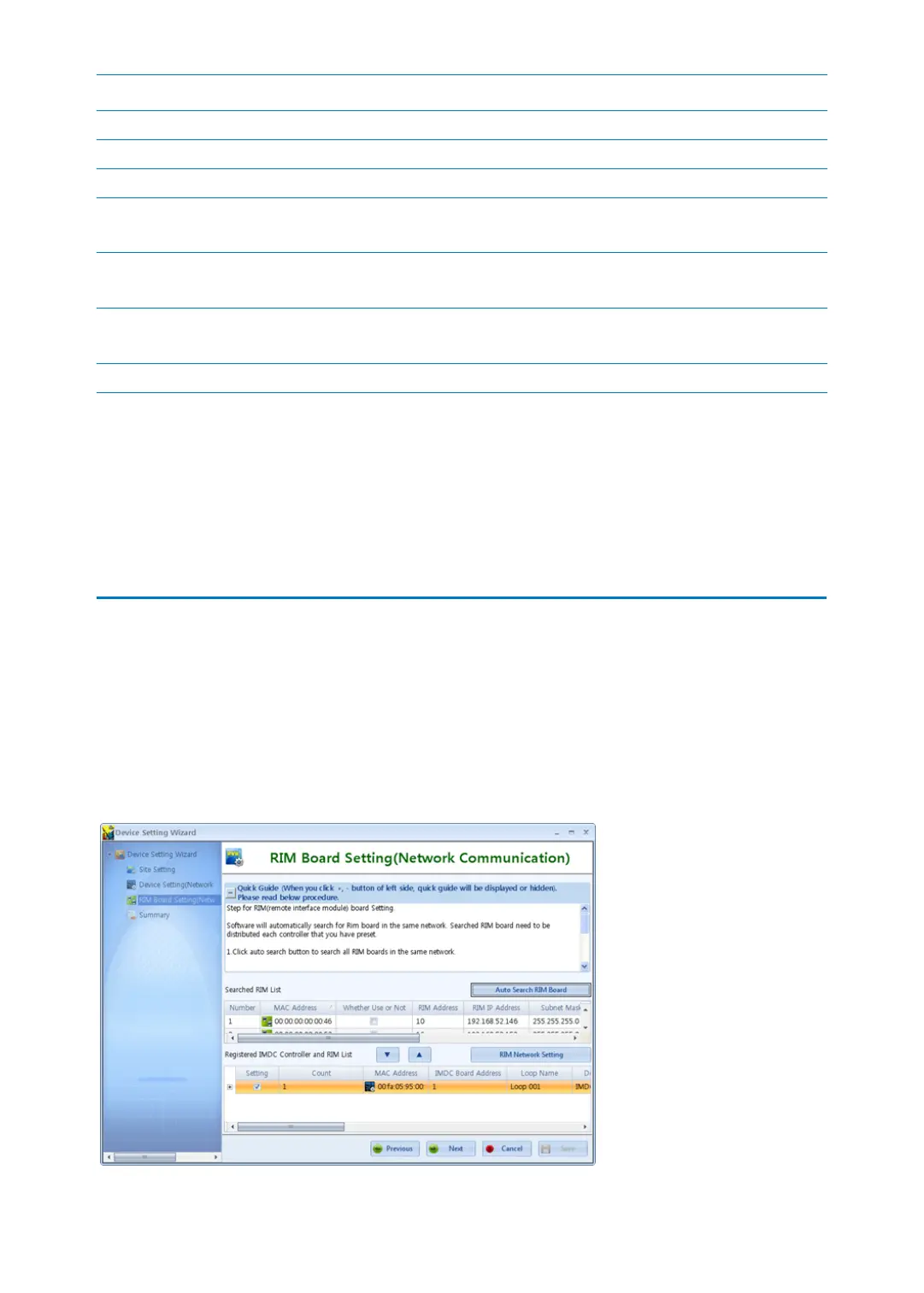
3 iMDC-RIM IP ADDRESS SETTING
1. It’s iMDC-RIM board network information setting. All iMDC-RIMs are searched on the s
ame network and then, set Device Name, RIM Board IP address, Sub-net Mask, Gatewa
y, and DNS Address to the applicable iMDC-RIM board. Click the ‘Auto Search RIM Boar
d’ button then all of the iMDC-RIM boards connected on the same network is searched.
Select the iMDC-RIM board you want to register and move down with drag and drop. R
efer to the table below for appropriate setting.



 To Next Page