3D sensor
30
9.3.8 Transmit process values of the level measurement via PROFINET
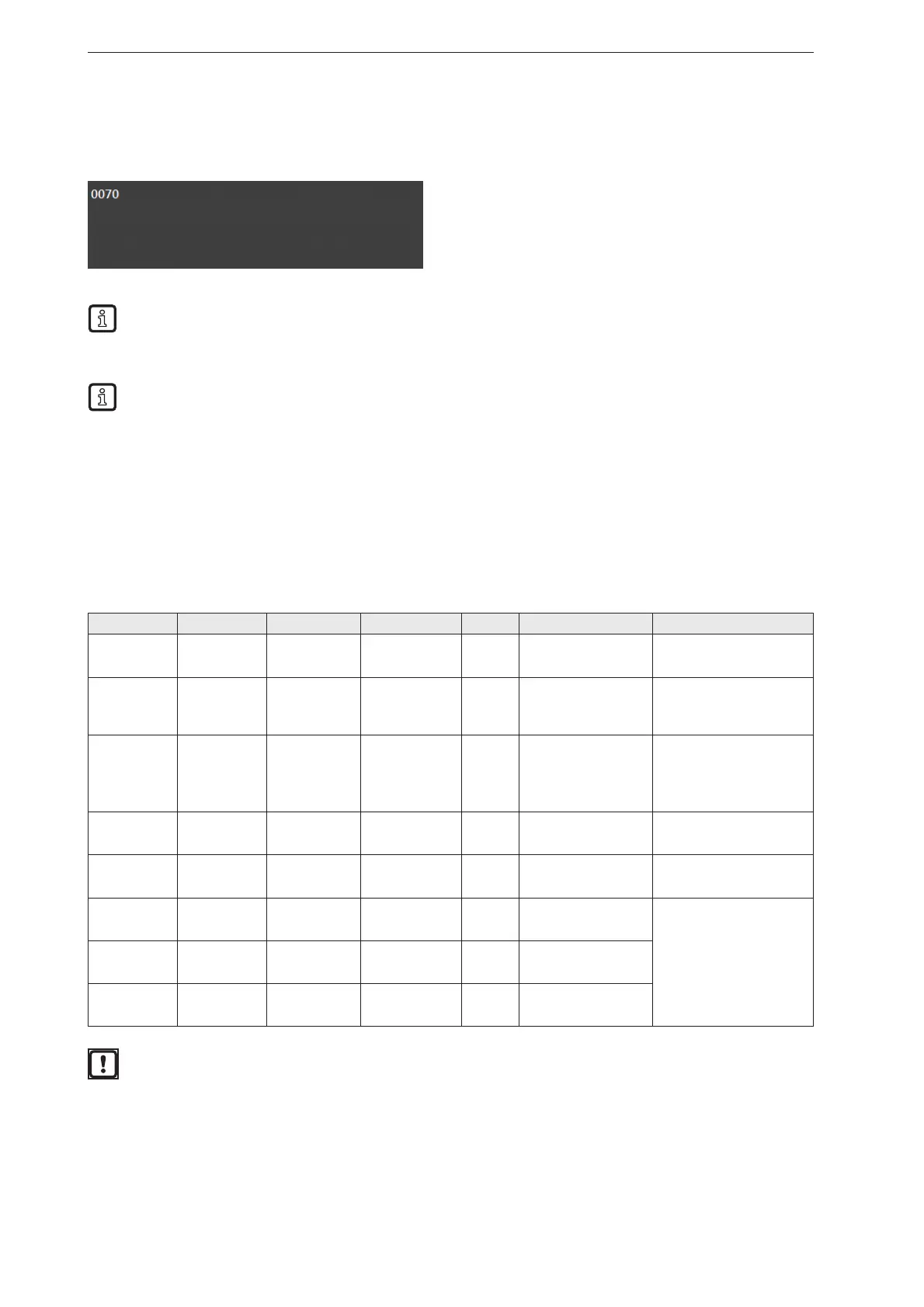
The device can transmit the process values to a PLC via the PROFINET fieldbus. The process values are
displayed in the ifm Vision Assistant as output string as below:
Only one fieldbus can be active at a time. The fieldbus is adjustable (→ software manual).
The output string is transferred to a PLC in the displayed sequence.
Observe the following remarks for the transmission of the output string to a PLC:
● Bytes 0 to 7 are part of the output string. They are not displayed in the ifm Vision Assistant (see
screenshot above).
● Semicolons ";" in the output string are not transferred.
● Float values are converted into 16-bit integers before the transmission.
● All numerical values are converted into binary 16-bit integers before the transmission.
The output string is composed of the following:
0070
Byte no. Data Coding Process value Unit Description Comments
0 2#0010_0000 Binary
0.5
Duplicated
command word
Bit 0.5 shows a successful
trigger command
1 2#0000_0000 Binary
2 2#0000_0000 Decimal
Synchronous /
asynchronous
message
identification
3 2#0000_0000 Decimal
4 0 Decimal
30 Message counter
● The device has received
30 messages.
● Increments by 1 with
each action (trigger,
message sent etc.).
5 30 Decimal
6 0 Decimal
Reserved
7 0 Decimal
8 0 Decimal
0
Status of all ROIs
(0 = bad, 1 = good)
Shows the status of the
level measurement
9 0 Decimal
10 0 Decimal
0 ROI ID
ROI status:
0 = good
6 = overfill
7 = underfill
11 0 Decimal
12 0 Decimal
7 ROI status
13 7 Decimal
14 0 Decimal
0 mm ROI value
15 0 Decimal
Faulty execution of a command leads to the following status:
● Error bit = 1
● Duplicated command word is displayed
● Asynchronous message bit = 0
● Asynchronous message identification = 0
● Message counter increments by 1



 To Next Page