www.ikegps.com/quickstart Page 106 www.ikegps.com/support
Recognizing status icons
Status icons show the status of operations on your ike. Status icons and their functions are
listed in the following chart.
Tells you when the device is charging.
Tap to see how much battery power remains.
Tap to switch or close running programs.
For an additional list of icons and their functions, follow these steps:
1. Tap Start > Help > Contents.
2. Select Start Using Your Device screen.
3. Tap on the "What do those icons mean?" item.
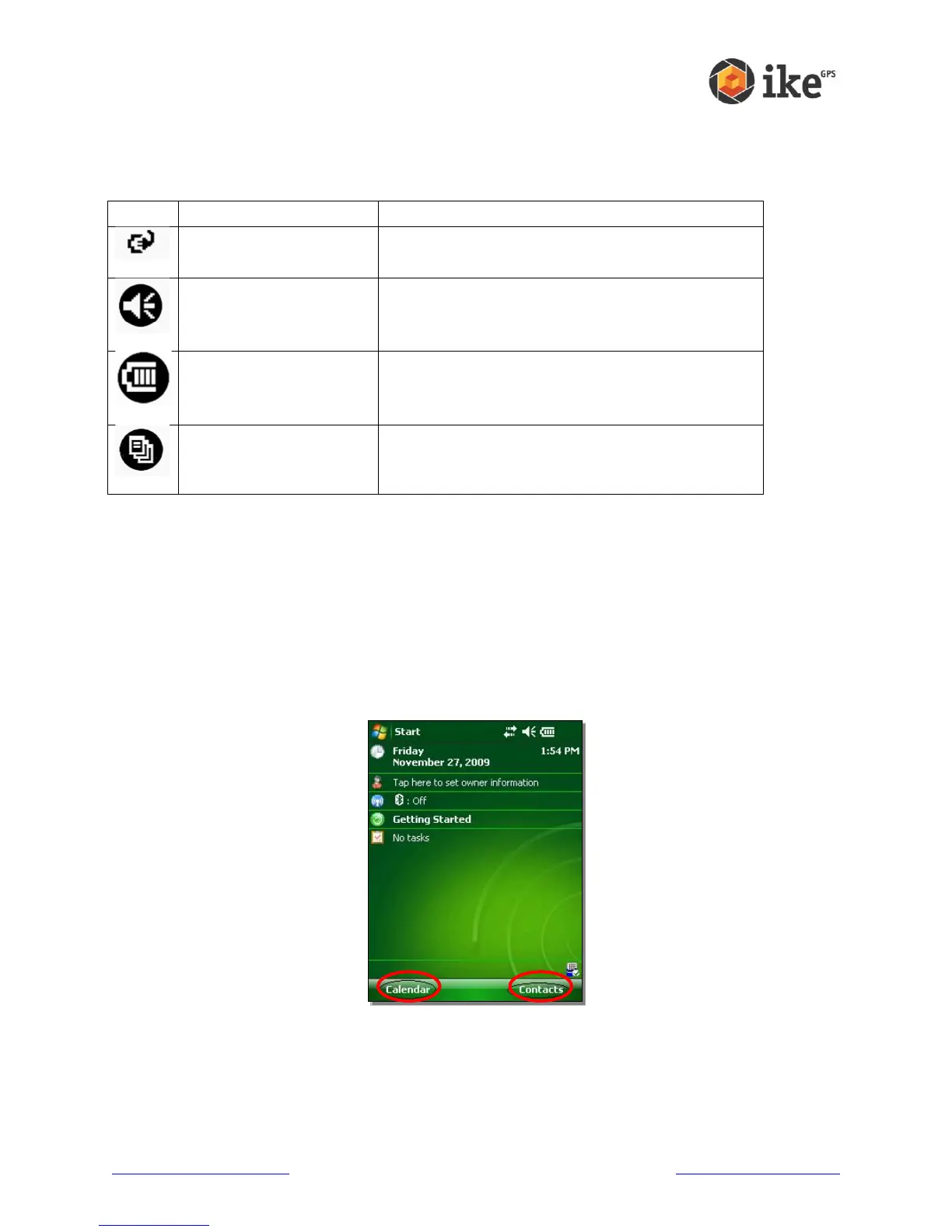
Recognizing soft keys
These context-sensitive keys appear as words, buttons, or tabs on the menu bar. Tap on
these keys to perform actions or open menus.
Here you see soft keys on the Today screen.



 To Next Page