www.ikegps.com/quickstart Page 95 www.ikegps.com/support
Step 4: Connecting to a desktop computer
Important: Read the following paragraph before moving connecting to a desktop computer.
If you have Microsoft Windows
®
Vista/7
™
/8
™
, you already have basic file
synchronization capability with your desktop computer without installing any additional
software. You can skip Steps 4 and 5. It is recommended that the latest version of
Microsoft Windows Mobile Device Center be installed to enable full data transfer facilities
between your Windows (32-bit or 64-bit) desktop operating system and the Windows
Mobile software installed on your ike unit.
Windows 8 users will also need to ensure that enable .NET Framework 3.5 from the
Control Panel “Turn Windows features on or off” options.
To access these basic sync options, connect your ike to the desktop computer using a
USB cable. For full synchronization support such as Microsoft Outlook
®
contacts, email,
calendar, notes, and tasks, download and install Windows Mobile Device Center
through Windows Update on the Start menu of your desktop computer.
If you have Windows
®
2000 or Windows
®
XP, Windows Mobile
®
6 requires that you use
Microsoft ActiveSync 4.1 or greater to connect to your desktop computer. ActiveSync
4.5 is available from the Microsoft website at
http://www.microsoft.com/download/en/details.aspx?id=15. Follow the next steps to
install Microsoft
®
ActiveSync
®
, which allows you to install programs onto your device
using a desktop computer.
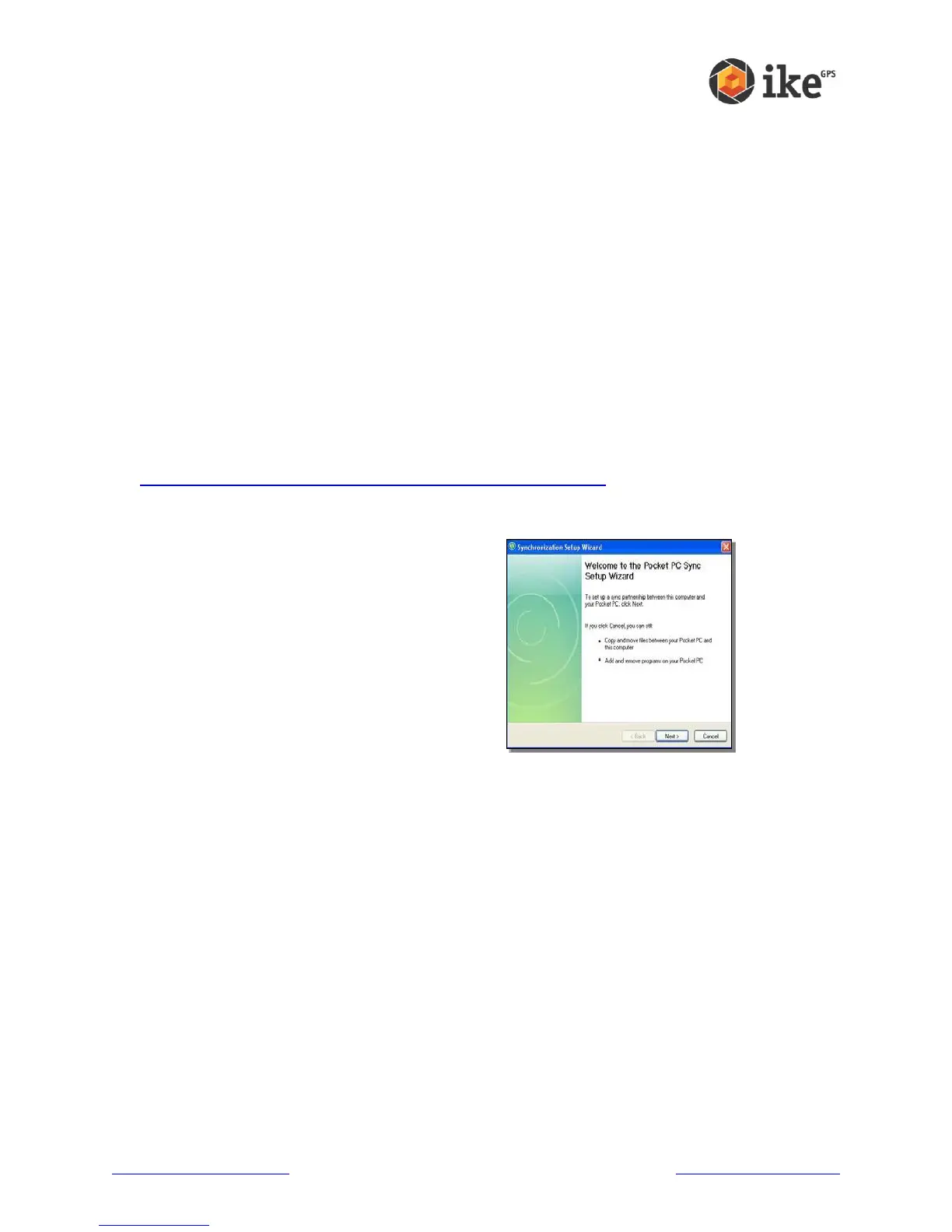
1. Ensure Microsoft ActiveSync 4.5 is
installed on your Windows XP desktop
2. Select your language.
3. If ActiveSync 4.5 or greater has not
been installed on your desktop
computer, follow the directions on the
screen to install it.
Note: Install ActiveSync before attaching the USB cable to the desktop or ike.
Step 5: Creating a connection to a desktop computer
1. Plug USB Client end (mini B) of the USB communications cable into the USB ‘B’ port of
your ike unit.
2. Plug the USB Host end (full size A) of the USB communications cable into a USB 2.0 or
1.0 port of your desktop/laptop computer.
3. Establish an Windows Mobile Device Center/ActiveSync partnership by following the
instructions on the desktop computer screen.
Note: The first time the ike unit is connected, Windows may take some time to
identify the new device, then download and install any necessary drivers before a
connection to the ike unit is made.
You are now ready to use your ike.



 To Next Page