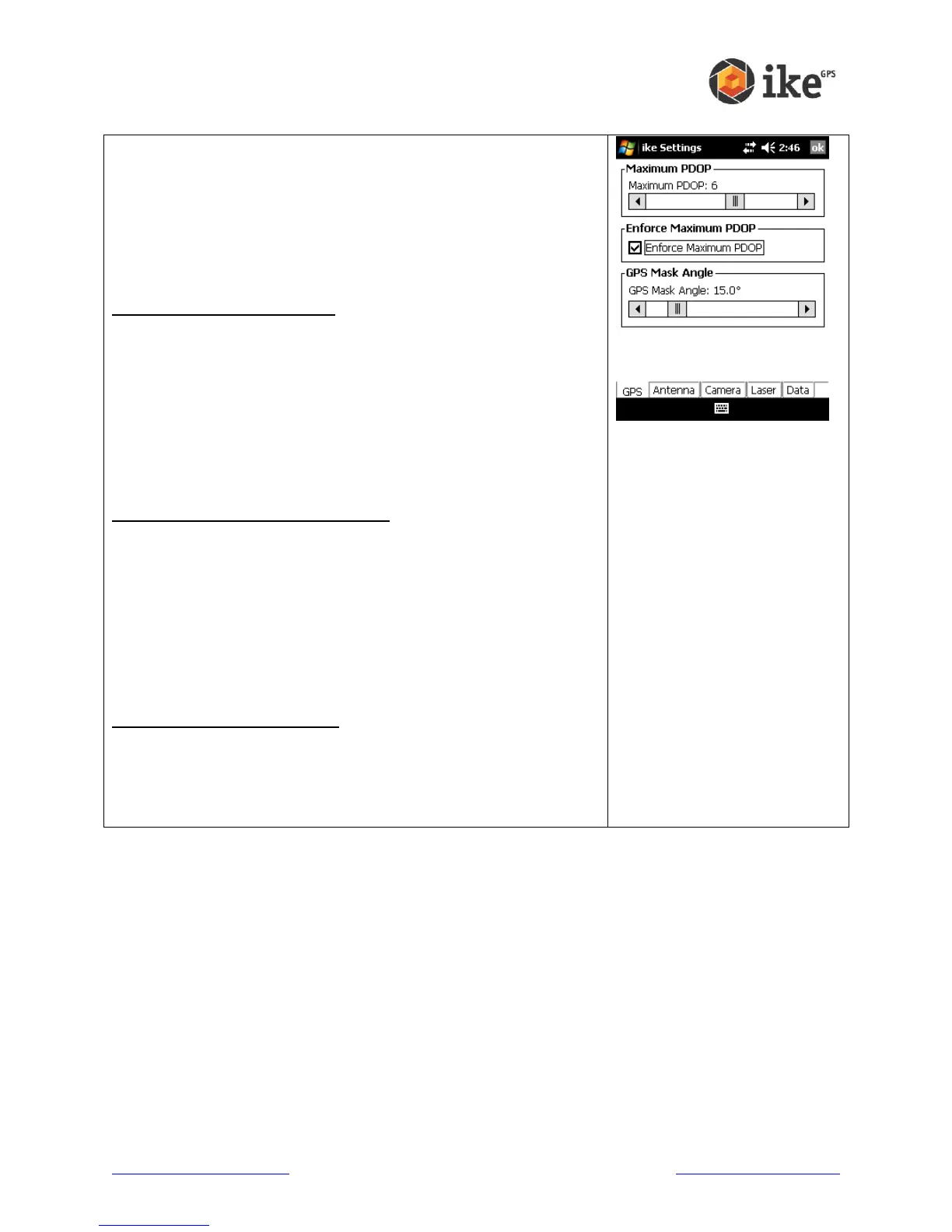
This screen allows you to view and change the settings that
affect how ikeGPS operates with GPS satellites.
GPS Position Dilution of Precision (PDOP) value is a measure
of the overall accuracy of the current position. The lower this
value is then the more accurate your GPS position is likely to
be. A value of 100.0 is displayed on the targeting preview
screen when PDOP cannot be calculated.
Maximum PDOP value slider
If the current PDOP reading is above the GPS Maximum PDOP
setting, a warning will be shown on the capture preview screen
by the display of an orange border around the PDOP reading.
The Maximum PDOP setting can be adjusted by sliding the
level to the left or right to lower or increase the Maximum
PDOP. The default Maximum PDOP value is 6. A lower value
may result in more accurate the fix, but this may increase the
time to get a fix. A higher Maximum PDOP may reduce the time
to get a fix, but will likely decrease the accuracy of the fix.
Enforce Maximum PDOP checkbox
When Enforce Maximum PDOP is enabled, data capture will
not be possible if the GPS readings exceed the Maximum
PDOP. If Enforce Maximum PDOP is unchecked, then an
orange border will still show around the on-screen PDOP value
but positional readings can be taken if the maximum is
exceeded.
WARNING! If Enforce Maximum PDOP is unchecked,
positional detail of ike and target readings is may be less
accurate.
GPS Mask Angle value slider
The GPS Mask Angle default is set to 15
o
. Even if they are
visible, satellites that are at a lower elevation than the GPS
mask angle will not be used to calculate position. The GPS
Mask Angle can be adjusted by moving the slider bar left or
right.



 To Next Page