www.ikegps.com/quickstart Page 33 www.ikegps.com/support
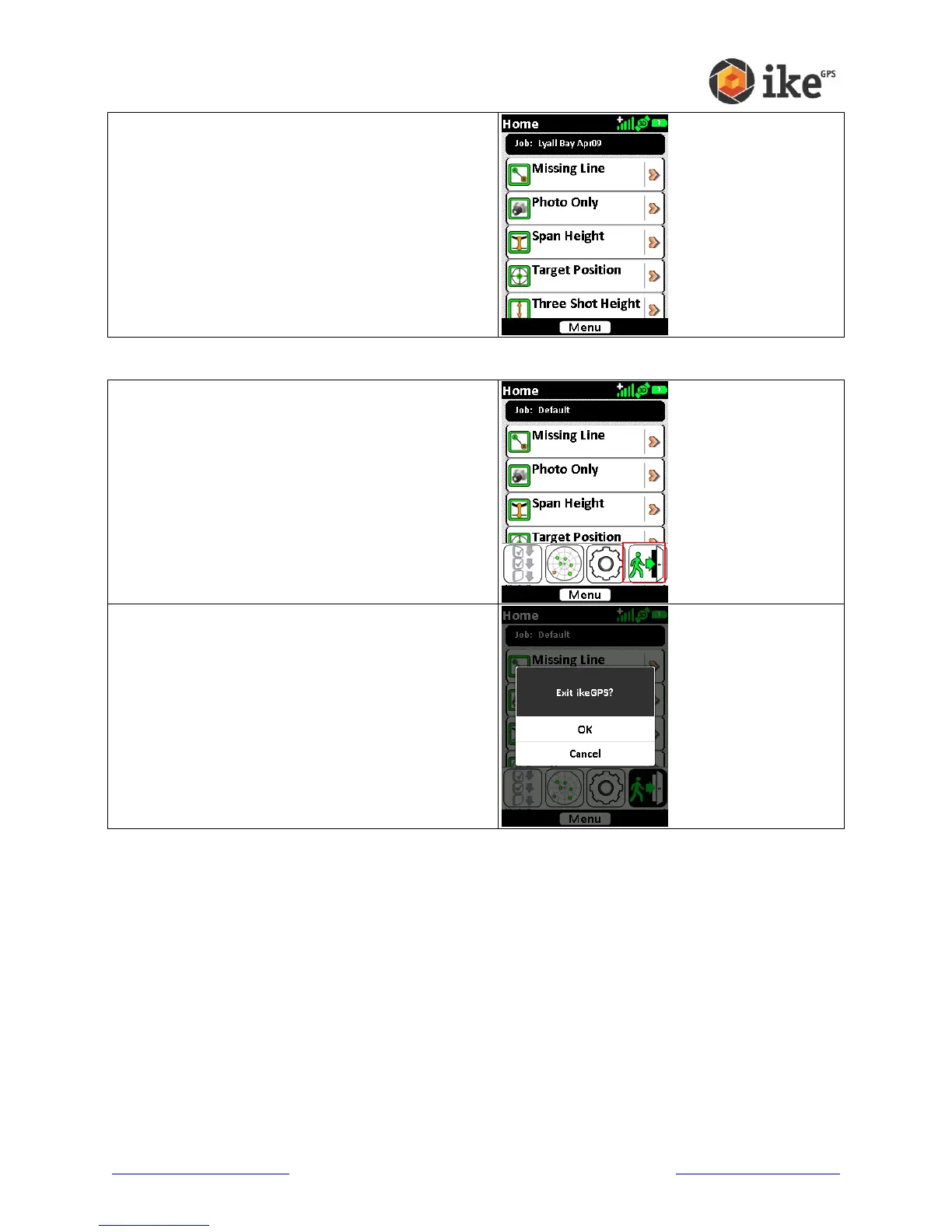
The application will return to the Home screen and
the Job name will be updated as selected.
Exiting the ikeGPS application
On the Home screen tap the [Menu] button to
display the available options.
Tap the exit icon to close the ikeGPS application.
At the ‘Exit ikeGPS?’ confirmation, either tap [OK]
to exit the application, or [Cancel] to return to the
Home screen



 To Next Page