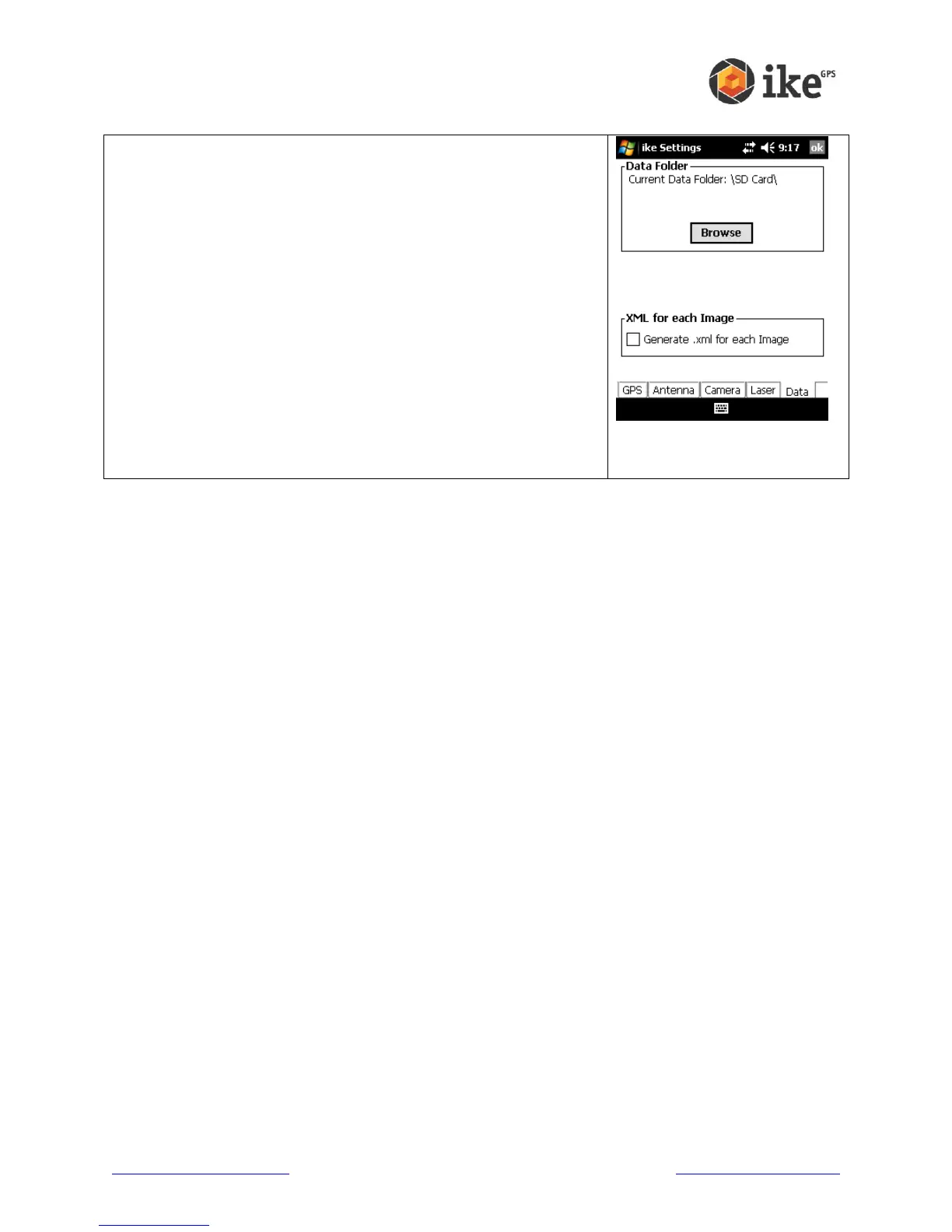
This screen allows you to view and change the top-level Data
Folder where ike stores its Job sub-folders. The default ‘Current
Data Folder:’ directory is \SD Card\
Data Folder shows the ‘Current Data Folder:’
Tap the [Browse] button in the Data Folder box to show the
directory browser dialog. Use the folder tree view to browse and
select the required folder. Tap [Save] or [ok] to update the data
folder, or tap [Cancel] to not change the ‘Current Data Folder:’
WARNING! The Data Folder path must be a valid existing folder
on your ike unit to correctly record captured data.
Note: While it is possible to store captured data in ike internal
memory, it is recommended that data be stored on an inserted
SD card.
The XML for each Image setting allows the user to enable or
disable the generation of an XML file for each photo captured.
This option is not enabled by default.



 To Next Page