www.ikegps.com/quickstart Page 24 www.ikegps.com/support
ikeGPS Data Capture Application
The ikeGPS application provides access to the ikeTools data capture modes. All ike units have
ikeGPS installed, but ikeTools are accessible dependent on product license purchased.
Starting the ikeGPS application
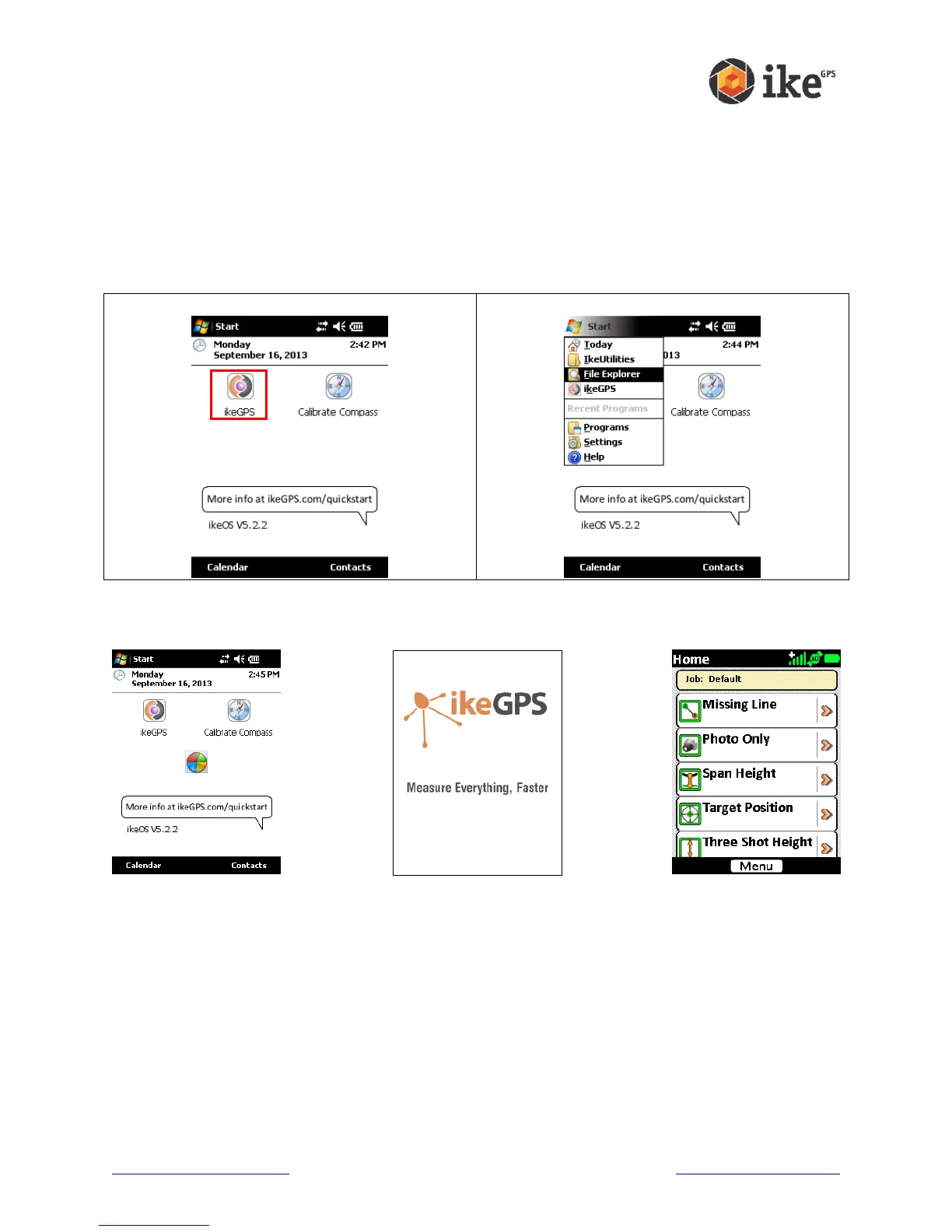
To start the ikeGPS application either tap the ikeGPS icon on the main Home screen, or from
the Start menu
Launch ikeGPS from Home screen
Launch ikeGPS from Start menu
The ikeGPS application will start and progress through the startup screen on to the Home
screen with a list of ikeTools.



 To Next Page