www.ikegps.com/quickstart Page 40 www.ikegps.com/support
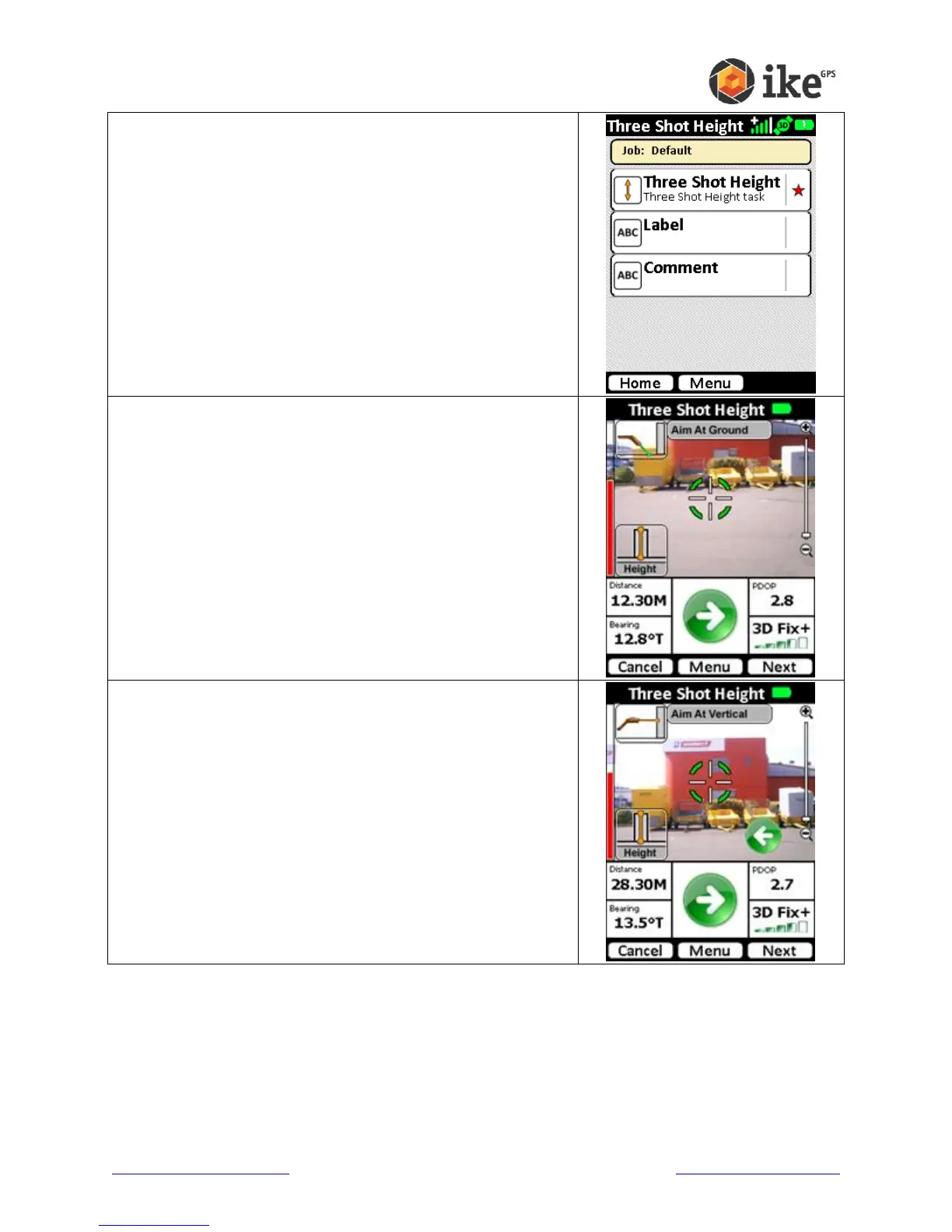
The default tasks for the Three Shot Height ikeTool will be
shown. A red star will indicate the mandatory tasks.
Tap the Three Shot Height task to start the video preview
screen
Aim at the ground in front of the object.
Aim at a level, flat area in front of the object to be measured
and tap the Next button to proceed.
Aim at the vertical face of the object.
Tap the Next button to proceed or tap the Previous button to
return to the previous step.



 To Next Page